Quick Answer
When Bluetooth will not connect to your car, the fix is almost always one of four things: a stuck pairing handshake (cured by restarting both devices), a corrupted profile in memory (cured by forgetting the device on both ends and re pairing), a stale Bluetooth cache on your phone, or out of date infotainment firmware.
Work through them in that order and you will solve well over 90 percent of in car Bluetooth failures without a dealer visit.
Why Bluetooth Connections Fail
Bluetooth pairing relies on a handshake of cryptographic keys exchanged the first time two devices meet. The keys are stored on both sides. When your phone updates its OS, when your car stores too many old devices, or when one side simply does not finish the handshake cleanly, those stored profiles can stop matching and the connection silently fails.
Step 1: Concurrent Soft Reset
This solves more in car Bluetooth problems than anything else.
- Turn the engine off, open the driver door to make sure the infotainment system fully powers down, and wait 30 seconds.
- While you wait, fully restart your phone (a power cycle, not just a screen lock).
- Start the car and let it sit for a minute before checking whether the phone connects automatically.
Step 2: Forget and Re Pair
If a restart did not help, clear the old pairing completely on both ends.
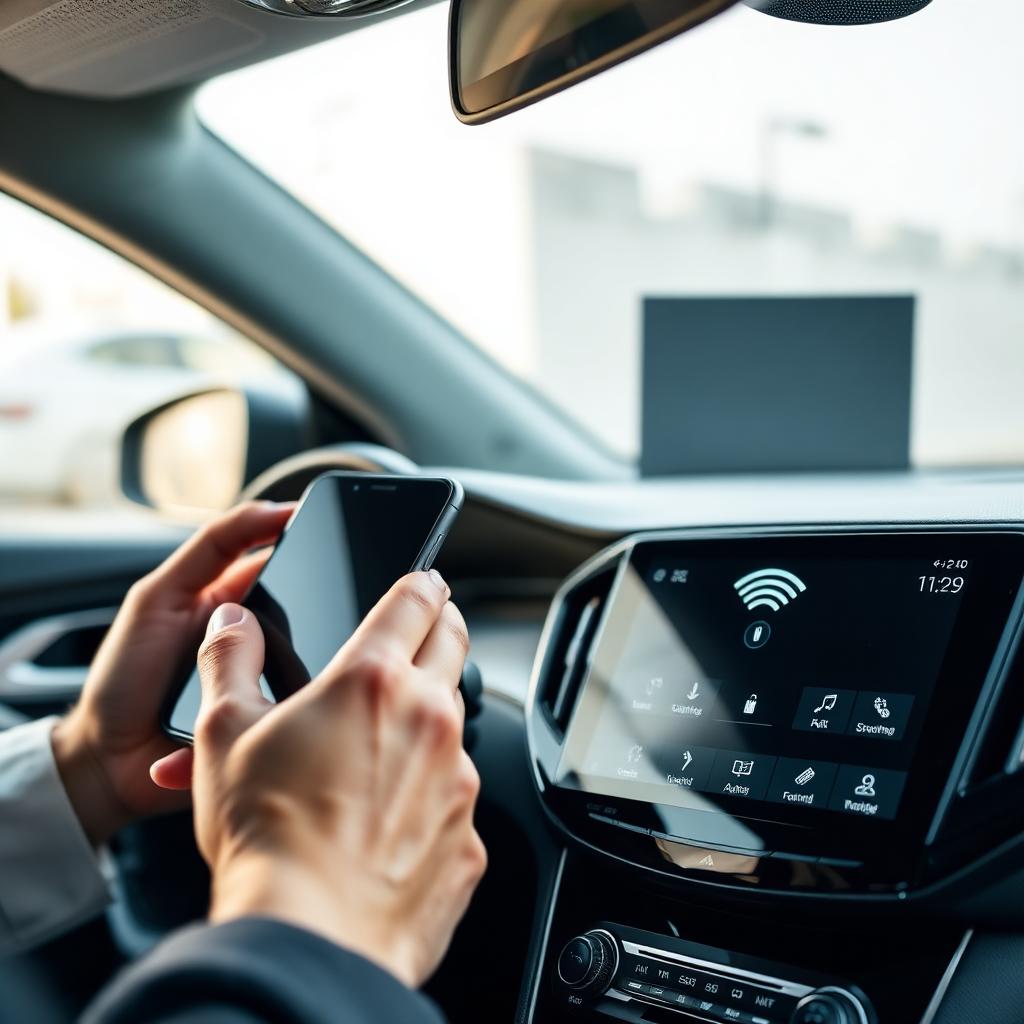
- On the phone, open Bluetooth settings, find the car, tap the info icon, and choose Forget This Device or Unpair.
- On the car infotainment, open the Bluetooth or phone menu, find your phone in the device list, and delete it from memory.
- Restart the pairing process from scratch. Confirm any pin or code if prompted, and accept the contacts and messages sharing prompts on the phone.
Step 3: Clear the Bluetooth Cache
On Android, you can reset just the Bluetooth service without touching your other apps. Open Settings, Apps, then show system apps, find Bluetooth, and tap Storage, then Clear Cache and Clear Storage. Restart the phone and re pair.
On iPhone you cannot clear just the Bluetooth cache, but you can reset all network settings (Settings, General, Transfer or Reset iPhone, Reset, Reset Network Settings). It also clears Wi Fi passwords, so be ready to re enter them.
Step 4: Check Infotainment Firmware
Car infotainment systems get firmware updates that fix compatibility with newer phone operating systems. Check your manufacturer's website or owner app for an update. Many recent cars can update over the air, while older ones often need a USB stick or a dealer visit.
If your phone just updated to a new major OS and Bluetooth started failing on that day, an infotainment firmware update is the most likely fix.
Other Common Causes
- Too many paired devices: Many cars cap stored devices at 5 to 10. Delete old phones you no longer use.
- Multiple devices fighting: If a second phone is in the car, the car may auto connect to that one instead. Turn its Bluetooth off temporarily.
- Low battery saver mode: Some phones cut Bluetooth in aggressive battery saver modes.
- Specific app conflicts: A misbehaving audio app can hold the Bluetooth audio profile. Force quit the app and retry.
Calls Connect But Audio Does Not
If calls work but music does not, the A2DP audio profile is failing while the HFP hands free profile still works. Forget and re pair, then on the car select the phone again and confirm the audio profile checkbox is enabled.
When to Call the Dealer
If a fresh pair fails after a reset, a cache clear, and a firmware update, the infotainment Bluetooth module itself may be at fault. A dealer can run a diagnostic test, and on cars under warranty the module is usually replaced at no cost.
The takeaway
Reset both devices first, then forget and re pair the connection, then clear the Bluetooth cache, and finally check for infotainment firmware updates. That four step sequence solves the vast majority of in car Bluetooth failures with no tools and no shop visit.
Practical Tips and Common Mistakes
Most of the value in this kind of routine comes from doing the boring steps consistently rather than chasing the perfect product. Buy a quality core kit, store it where you will actually use it, and put a reminder on your phone so the schedule does not slip. A weekend habit, even a short one, will keep your car ahead of the curve.
The most common mistake I see is rushing. Five extra minutes spent doing each step carefully almost always saves a redo or a much larger repair down the line. Take your time, follow the manufacturer instructions for your specific vehicle, and do not be afraid to stop and look up a question before you continue. There is no shame in pausing to confirm a torque spec or a service interval.
Keep a simple log in your phone with the date, mileage, and what was done. When the next service comes around or you go to sell the car, that history is worth real money and removes any guesswork about what is due. A photo of the dipstick, the brake pad, or the new battery sticker takes seconds and answers a future question in one tap.
Finally, do not assume more is better. Overfilling fluids, over scrubbing surfaces, and over tightening fasteners all cause their own problems. Follow the spec, stop when the job is done, and move on. The same rule applies to upgrades: pick the part that actually solves your problem rather than the most expensive option on the shelf.
Build a small kit you can keep in the car: a digital tyre gauge, a microfibre towel, a quart of the correct oil, a torch, jumper cables or a lithium jump pack, and a quality torque wrench at home. None of these are exotic, but together they cover most roadside surprises and let you handle routine work with confidence.
The last habit worth building is paying attention. New noises, new smells, new vibrations, and new warning lights all mean something. Catching them early almost always turns a major problem into a minor one. A car that gets a few minutes of attention every week rarely surprises you with a major bill.