Quick Answer
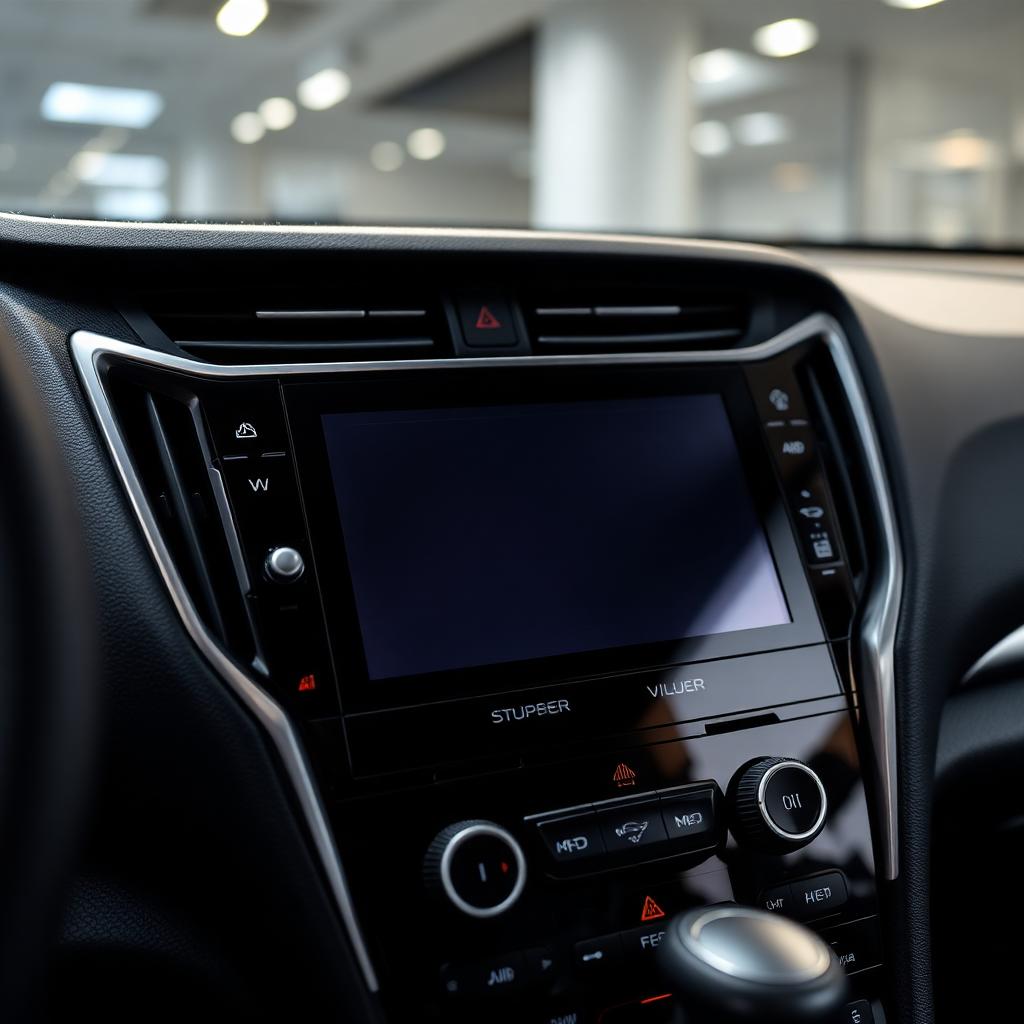
To reset a Subaru Starlink infotainment system, the fastest fix is the soft reboot: with the car on, press and hold the Power/Volume knob and the Tune/Sound knob at the same time for 10 to 15 seconds until the Subaru Starlink logo reappears. This clears the system memory without touching my radio presets, paired phones, or navigation history.
If the screen is completely black and unresponsive, I do a full power cycle: turn the car off, open the driver door, walk away with the key fob for at least three minutes, then restart. For repeated lockups, I use Settings, General, Factory Data Reset, which wipes the system back to its out of the box state.
Method 1: The 10 second soft reboot
This is the right first move for a frozen map, a stuck app, a CarPlay disconnect that will not reconnect, or audio that has gone silent on every source.
- Sit in the driver seat with the ignition or accessory power on.
- Place one finger on the round Power/Volume knob (left side of the display) and another on the Tune/Sound knob (right side).
- Press and hold both knobs at the same time. The screen will go dark after about 5 seconds. Keep holding.
- Release only when the blue and white Subaru Starlink logo appears, typically at the 10 to 15 second mark.
The system reboots in about 30 seconds. My presets, paired phones, navigation favorites, and language settings are preserved.
Method 2: The full power cycle
If the soft reboot does nothing because the screen is completely black, the head unit has lost contact with the body control module. I need to break the Retained Accessory Power loop.
- Park, turn the car off, and remove the key from the ignition or step away with the proximity key fob.
- Open the driver door and leave it open for at least three minutes. This forces the body control module to drop power to the head unit.
- Close the door, start the engine, and let the head unit run a cold boot.
If the screen is still black after a cold boot, I check the audio fuse in the underdash fuse panel. The fuse is labeled in the owner manual diagram and is the most common hardware failure point.
Method 3: The factory data reset
If the system reboots cleanly but then locks up again within hours or days, the user data partition is corrupted. A factory data reset clears it.
- From the home screen, tap Settings.
- Tap General.
- Scroll to Factory Data Reset (sometimes labeled Reset All Settings).
- Confirm the warning. The system will format the user partition and reboot to the language selection wizard.
A factory reset removes paired Bluetooth devices, saved Wi Fi networks, radio presets, navigation favorites, and any saved user profiles. I write those down before I start.
After the reset: connect Wi Fi and update
Subaru releases over the air Starlink updates that fix common stability bugs. Once the system is reset, I connect to my home Wi Fi network from Settings, Connections, Wi Fi, then check Settings, General, Software Update. Applying the latest update is the single most effective long term fix for repeated infotainment lockups.
Specific lockup symptoms and the right fix
- Frozen on a single app or map: soft reboot (Method 1).
- Screen completely black, knobs unresponsive: full power cycle (Method 2). Check the audio fuse if the cycle does not help.
- CarPlay or Android Auto will not connect: soft reboot, then on the phone, forget the head unit, reboot the phone, and re pair.
- Audio cuts out on Bluetooth only: remove the phone from the paired devices list, reboot the head unit, and re pair.
- Repeated lockups every few drives: factory data reset, then update the software.
- Touchscreen registers taps in the wrong spot: soft reboot. If the offset persists, the digitizer needs dealer recalibration.
Which Subaru models use which knob layout
Most 2017 and newer Outback, Forester, Crosstrek, Impreza, Legacy, Ascent, and WRX models share the same dual knob Starlink interface. The 2020 and newer Outback and Legacy with the large vertical 11.6 inch screen put the same two knobs on either side of the display. The reset gesture is identical across all of them.
BRZ models built on the Toyota platform use the Toyota Entune interface and have a different reset procedure (typically holding the Power button alone for 10 seconds).
When the head unit will not respond to any reset
If the screen stays black after the full power cycle and the audio fuse is good, the head unit itself has failed. Common causes include a failed internal power supply, a swollen lithium backup battery on the main board, and water intrusion from a clogged sunroof drain. Replacement is a dealer or trim shop job because the head unit is paired electronically to the vehicle.
The takeaway
For 90 percent of Subaru Starlink problems, the dual knob 10 second soft reboot is the answer. For black screen lockups, the three minute power cycle clears the body control module loop. For chronic instability, a factory data reset followed by a software update gives the system a fresh start. Keep those three procedures in order and the Starlink stays usable across the life of the vehicle.