Quick Answer
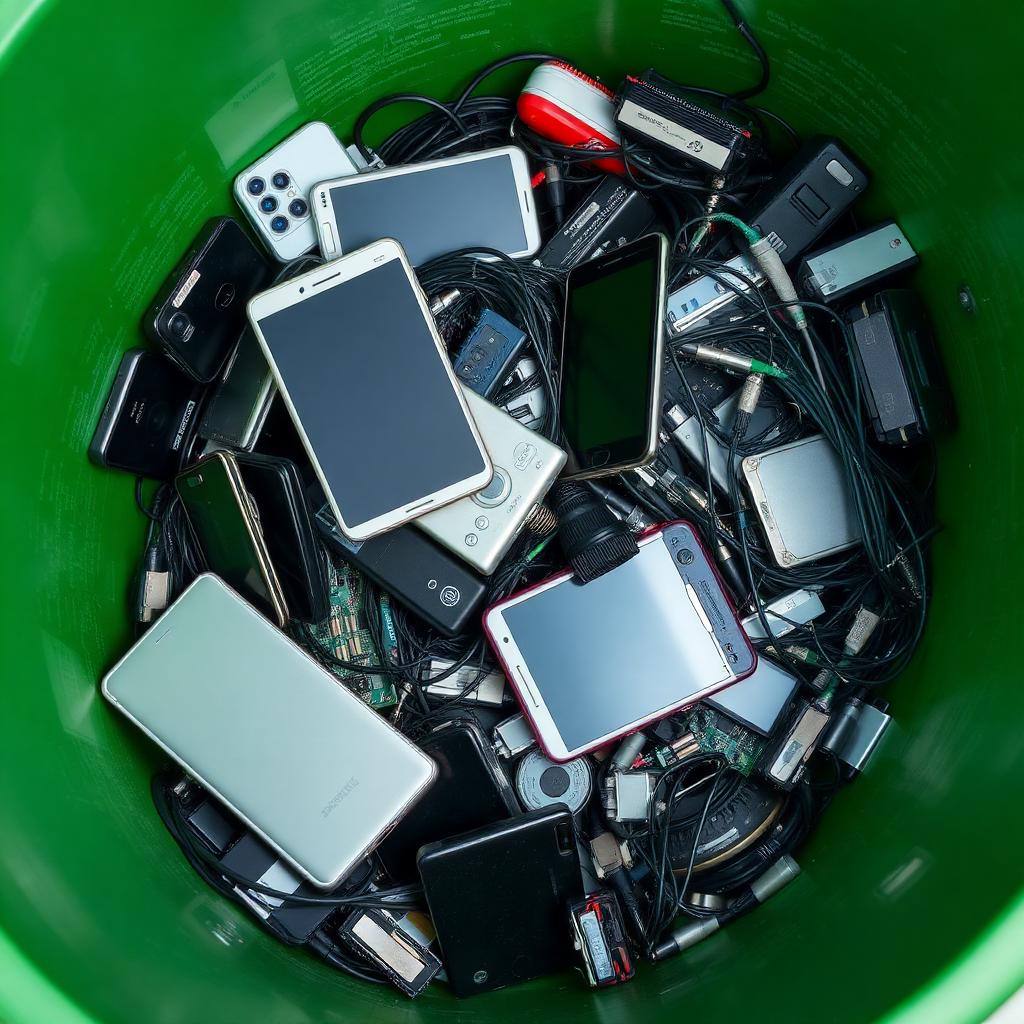
Sanitise data first (factory reset with encryption verified, or a full secure-erase of the drive), tape the terminals of any loose lithium-ion batteries, and route the equipment to a processor certified to the R2v3 or e-Stewards standard. In the US, Best Buy and Staples run free in-store drop-off programs for most consumer electronics. In the UK, your local council's Household Waste Recycling Centre accepts electricals under the WEEE rules, and most large retailers offer free take-back.
Do not put electronics in the curbside bin. Lithium-ion batteries hidden inside old phones, laptops, vapes, and Bluetooth speakers cause fires in collection trucks every week. Treat the battery as the hazard and route the device accordingly.
The decision matrix
| Item | First risk | Where it goes |
|---|---|---|
| Phones, tablets, laptops, drives | Personal data theft | Factory reset / drive erase, then certified e-waste drop-off |
| Loose lithium-ion cells, vapes, power banks | Thermal runaway fire | Tape terminals, take to dedicated battery drop bin |
| Old CRT TVs and monitors | Leaded glass | Local hazardous waste facility (call ahead) |
| Working but unwanted gear | Landfill waste | Donate to a school, charity, or refurbisher |
Step 1: sanitise the data before it leaves the house
Deleting files or doing a fast format does not erase the data; it removes pointers. Forensic recovery tools can pull most of it back. Use the right secure-erase path for the device.
- iPhone or iPad: Settings, General, Transfer or Reset, Erase All Content and Settings. Confirm you are signed out of Apple Account first. Because modern iPhones encrypt by default, the erase destroys the encryption key and the storage becomes unreadable instantly.
- Android phone: Settings, System, Reset options, Erase all data (factory reset). Before doing it, confirm encryption is on (it is on by default on Android 10 and newer). On older Android phones, enable encryption first under Security, then perform the reset.
- Windows PC: Settings, System, Recovery, Reset this PC, Remove everything, then turn on the Clean data option (called "Clean the drive"). It takes hours but it overwrites every sector.
- Mac: on Apple silicon and T2 Macs, use Erase Assistant or System Settings, General, Transfer or Reset, Erase All Content and Settings. This destroys the hardware encryption key, which is equivalent to a full wipe.
- Loose hard drives (HDD): use a free tool that overwrites every sector (the historical DBAN project is no longer actively maintained; current alternatives include ShredOS or the secure-erase function built into many modern drive utilities). If the data is sensitive and you do not need the drive, physically destroy it: remove the drive, drill four holes through the platters, and recycle the carcass.
- Loose SSDs: overwriting is unreliable due to wear-levelling. Use the manufacturer's built-in Secure Erase command (Samsung Magician, Crucial Storage Executive, etc.) or physically destroy the NAND chips with a hammer through the PCB.
Step 2: handle batteries as the hazard they are
The single biggest reason e-waste centres and waste trucks catch fire is loose lithium-ion cells shorting against each other. Before transport:
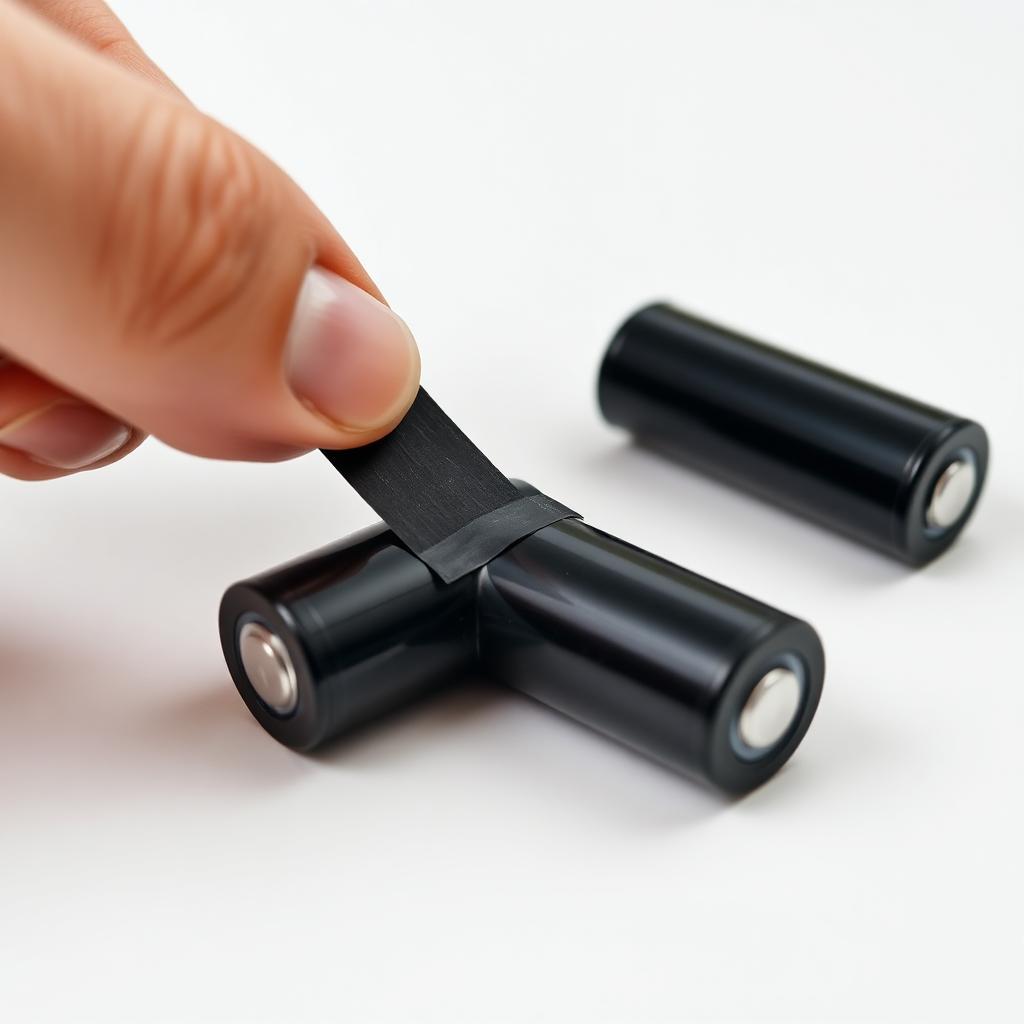
- Apply a strip of electrical tape or duct tape across both terminals of every loose lithium-ion, NiMH, and NiCd cell.
- Do not tape over the markings of a single cell from inside a battery pack you have opened; just tape the terminals.
- Bag swollen or punctured batteries in a non-flammable container (a metal can or a sealed sand-filled jar) and take them to a hazardous waste facility, not a generic drop bin.
- For vape pens and disposable e-cigarettes, treat the whole device as a battery and use a dedicated battery drop. Many vape shops and electronics retailers in the US and UK now accept them.
- For power banks, the lithium pack is inside a sealed plastic case; take the whole unit to a battery drop, not the generic e-waste bin.
Step 3: pick a certified processor, not a scrap yard
The phrase "we recycle electronics" on a roadside sign means very little. The two recognised certifications for responsible e-waste handling are R2v3 (the current Responsible Recycling standard) and e-Stewards. Both require documented chain of custody, prohibit export of hazardous waste to non-OECD countries, and require data-destruction protocols on devices that pass through.
In practice, here are the easy paths:
- US: Best Buy operates one of the largest free in-store e-waste programs in the country and accepts most consumer electronics regardless of where they were purchased. Staples runs a similar tech recycling program. Most major manufacturers (Apple, Dell, HP) also operate free mail-back trade-in or recycling programs.
- UK: the WEEE regulations require any retailer that sells electricals to offer take-back. Local Household Waste Recycling Centres accept everything from kettles to TVs. Search the council site for "small electricals" drop points.
- EU: the WEEE Directive guarantees free take-back at most large retailers and at municipal collection sites.
- Anywhere: manufacturer trade-in programs (Apple, Samsung, Google) usually accept devices from any brand for recycling at no cost, with credit if the device still has trade-in value.
Special cases worth knowing
- CRT televisions and monitors: the glass contains lead (often several kilograms). Most generic drop sites refuse them. Call your local hazardous waste facility before driving over.
- Fluorescent tubes and CFL bulbs: contain mercury. Hardware stores like Home Depot and Lowe's accept CFLs for free; tubes go to a hazardous waste site.
- Smoke detectors: ionisation models contain a tiny radioactive source (americium-241). Mail them back to the manufacturer using the address printed inside the casing.
- Printer cartridges: office supply stores accept these for refilling or recycling; some give store credit.
What about working gear?
If the device still works, recycling is not the first option. Local schools, refugee resettlement charities, women's shelters, and adult literacy programs all regularly need working laptops and tablets. Wipe the device, install a fresh OS (Linux Mint and Chrome OS Flex are both excellent on older hardware), and donate. The environmental footprint of building a new device is significantly larger than running an old one for a few more years.
The takeaway
Wipe the data using the device's own secure erase. Tape the terminals of any loose battery. Route working gear to donation and broken gear to an R2v3- or e-Stewards-certified processor (Best Buy, Staples, the manufacturer, or your local council site). Do not put electronics in the curbside bin and never throw a lithium battery anywhere unsorted. Three steps, no household fire, no data leak.