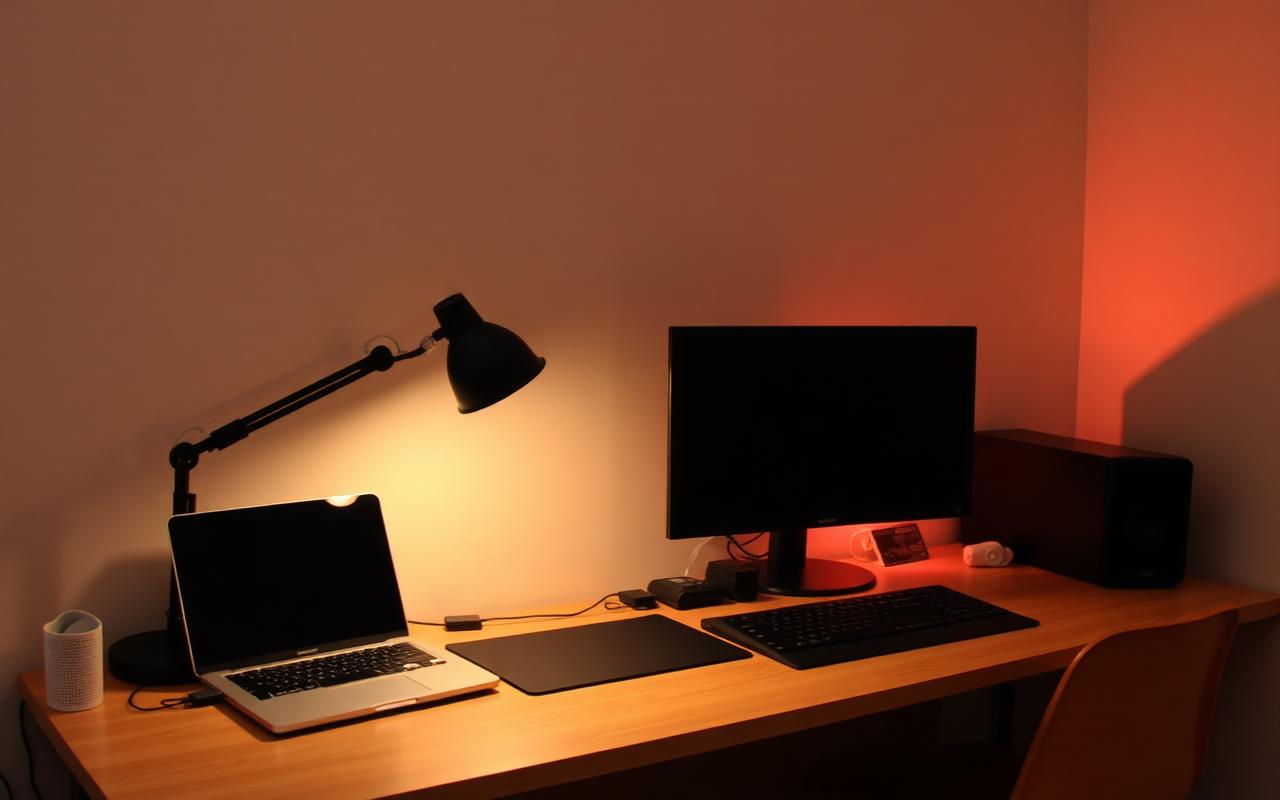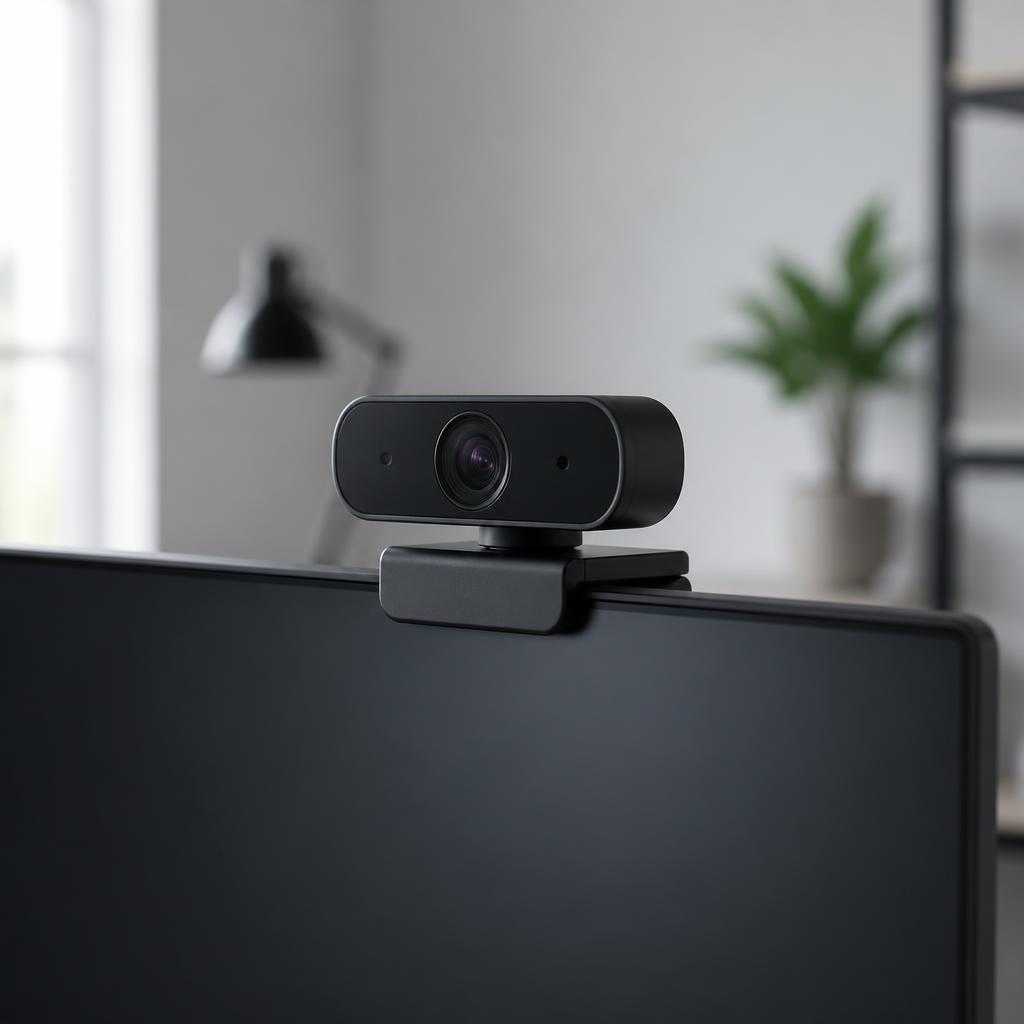
Quick Answer
The Logitech MX Brio 4K is the best webcam for streaming and Zoom in 2026. It uses a large 8.5 megapixel Sony STARVIS sensor with 70 percent bigger pixels than the older C920 series, records true 4K at 30 fps or 1080p at 60 fps, and has a "Show Mode" mechanical tilt that flips the image so viewers can read documents on your desk.
On a budget, the Anker PowerConf C200 gives you crisp 2K, three field-of-view presets, and a physical privacy shutter for under $60. For fast-motion streamers, the Razer Kiyo Pro pushes silky 1080p at 60 fps with excellent low-light performance. The 15-year-old Logitech C920x is still the safest cheap default for meetings.
Why the laptop lid webcam is not enough
Even the newer 1080p laptop webcams use tiny image sensors sized in fractions of a millimeter. In normal home office light they produce grain, waxy skin, and muddy shadows, and they sit at a low angle that shoots up at your ceiling. An external webcam has a bigger sensor, better glass, and mounts at eye level. That combination alone is worth more on a job interview or a Twitch stream than any lighting kit you can buy at the same price.

What matters in a webcam
Sensor size and low light
Resolution numbers are cheap. Sensor size is not. A 4K webcam with a small sensor looks worse than a 1080p webcam with a large sensor once the light drops. The MX Brio, Kiyo Pro, and higher-end Insta360 models all lean on physically larger sensors, and it shows on a rainy afternoon meeting.
Frame rate at your working resolution
Zoom and Google Meet both cap at 720p or 1080p for the average call, so 4K matters less than smooth motion. A webcam that offers 1080p at 60 fps looks noticeably more alive than a webcam locked to 30 fps, especially if you gesture with your hands.
Field of view
65 degrees is a tight headshot. 78 degrees is the standard "desk" framing. 90 degrees is a wide "conference room" shot. Cheap webcams are stuck at one FOV; better ones let you pick from software or a dial.
Privacy shutter
A physical sliding cover is a must-have. Software mute is not enough. The MX Brio, C200, and Kiyo Pro all have real mechanical shutters.
Best overall: Logitech MX Brio 4K
The MX Brio is the first Logitech webcam in years that actually deserves its price. The sensor is larger than the C-series it replaces, so it holds detail when a bright window is behind you. Show Mode is the sleeper feature: tilt the camera head 90 degrees down and it auto-flips the image so a whiteboard sketch or textbook on your desk shows up right-side up to the far end. HDR and auto-exposure are handled by Logi Options+, and the same software gives you three FOV presets and manual overrides for exposure, saturation, and white balance.
Best value: Anker PowerConf C200
The C200 outputs 2K at 30 fps for under $60. That is enough of a resolution bump over 1080p to look meaningfully sharper on a 27 inch monitor at the other end. Three FOV presets (65, 78, 95 degrees) hide messy backgrounds, and the AnkerWork software includes AI framing and background noise suppression on the built-in mics. The privacy shutter is a hard mechanical slider.
Best for streamers: Razer Kiyo Pro
1080p at 60 fps with an adaptive light sensor. Colors run a touch saturated out of the box, but Razer Synapse gives you full manual control. USB 3.0 uncompressed feed is a plus for OBS. There is no built-in ring light on the Kiyo Pro (that is the older Kiyo model), which most streamers prefer once they buy a real key light anyway.
Best cheap default: Logitech C920x Pro HD
The C920 has been on desks for over a decade for a reason. 1080p at 30 fps, wide 78 degree FOV, dual stereo microphones, and a fixed price that keeps drifting down. It is the safest gift-a-parent webcam on the market and it works with every video app without drivers.
The eye-line trick that makes any webcam look expensive
Put the camera at eye level on the top bezel of an external monitor. Do not leave it clipped to a laptop lid pointed up at your chin. Most people can raise their monitor 4 to 6 inches with a laptop stand or two hardcover books, and the difference in perceived professionalism on a call is bigger than upgrading the camera itself.
Lighting beats megapixels
A soft key light in front of you at 45 degrees will improve every webcam on this list more than moving from 1080p to 4K. A single Elgato Key Light Air or a cheap LED panel bounced off a wall is enough. Never sit with a bright window directly behind you, or the camera exposes for the window and you become a silhouette.
Bottom line
The Logitech MX Brio 4K is the best webcam for streaming and Zoom because it pairs a large modern sensor with the desk-flip trick nobody else offers. Buy the Anker PowerConf C200 if you want 90 percent of the quality at a third of the price, the Razer Kiyo Pro if you stream fast movement, and the Logitech C920x if you just need a reliable meeting camera and never plan to think about it again. Then raise your monitor and light your face.