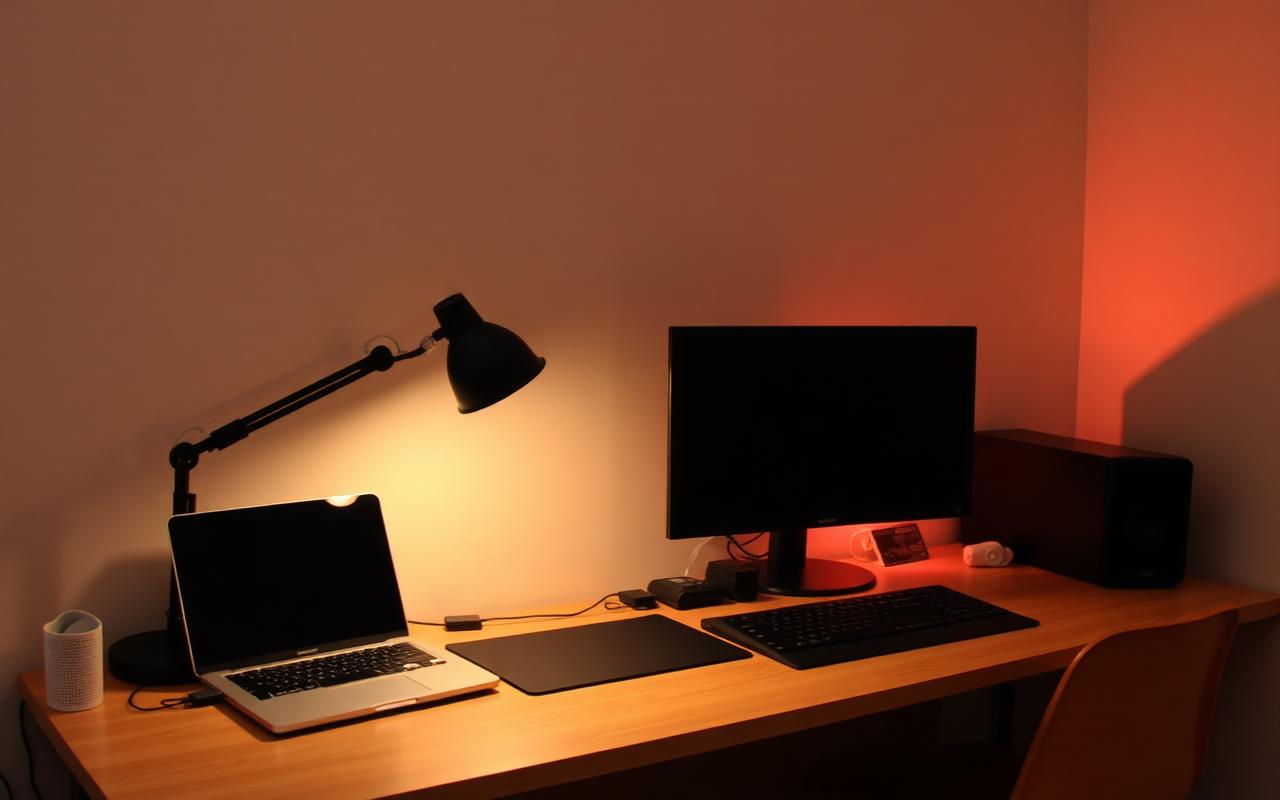
Quick Answer
A dorm room needs a surge protected power strip, one good multi port charger, wired or noise cancelling headphones, a backup drive or cloud plan, a small task lamp and a way to get sound and video off the laptop.
Everything else is optional. Printers, big monitors and smart speakers get bought in August and resented by October, because floor space in a shared eleven by fourteen foot room is worth more than any of them.
Buy the boring items first. Power, storage and hearing protection fail loudest when they are missing, and they are the cheapest things on the list.
The Short List That Actually Earns Its Space
Sort dorm tech by how often it gets used and how badly the week goes without it. That ordering produces a surprisingly small list.
| Item | Why it matters | Rough spend |
|---|---|---|
| Surge protected power strip | Dorm rooms typically have two or three outlets for two people | $20 to $35 |
| Multi port USB-C charger | One brick replaces three wall warts and one wall socket | $35 to $60 |
| Noise cancelling or wired headphones | Roommate schedules never match yours | $40 to $200 |
| Portable SSD or cloud backup | One spilled drink should not cost a semester of work | $50 to $90 |
| Clip on or task lamp | Overhead dorm lighting is unusable after 10pm with a sleeping roommate | $15 to $30 |
| Long charging cables, six feet or more | Lofted beds put the nearest outlet a long way from your hand | $10 to $20 |
| Power bank, 10,000mAh | Campus days run eight hours between outlets | $25 to $45 |
That is the whole core kit, and it lands well under the cost of a single mid range tablet.
Power Is the Part People Get Wrong
The most common dorm tech mistake is treating power as an afterthought and then daisy chaining cheap strips together in week two. Most housing contracts ban that outright, and fire marshals check.
Buy one surge protected strip with a joule rating in the hundreds rather than a plain multi outlet block. A plain block splits a socket; a surge protector actually absorbs a spike. Look for a mounting keyhole so it can hang off the bed frame instead of collecting dust on the floor.
Check your housing rules before you pack. Extension cords, halogen lamps, air fryers and space heaters are the four items most often confiscated, and the rules are published on the residence life page every year.
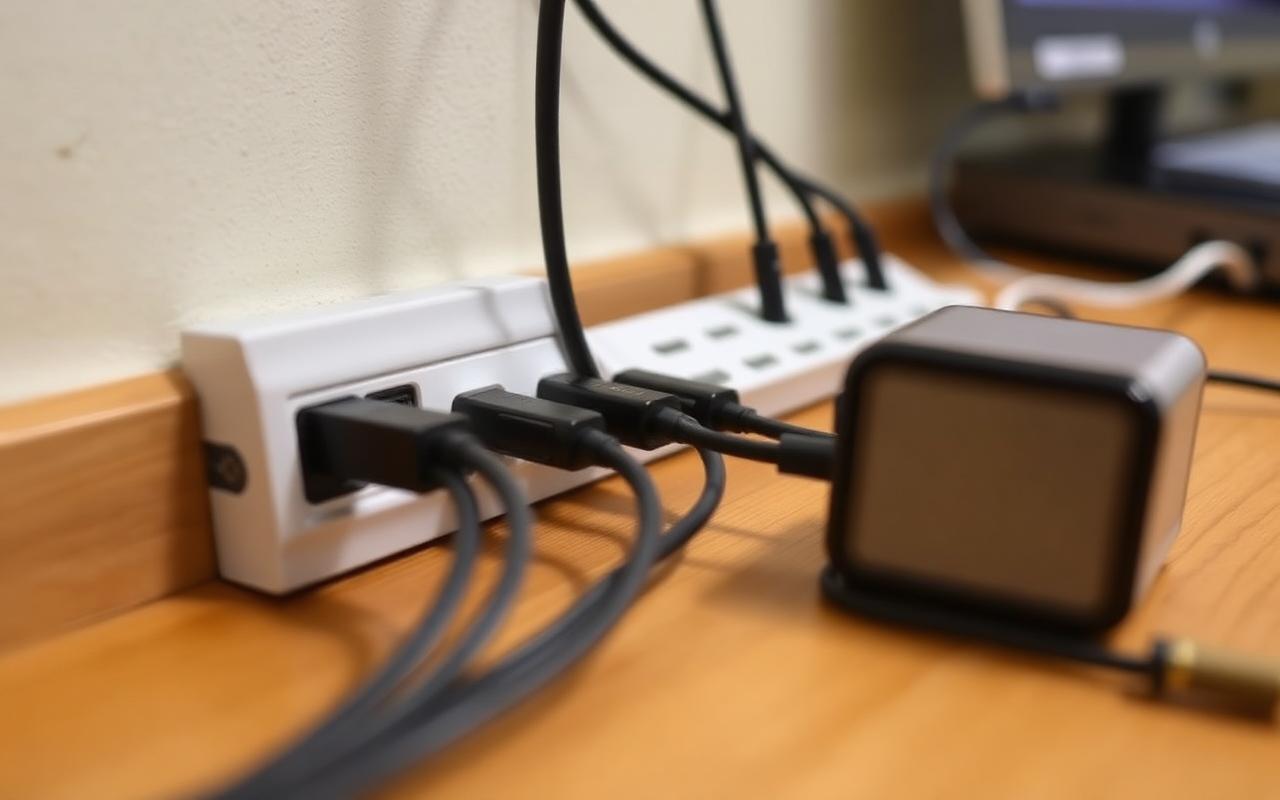
Charging: One Brick Beats Five
A single 65 watt or 100 watt USB-C charger with three or four ports will run a laptop, a phone and headphones from one socket. That reclaims outlets and cuts the cable spaghetti that makes desks feel small.
Two things to check before buying. First, that the laptop port supports the wattage your laptop actually needs, since shared bricks split power when every port is busy. Second, that the cables are rated for that wattage; a cheap cable will quietly charge a laptop at phone speed.
Long cables matter more in dorms than anywhere else. Lofted beds, cinder block walls and immovable furniture mean the outlet is rarely where you are. Six foot cables cost a few dollars more and remove a daily annoyance.
Sound: The Roommate Tax
Headphones are not a luxury item in shared housing, they are the thing that keeps the room liveable. You need two pairs for different jobs.
- Over ear noise cancelling for studying through a roommate's video calls and hallway noise.
- Cheap wired earbuds as the backup that never needs charging before an exam.
- A small Bluetooth speaker only if your roommate agrees, and only at a size that fits a shelf.
Skip the big speaker setup. Residence halls have quiet hours, thin walls and neighbours who file complaints, and the sound system is the single most common source of roommate conflict after dishes.
Storage and Backup: The Invisible Essential
Laptops in dorms get dropped, spilled on and occasionally stolen. Assume the machine will fail at the worst possible point in the term and plan around it.
The simple version is two layers. Cloud sync handles everything you are working on right now, and most universities give students a large institutional cloud allocation for free, so check before you pay for one. A small portable SSD handles the full disk image and the media files that would blow past a cloud quota.
Set the backup to run automatically. A manual backup routine survives about three weeks of a semester.
What to Leave at Home
Some of the most heavily marketed back-to-school tech is dead weight in a dorm.
- A printer. Campus printing is cheap, included in fees at many schools and does not need toner storage in a wardrobe.
- A desktop tower unless you genuinely need it for engineering, editing or gaming, and even then check the power draw rules.
- A second large monitor in the first semester. Move in, see the desk, then decide. A portable 15 inch panel is often the better answer.
- Smart home gadgets. Most campus networks block the discovery protocols that smart plugs and speakers rely on.
- A television. Laptops and phones cover it, and a TV eats the only free wall.
Campus Network Realities
University wireless networks run enterprise authentication, which breaks a lot of consumer devices. Printers, streaming sticks and game consoles frequently need to be registered by MAC address through a separate portal, and personal routers are almost universally banned because they interfere with the campus system.
Before buying anything that connects, search your university's IT knowledge base for the device type. Ten minutes there saves an afternoon in a queue at the help desk during move-in week.
A Realistic Budget
A functional dorm tech kit, excluding the laptop and phone you already own, runs roughly $200 to $350. Spend it in this order: power strip, charger and cables, headphones, backup drive, lamp, power bank.
Buy the first three before move-in day. The rest can wait until you have seen the actual room, because the layout decides whether you need a clip lamp or a desk lamp, a short cable or a long one.
Frequently Asked Questions
Do I need a surge protector or is a power strip enough?
A surge protector. A plain strip only splits the outlet and offers no protection during a storm or a building fault.
Can I bring an extension cord?
Usually not. Most residence contracts allow surge protected strips only, and ban extension cords and daisy chaining.
Is a tablet worth bringing as well as a laptop?
Only if you annotate readings by hand. Otherwise it becomes an expensive second screen you rarely open.
How much cloud storage do students actually need?
Most coursework fits in 50GB. Media and design students should plan for a terabyte and a physical drive.
Should I buy a new laptop for university?
Only if the current one is more than five years old or cannot run the software your programme requires. Check the department's stated requirements first.