Quick Answer
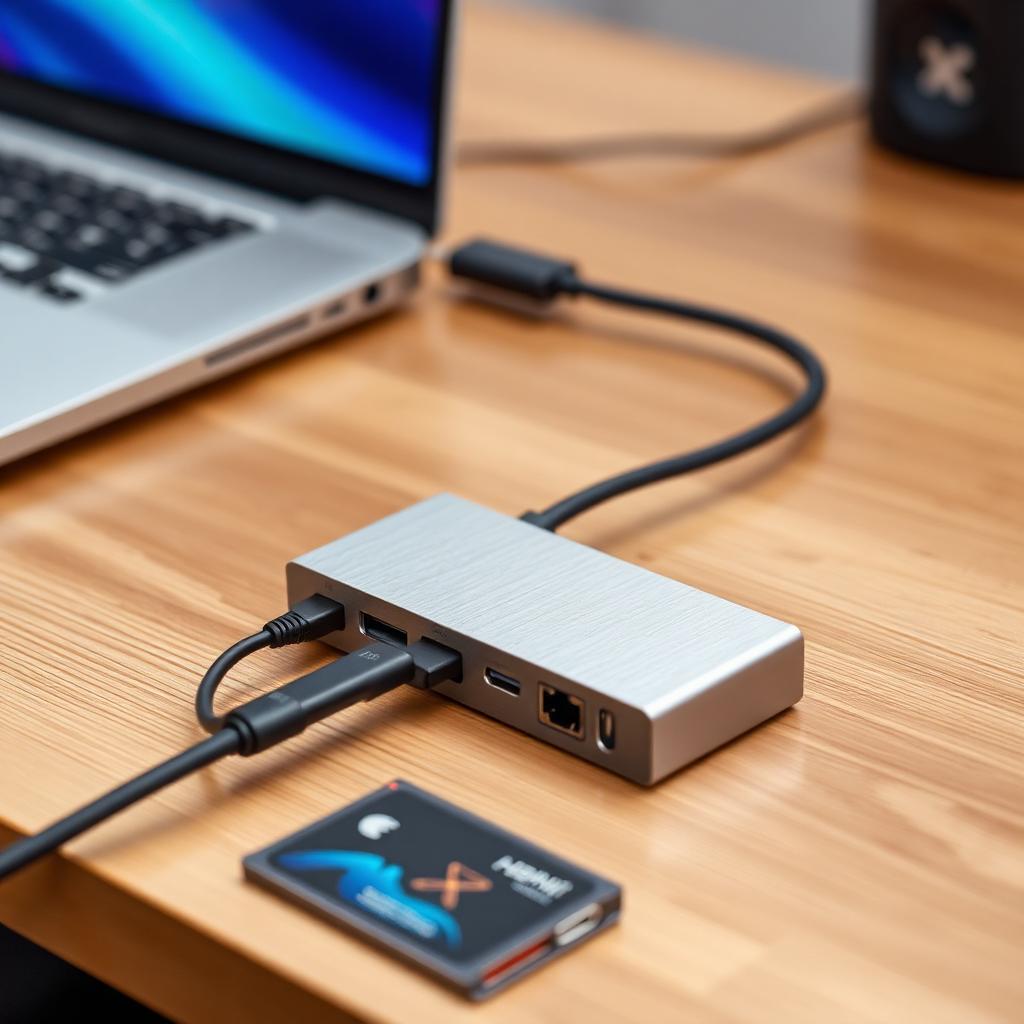
The UGREEN Revodok Pro 6 in 1 is the best USB-C hub for a MacBook in 2026. It drives a 4K external monitor at a true 60 Hz refresh rate, carries 10 Gbps USB 3.2 Gen 2 data on its USB-A ports, ships a Gigabit Ethernet jack for hardwired video calls, and passes through 100W to charge the MacBook itself. The aluminum shell matches Apple's finish and stays cool under load.
If you need more ports on a permanent desk setup, the Anker 555 PowerExpand 8 in 1 adds two more slots and EMI shielding. For a minimalist match to a MacBook aesthetic with fewer ports, Satechi Slim Multi-Port V2 is the pick.
The MacBook port problem
Modern MacBook Airs ship with two USB-C ports. MacBook Pros ship with three plus HDMI plus an SD slot, but even that is thin once you plug in a charger, a mechanical keyboard, an external display, and an audio interface. A hub is not optional for most desk setups. The question is which one.
The market is flooded with $15 dongles that quietly fall over. The two most common failure modes: HDMI advertised as "4K" that only runs at 30 Hz, and passthrough power that drops below what the MacBook needs and slowly discharges the battery even while plugged in.
What actually matters
4K at 60 Hz, not 30 Hz
4K at 30 Hz means the display refreshes 30 times per second. The mouse cursor visibly stutters, scrolling feels laggy, and it will give you eye strain within an hour. 4K at 60 Hz requires DisplayPort 1.4 Alt Mode inside the hub and a real 12.5 Gbps of bandwidth for the display alone. Read the spec sheet, not the marketing headline.
USB 3.2 Gen 2 (10 Gbps), not USB 3.0 (5 Gbps)
External NVMe SSDs, the Samsung T7 and T9 in particular, are limited by hub bandwidth. A 5 Gbps hub caps them at roughly 450 MB/s. A 10 Gbps hub lets them run at 900+ MB/s, which is the difference between a 30-second and a 60-second Lightroom import.
100W passthrough
The 16 inch MacBook Pro pulls up to 96W under load. If the hub advertises only 60W or 87W passthrough, the MacBook will slow-discharge during heavy work like video export. 100W passthrough is the number to look for.
Gigabit Ethernet
Wi-Fi drops during Zoom calls are almost always a Wi-Fi problem, not an ISP problem. A Gigabit Ethernet port on the hub gives you a rock-steady 940 Mbps hardwired connection.
Best overall: UGREEN Revodok Pro 6 in 1
The Revodok Pro is the current pick. HDMI 2.0 output does full 4K at 60 Hz on any single external monitor Apple supports. The two USB-A ports run USB 3.2 Gen 2 at 10 Gbps. The passthrough USB-C accepts up to 100W and delivers roughly 85W clean to the MacBook after the hub's own overhead. An SD card slot (UHS-I) and a Gigabit Ethernet port round it out. The anodized aluminum body doubles as a heat sink and stays warm to the touch under sustained load, not hot.
Best for gear-heavy desks: Anker 555 PowerExpand 8 in 1
The Anker 555 is the pick if you also need a second USB-C data port, dual SD readers, or you sit close to a Wi-Fi router and want the extra EMI shielding to keep the hub from interfering with your 2.4 GHz peripherals. Same 4K/60Hz output, same 10 Gbps data lanes, same 100W passthrough. It costs a little more and takes up more desk real estate.
Best minimalist: Satechi Slim Multi-Port V2
The Satechi V2 is the pick if the hub sits on your desk permanently and you care about how it looks. Machined aluminum in Space Gray, Silver, or Gold to match every MacBook color. 4K at 60 Hz output. The trade-off is that its USB-A ports are USB 3.0 (5 Gbps) and passthrough tops out at 60W, so it is not the pick for heavy external SSD or 16 inch MacBook Pro use.
Ports to avoid on cheap hubs
- "4K HDMI" with no refresh rate listed. Almost always 30 Hz. Skip.
- VGA and legacy DisplayPort dongles built into the hub. These share bandwidth badly and downgrade every other port when active.
- "Fast charge" without a wattage number. Fast charge on a MacBook needs 96W to 140W. If the box does not say the number, assume it is 60W.
Safely unplugging the hub
Never yank the hub cable out of the MacBook while an external drive is still connected. macOS runs background indexing (Spotlight, Time Machine, Photos) even when you are not actively copying files, and cutting power mid-write can corrupt the drive's file system. Eject the drive from Finder first, wait 3 seconds, then unplug the hub.
Bottom line
Buy the UGREEN Revodok Pro 6 in 1. It is the cheapest hub on the shortlist that does real 4K at 60 Hz, 10 Gbps data, Gigabit Ethernet, and 100W passthrough at the same time. Step up to the Anker 555 if you need two more ports and heavy shielding, or drop down to the Satechi V2 if aesthetics matter more than SSD throughput.