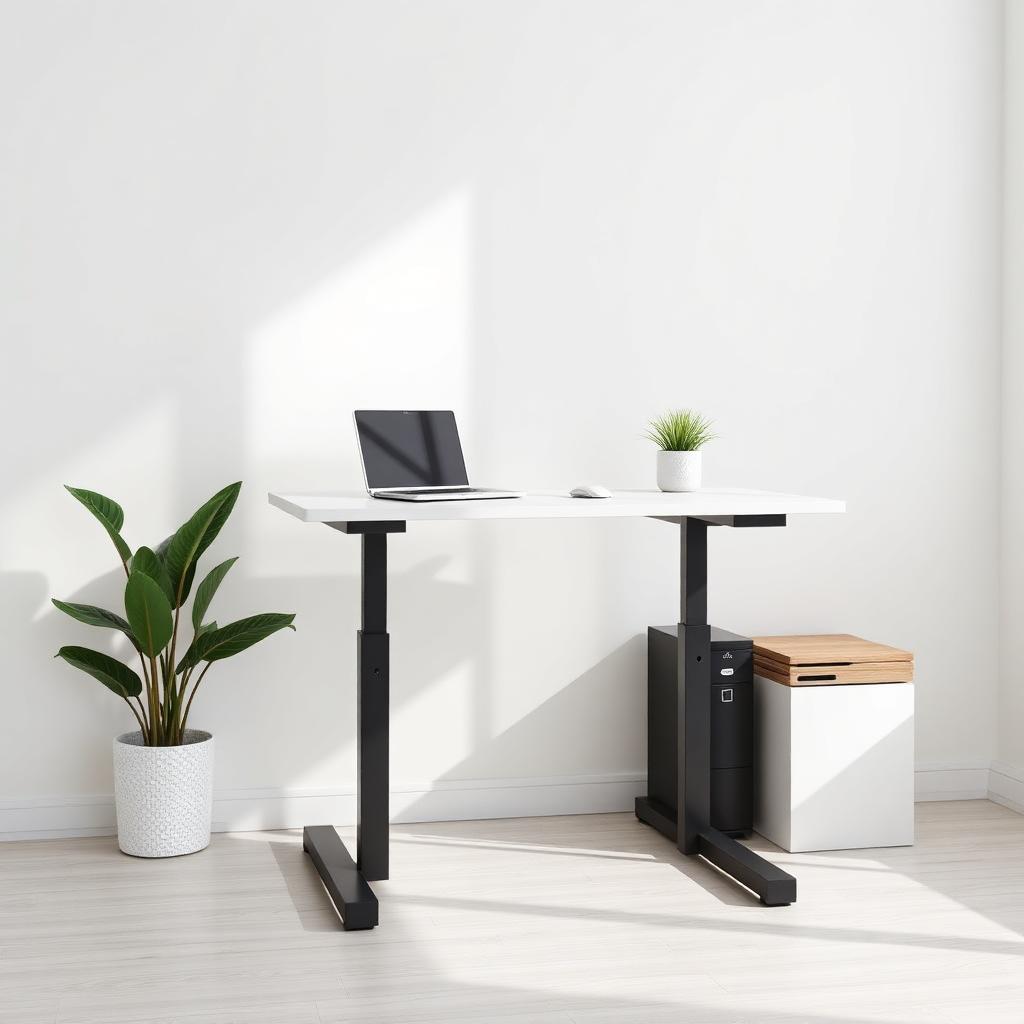
Quick Answer
The best standing desks under $300 in 2026 are the Flexispot EN1 (single motor, about $230), the Fezibo dual motor (about $260), and the Vivo dual motor (about $250). All three are electric, have memory presets, and lift at least 176 lbs.
Pick the Flexispot EN1 if you want the quietest, best supported brand. Pick a dual motor Fezibo or Vivo if you plan to load two monitors, a PC tower, and heavy gear.
Why standing desks moved from luxury to standard
Sitting for 8 hours a day compresses the lumbar spine and slows metabolic rate. A sit stand desk is the single easiest fix. You do not need to stand all day; alternating 30 minutes seated and 15 minutes standing is enough to change how your body feels at 5 pm.
The premium office brands still charge $800 to $1,500. That was justified when the technology was new. It is not justified in 2026. Motors, controllers, and lifting columns have all commoditized.
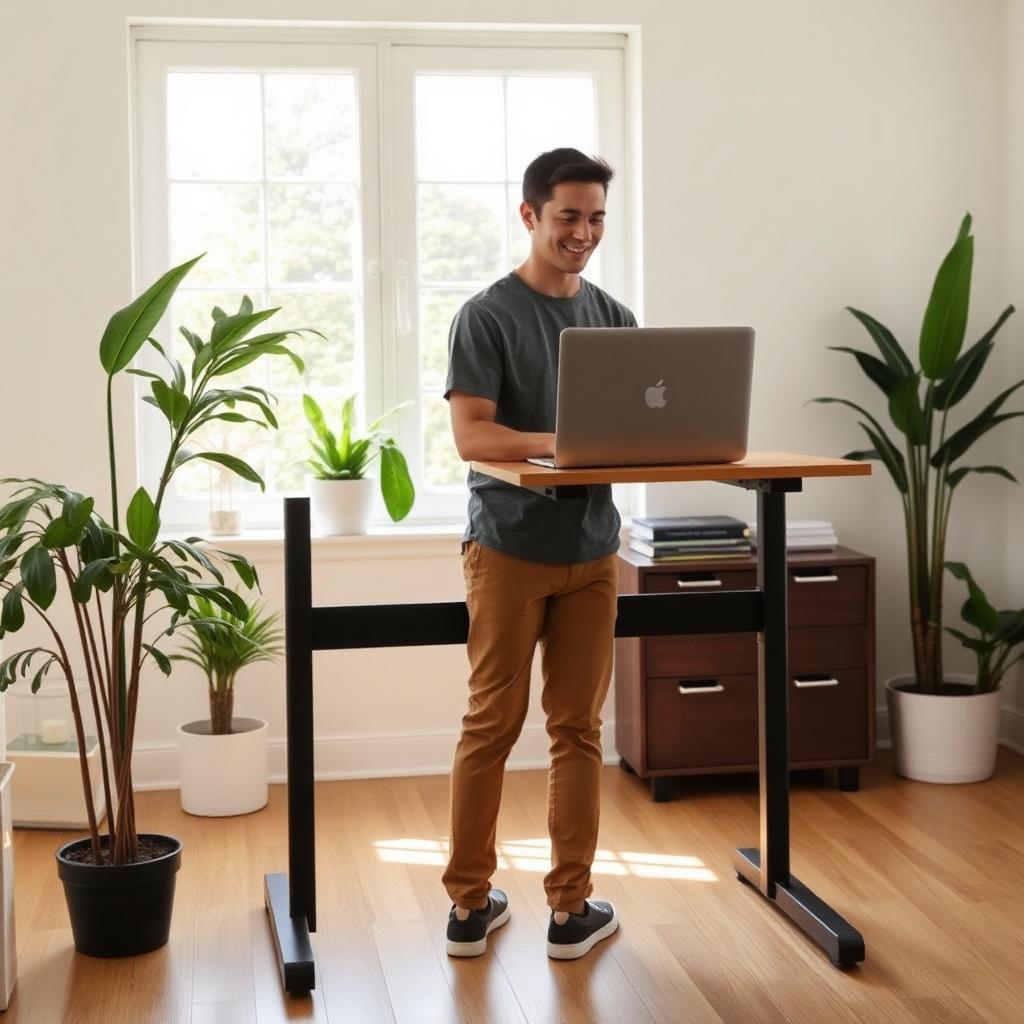
Single motor vs dual motor
- Single motor. One motor on one leg drives both columns through a horizontal rod. Cheaper, slower (about 1 inch per second), and typically capped at 154 to 176 lbs. Fine for a laptop and one monitor.
- Dual motor. Each leg has its own motor synchronized by a control box. Quieter, faster (1.3 to 1.5 inches per second), and usually rated 220 to 265 lbs. Better if you have two heavy monitors or an all in one iMac.
My top picks under $300
| Desk | Motor | Weight capacity | Height range | Price |
|---|---|---|---|---|
| Flexispot EN1 | Single | 176 lbs | 28 in to 47.6 in | $220 to $260 |
| Fezibo dual motor | Dual | 220 lbs | 27.3 in to 48 in | $240 to $280 |
| Vivo Electric Dual Motor | Dual | 220 lbs | 28 in to 47 in | $230 to $260 |
| SHW Electric | Single | 110 lbs | 28 in to 46 in | $160 to $190 |
1. Flexispot EN1 (best single motor)
Flexispot is the biggest name in budget standing desks, and the EN1 is their entry point. Three memory presets, whisper quiet motor (under 50 dB), and a heavy gauge steel frame. Choose the 48 by 30 inch single piece top for the least wobble.
2. Fezibo dual motor (best loaded setup)
Fezibo packs a lot into the price: dual motors, under desk cable tray, a headphone hook, and a fabric side pocket. The dual motor drive is smoother under uneven loads, so if you have a heavy monitor on one side you will not hear the frame stutter.
3. Vivo Electric Dual Motor (best price on a dual motor)
Vivo is a US brand that sells direct through Amazon. Their dual motor frame usually undercuts Fezibo by about $20. Assembly is straightforward and the controller has 4 memory buttons.
4. SHW Electric (rock bottom budget)
If you just need something better than a fixed desk and cannot spend over $200, the SHW does the job. Single motor, 110 lb capacity, no memory presets on some models, but it lifts smoothly and the frame is stable at typical heights.
What separates a cheap standing desk from a bad one
The best standing desk under $300 is not the one with the fanciest desktop color. It is the one with a stable frame, a controller that remembers heights accurately, and a motor that does not struggle when the desk is loaded. Wobble is the biggest real world issue. Every standing desk moves a little at full height, but a bad frame shakes when you type.
Frame width matters if you use a wide top. A narrow frame under a 55 inch desktop will feel less stable at standing height, especially with monitor arms clamped to the back edge. If you use two monitors, choose a frame that extends wide enough to support the top near both ends.
Desktop material matters too. Thin particleboard can flex around monitor arms and cable trays. A thicker laminated top or a separate butcher block top makes the same motor frame feel more premium. If the Amazon listing lets you buy the frame alone, that can be a smart move for anyone who wants a custom top.
Single piece top or split top
Many budget desks ship with a split desktop because it fits in a smaller box. It is cheaper to ship, but it leaves a seam across the work surface. If you write in notebooks, draw, use a large desk mat, or mount monitor arms, I prefer a single piece top.
A split top is not automatically bad. It is fine for a laptop, keyboard, and one monitor. Just tighten the joining plates carefully during assembly and avoid placing a heavy monitor clamp directly on the seam. That one detail prevents most of the complaints people have with budget desk tops.
Setup rules that make or break the ergonomics
- Elbow height. Standing or seated, the top of the desk should sit at the height where your elbows bend to 90 degrees.
- Monitor at eye line. The top third of the screen should be at your natural gaze. Use a monitor arm or a riser if the desk top puts it too low.
- Anti fatigue mat. Standing on hard floor for an hour is worse than sitting. A cushioned mat is a $25 add on that saves your knees.
- Cable management. Route your cables through the frame so nothing catches when the desk goes up.
Bottom line
The Flexispot EN1 is the safest all rounder under $300. The Fezibo and Vivo dual motor frames are the smart pick if your desk carries real weight. Any of them will change how your body feels after a full work day.