Quick Answer
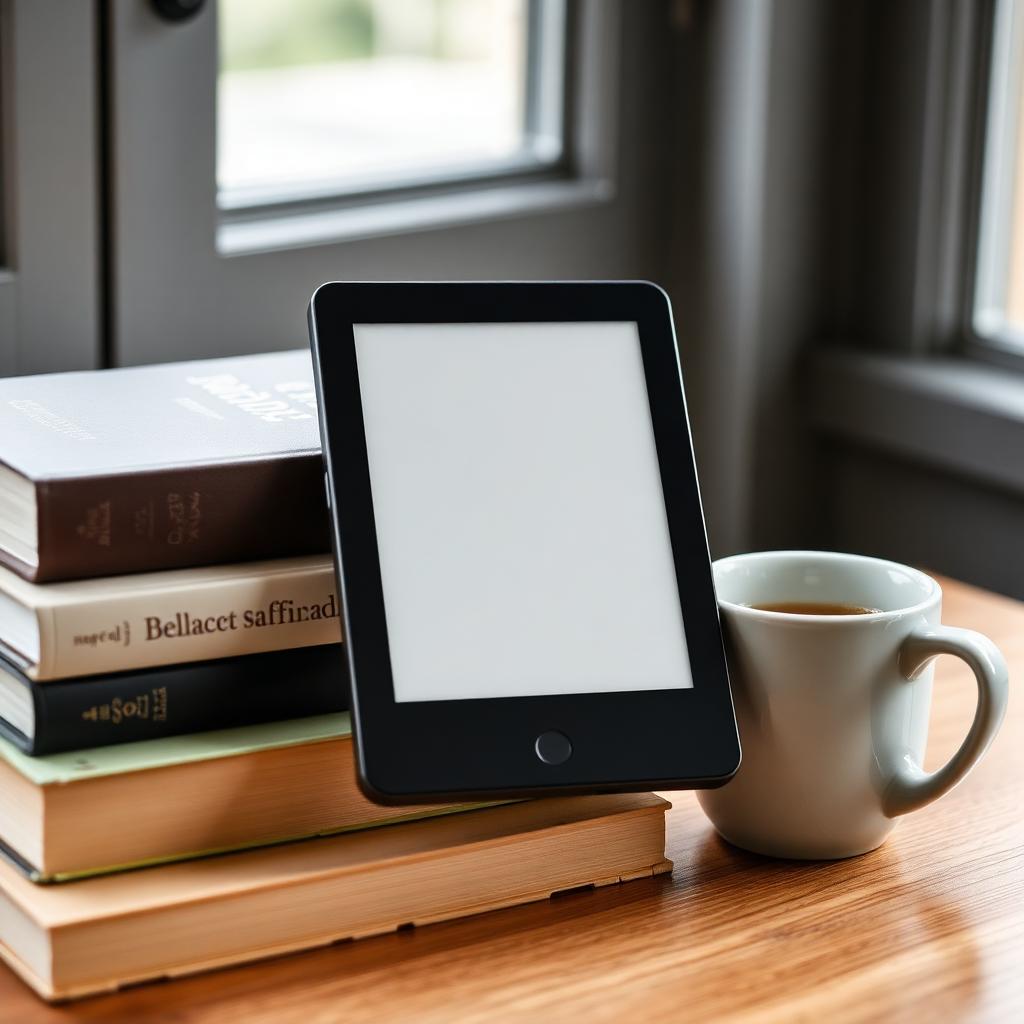
The Amazon Kindle Paperwhite (12th generation) is the best e-reader in 2026. It has a 7 inch 300 PPI E Ink display, roughly 25 percent faster page turns than the previous generation, adjustable warm front-light, and IPX8 waterproofing that survives an accidental pool drop.
For color panels and the ability to write and highlight in color, the Kobo Libra Colour is the pick, and it borrows library ebooks through OverDrive natively. For an open Android e-reader that runs any reading app, the Onyx Boox Go Color 7 is the flexible choice.
Why an E Ink screen matters
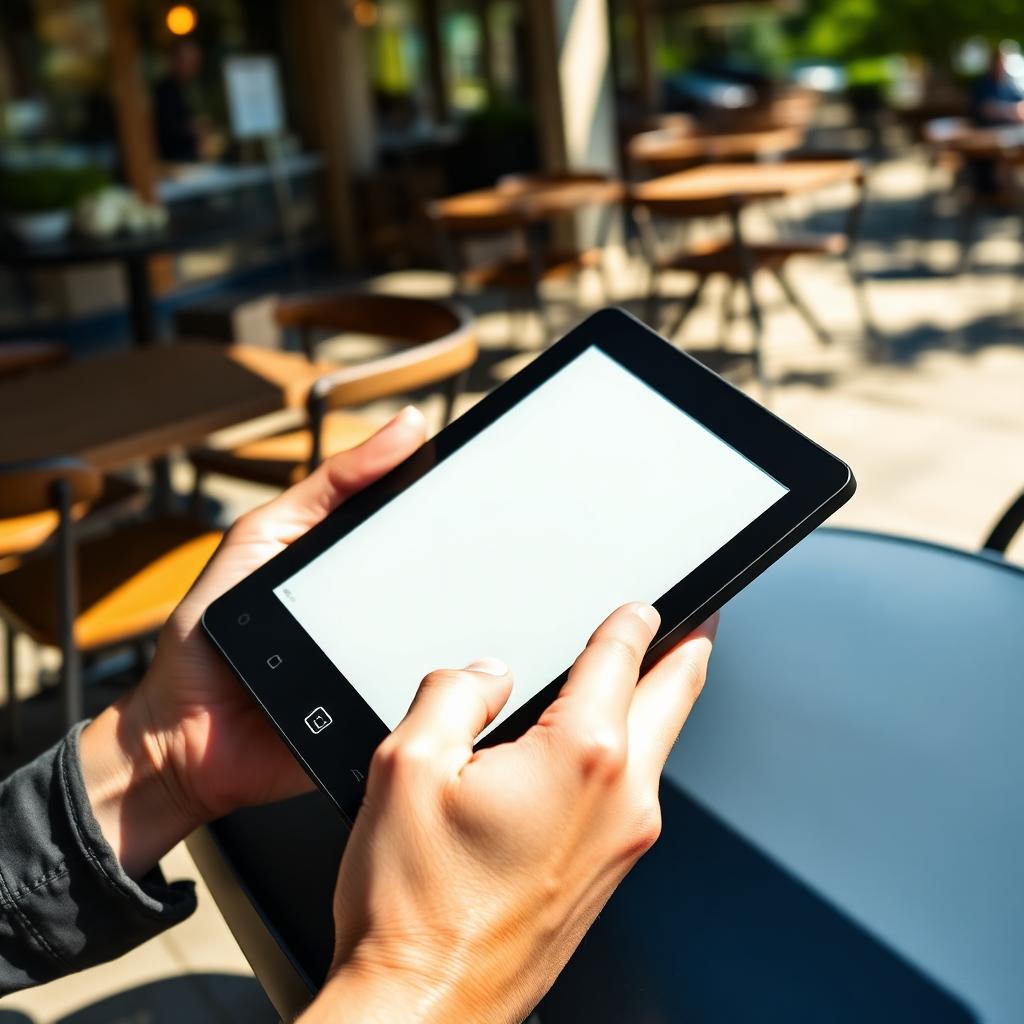
An iPad or phone shoots blue light directly into your eyes and suppresses melatonin, which is why reading in bed on a phone wrecks sleep. An e-reader uses electrophoretic ink that reflects ambient light like paper. Front-lights on modern e-readers shine sideways across the surface rather than out at you, and warm-light modes shift to amber at night. Combined with a battery that lasts weeks rather than hours, that is the whole reason the category still exists.
What matters in an e-reader
Screen resolution and size
300 PPI is the sweet spot: text looks like a printed book at normal reading distance. Anything less (older Kindle Basic at 167 PPI, cheap Boox tablets) shows pixelated edges. 6 inch screens are pocketable; 7 inch is the current standard for adult reading; 8 to 10 inch is for PDF and note-taking. Most people are happiest at 7 inches.
Front-light with warm-tone adjustment
All good e-readers now have adjustable warm-tone lighting. That amber shift matters for evening reading and is why Kindle, Kobo, and Boox now sell it standard.
Waterproofing
IPX8 means the device survives full submersion at 2 meters for an hour. That is the difference between splashing at the beach and a $150 mistake. Paperwhite and Kobo Libra both have it; Kobo Clara does; entry-level Kindle does not.
Ecosystem lock-in
Kindle only reads Amazon books and side-loaded EPUB (with conversion). Kobo reads Kobo store, EPUB, and library ebooks via OverDrive with no conversion. Boox runs Android and can install the Kindle, Kobo, Libby, Scribd, and any other reading app. Pick your side.
Best overall: Amazon Kindle Paperwhite (12th generation)
The 12th-gen Paperwhite is a real upgrade from the 11th-gen. The processor is meaningfully faster, so pages turn without the classic E Ink lag. The 7 inch 300 PPI screen is the sharpest Amazon has shipped, IPX8 makes it a legitimate beach reader, and battery life is measured in weeks per charge. The 16 GB base model holds thousands of books. If you already buy from Amazon, this is the default answer.
Best color: Kobo Libra Colour
The Kaleido 3 color panel is not as vibrant as an iPad, but it is real color on an E Ink screen. Comic covers, textbook diagrams, and colored highlights all read correctly. The Libra Colour also has physical page-turn buttons on the grip (rare in 2026, a big deal for one-handed reading) and it supports the Kobo Stylus 2 for writing notes on ebooks. OverDrive integration lets you borrow ebooks from your public library without ever plugging into a computer.
Best open platform: Onyx Boox Go Color 7
The Go Color 7 runs Android 14 with the Google Play store. You can install the Kindle app, the Kobo app, Libby, Scribd, and any other reading app on one device. That solves the biggest problem in the category: you can finally read your Amazon library, your library-borrowed books, and your Kobo purchases without switching hardware. The trade-off is that Android on E Ink is less polished than Amazon's or Kobo's dedicated software.
Best budget: Kindle (base model)
The base Kindle now has a 300 PPI screen and USB-C charging. It skips waterproofing and warm-tone lighting. Under $110, and for occasional reading it is completely fine.
How to avoid ghosting on E Ink
Ghosting is the faint outline of the previous page still visible on the new one. Every E Ink screen does it a little. Fix:
- In settings, set the display to do a full refresh every 5 to 10 page turns (all three major brands offer this).
- Close the reading app and reopen it if ghosting builds up.
- Wipe the screen only with a dry microfiber cloth. Alcohol wipes and paper towels scratch the matte anti-glare coating.
Loading your own books
On Kindle, use the Send to Kindle web page or email address to push PDF and EPUB (Amazon converts EPUB automatically now). On Kobo, plug the device into a computer via USB and drop EPUB files onto it directly. On Boox, use the Play Store to install any file-manager or cloud-drive app and copy files across.
Bottom line
Pick the Kindle Paperwhite (12th gen) if you buy books from Amazon and want the fastest, easiest experience. Pick the Kobo Libra Colour if you want color, physical buttons, and easy library borrowing. Pick the Onyx Boox Go Color 7 if you want one device that runs every reading app you use. Set full-refresh to every 6 pages and keep it out of direct sun for storage.