Quick Answer
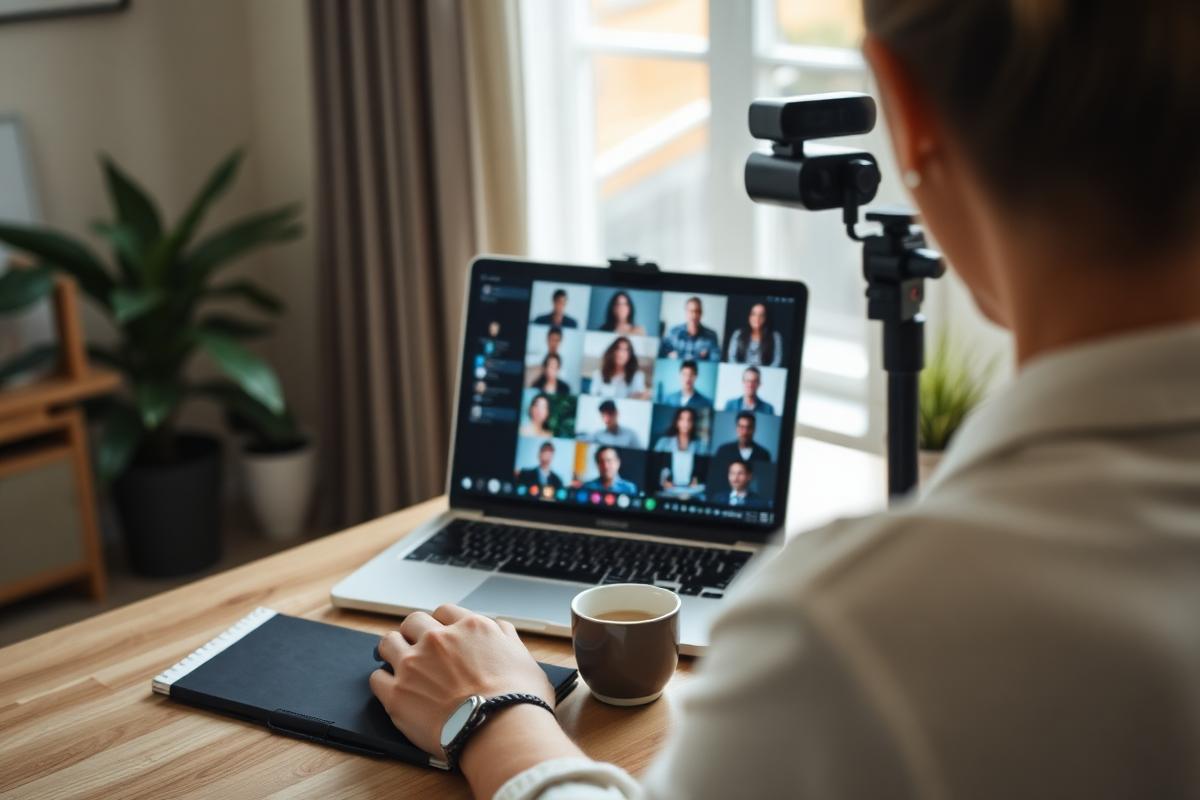
Join on time, mute when you are not speaking, put the camera at eye level with light on your face, and use headphones.
Camera on for small meetings and anything sensitive. Camera optional for large all hands calls where you are one of forty.
The biggest courtesy on any video call is keeping it short and only inviting the people who need to be there.
Before the Call
Proper video call etiquette starts before you join. Test the link, the camera and the microphone before the first call on a new platform, not in the first minute of it.
Join a minute early rather than exactly on time. Joining four minutes late means the meeting restarts for you.
Close everything you do not need. Notifications, message pop ups and email previews all appear if you share a screen.
Set your display name to what you want to be called. It quietly saves everybody the forgotten name problem.
Have the agenda or the document open already so nobody waits while you find it.
Camera On or Off
Camera on for one to one calls, small team meetings, interviews, client calls and any difficult conversation.
Camera off is completely reasonable for large broadcast style meetings, when your connection is weak, or when you are walking or travelling.
Say why once and move on. "Camera off today, poor signal" is enough and needs no apology.
Do not make camera on a rule for everybody. People have caring responsibilities, shared homes and days where being on screen for six hours is genuinely draining.
If you turn the camera off mid call, do it quietly rather than announcing it.

Framing, Lighting and Sound
Put the camera at eye level. A laptop on the desk films up your chin, and a stack of books fixes it in ten seconds.
Sit with light in front of you, not behind you. A window behind your head turns you into a silhouette.
Frame yourself from the chest up with a small gap above your head. Too close is intense, too far is disengaged.
Use headphones. They remove echo entirely and they are the biggest single improvement most people can make.
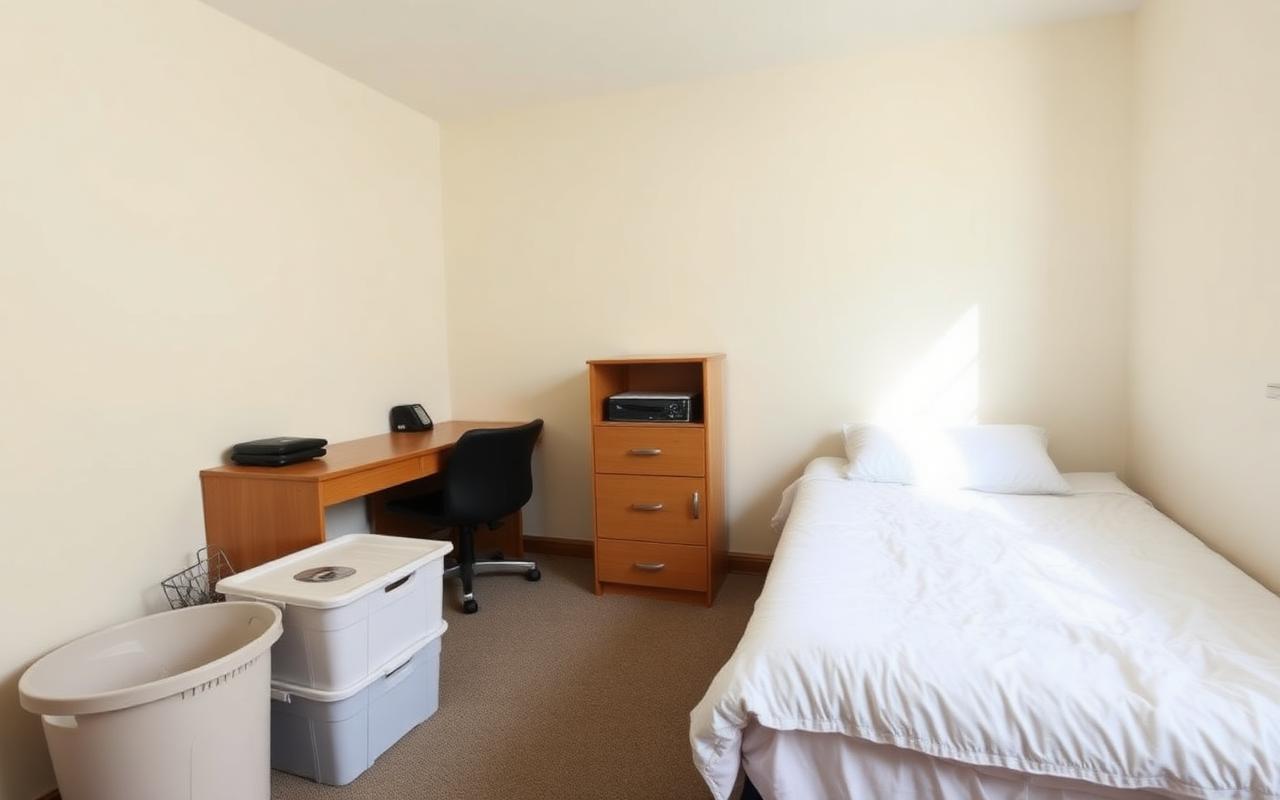
Check what is behind you. Laundry, an unmade bed and an open bathroom door are the classics. Blur the background if you are unsure.
Do not use a distracting virtual background in a serious meeting. Novelty backgrounds pull attention every time you move.
Muting
Mute by default when you are not speaking, especially in groups of more than four.
Unmute to speak rather than shouting through mute. Every meeting loses time to somebody talking on mute.
Learn the push to talk key on your platform. It is the fastest way to make a short comment.
Mute before you cough, eat, type heavily or move a chair. Microphones pick up far more than people expect.
Do not mute somebody else unless you are hosting and there is genuine background noise disrupting the call.
Speaking and Interrupting
Leave a beat before you speak. Network delay means the natural gap you would use in person cuts somebody off on video.
Use the raise hand feature in larger meetings. It is far better than three people starting at once.
If two of you start together, offer it to the other person and mean it. Then actually wait.
Use chat for links, small clarifications and agreement rather than interrupting the speaker.
Look at the camera when you are speaking, not at your own image. Looking at yourself is the most common reason people appear distracted.
If you are hosting, actively bring in people who have not spoken. On video, quieter people simply disappear.
Attention and Multitasking
Do not answer email during a call. It is much more visible on camera than people think, and the eye movement gives it away instantly.
Do not take a video call while driving. It is illegal in most places and dangerous everywhere.
Eating on camera is best avoided unless the call is explicitly a lunch. If you must, mute and turn the camera off.
If you genuinely need to do something else, say so and turn the camera off rather than pretending.
Close the door and tell the household when the call matters. A short warning prevents the awkward interruption entirely.
Screen Sharing
Share the specific window rather than your whole screen. It protects your notifications and your other tabs.
Increase the font size before you share. What is readable on your monitor is not readable on somebody's phone.
Say what you are sharing as you share it, and give people a moment to load it.
Stop sharing as soon as you are finished so the group can see faces again.
Never share a screen with private messages, bank details or another client's information visible.
Running a Call Well
Send an agenda in advance and state the purpose in one sentence.
Invite only the people who need to be there. Every extra attendee multiplies the cost of the meeting.
Start on time and end early where you can. A 25 minute meeting gives everybody a gap before the next one.
Finish with who is doing what by when, and write it in the chat before you leave.
If the call could have been a message, send the message instead. That is the single most appreciated meeting decision anybody makes.
Frequently Asked Questions
Do you have to have your camera on?
Camera on is expected for small meetings, interviews and sensitive conversations. It is reasonably optional for large broadcast style calls.
Should you mute yourself when not speaking?
Yes, in any group of more than about four people. It removes background noise and echo for everybody.
Where should the camera be positioned?
At eye level, with your face lit from the front and framed from the chest up.
Is it rude to eat during a video call?
Generally yes, unless the call is informal or explicitly over lunch. Mute and turn the camera off if you cannot avoid it.
How do you avoid interrupting on video calls?
Leave a short pause before speaking to allow for lag, and use the raise hand feature in larger meetings.
Bottom Line
Join early, camera at eye level, light on your face, headphones on and muted unless speaking.
Pause before you speak, share a single window rather than your whole screen, keep the invite list small, and end early whenever you can.