Quick Answer
Build your travel app stack around four jobs: itinerary, navigation, connectivity, and money. The defaults that almost every regular traveller ends up using are TripIt or Wanderlog for itineraries, Google Maps with offline regions plus Maps.me as backup, Airalo or Holafly for eSIM data, and Xe Currency or Revolut for live exchange rates and fee free spending.
You do not need fifteen apps. Five well chosen ones cover almost every trip and free your home screen from clutter you will never use a second time.
Itinerary apps: TripIt and Wanderlog
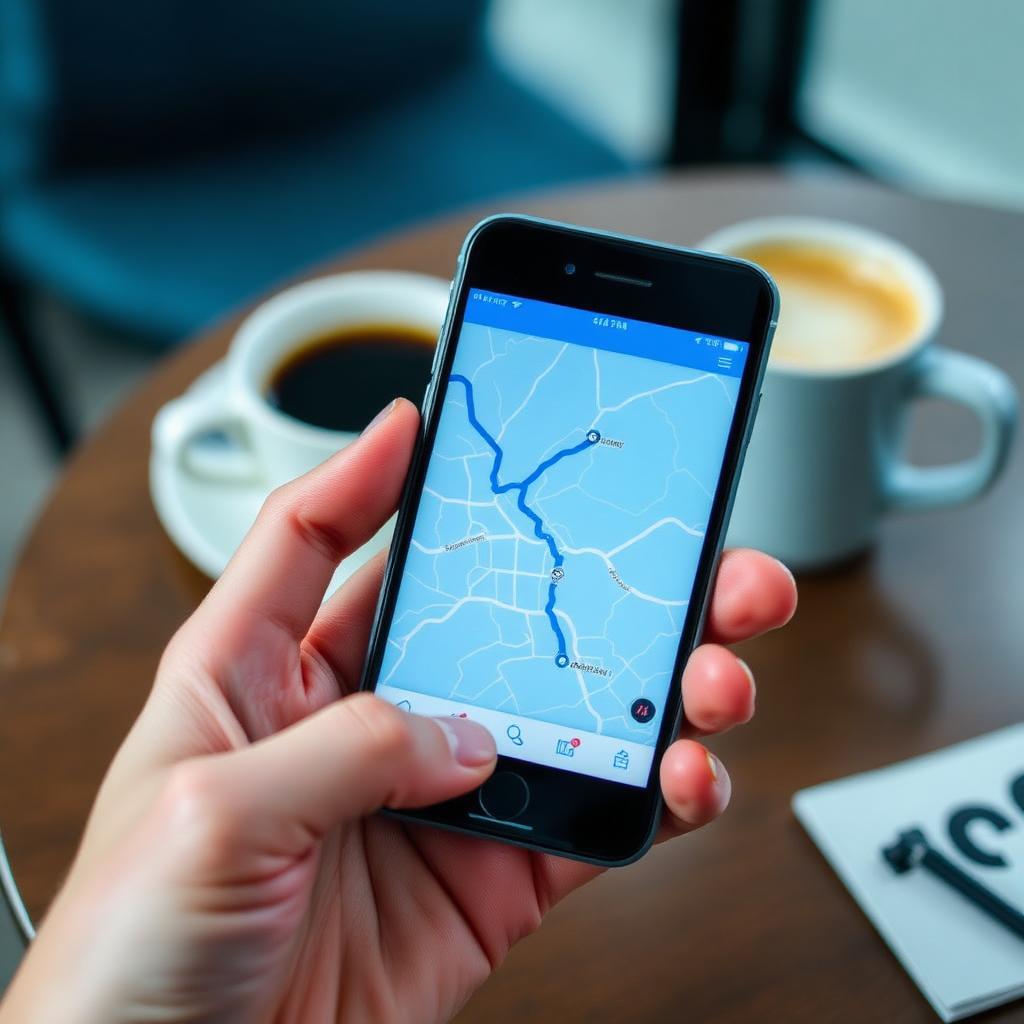
TripIt is the original and still the easiest. Forward any confirmation email to plans@tripit.com and the app parses it into a sorted itinerary with flights, hotels, rental cars, and tours grouped by day. The free tier handles all of that. The Pro tier adds real time flight tracking, gate change alerts, alternate flight suggestions when you get delayed, and a seat tracker that pings you when a better seat opens up.
Wanderlog is a free alternative with stronger collaboration features. You can build the itinerary with travel partners, drop pins on a shared map, and split the budget between travellers. If your trip involves more than one decision maker, Wanderlog is usually the better fit.
Navigation: Google Maps offline plus a backup
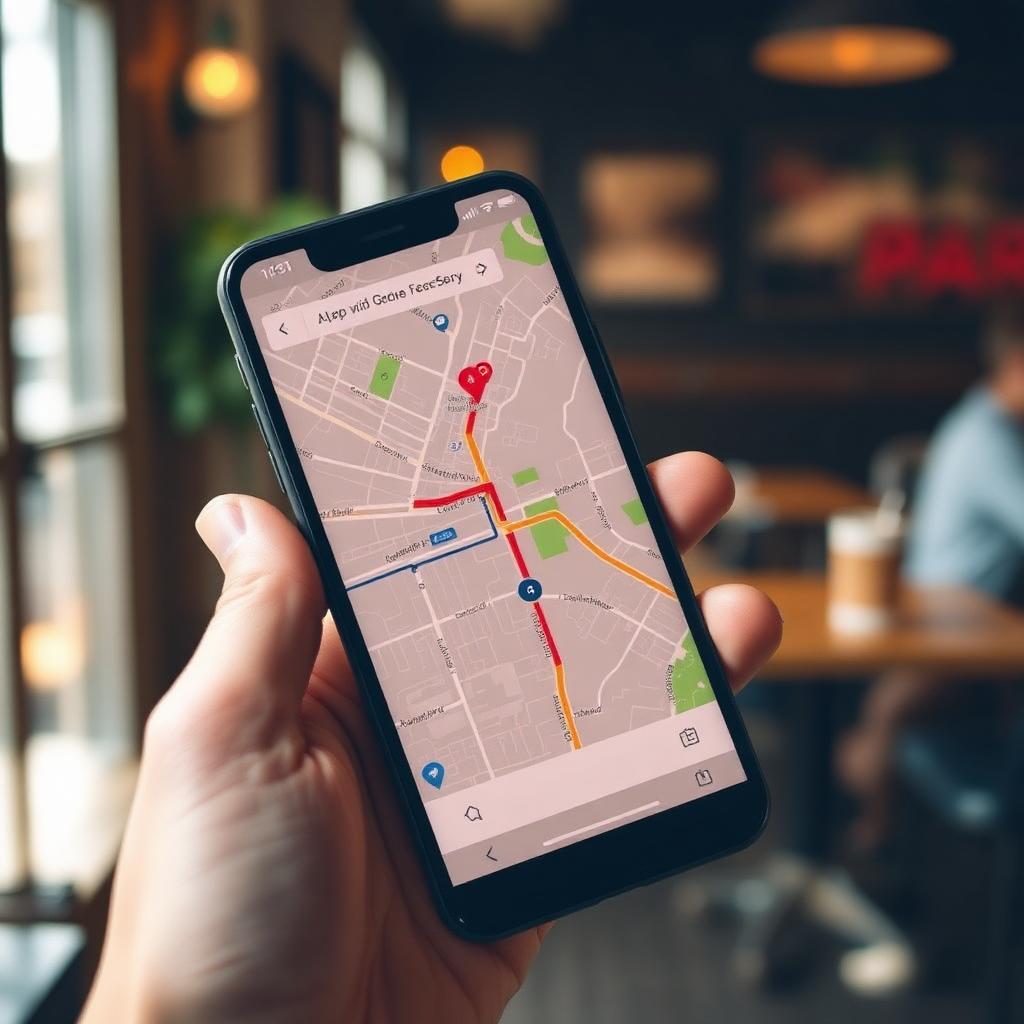
Google Maps is the right default for navigation in almost every country. The crucial step most travellers skip is downloading the offline area for each destination city before they fly. Open the city in the app, tap your profile, choose offline maps, and select the area. The download then works for full turn by turn navigation, search, and basic ratings without any data connection.
Pair Google Maps with Maps.me or Organic Maps as a free backup. Both use OpenStreetMap data, which often covers hiking trails, small alleys, and rural areas where Google's coverage is thin. For city walking they are sometimes more accurate, and they work entirely offline by default once you have downloaded the region.
Connectivity: Airalo, Holafly, and the eSIM revolution
The single biggest upgrade to international travel in the past few years is the eSIM. Apps like Airalo, Holafly, and Saily let you buy a digital data plan for almost any country and install it on your phone while you are still on the plane. The moment you land and switch off airplane mode, you have local data.
Airalo is the most popular for short trips with daily or weekly data plans. Holafly is stronger for unlimited data plans on longer trips. Saily, from the team behind NordVPN, is a newer option with strong pricing. Any of them is dramatically cheaper than airport SIM card kiosks and removes the stress of arriving without connectivity.
Money: Xe Currency, Revolut, and Wise
Xe Currency is the no fuss exchange rate app. It caches the latest mid market rates so you can convert prices in your head without a connection. It is the simplest tool for budgeting and for sanity checking restaurant bills.
For actually moving money, Revolut and Wise are the two apps to know. Both let you hold balances in multiple currencies, convert at near interbank rates, and spend abroad without the three percent foreign transaction fee most home country debit cards charge. Wise tends to win on transparent fee structures. Revolut tends to win on app polish and ease of use. Pair one of them with a credit card that has no foreign transaction fee and you have a financial setup that costs you nothing on most trips.
Flights and accommodation: Google Flights and Hopper
Google Flights is the cleanest flight search interface available. Flexible date views, price tracking, and the date grid let you see how much you can save by shifting your trip a day or two. Hopper layers price prediction on top, telling you whether to book now or wait, and tracks fares in the background so you do not have to.
For accommodation, Booking.com still has the deepest inventory in most cities, Airbnb covers apartments and longer stays, and Hostelworld is the right tool for solo travellers who want social hostels. For business travel or hotel chain loyalty members, the chain's own app is usually the best place to book directly.
On the ground: tours, transit, and translation
- GetYourGuide and Viator. Pre booked museum tickets, walking tours, and skip the line passes. Both apps store tickets offline as QR codes.
- Citymapper. The best public transit app in most major world cities. Compares walking, metro, bus, train, and ride share in one view.
- Uber, Bolt, Grab, Didi. Whichever ride share dominates your destination. Bolt covers most of Europe and parts of Africa. Grab covers Southeast Asia. Didi is the default in much of China and Mexico.
- Google Translate. Download the language pack for offline use before you land. The camera mode that translates menus and signs in real time is genuinely useful.
- SkyGuru. Underrated app for nervous flyers. It uses your flight number to explain the noises and bumps you will experience as they happen.
Safety and emergency apps
- Smart Traveler or your country's equivalent. The US State Department's Smart Traveler app, the UK FCDO Travel Aware, and the Australian Smart Traveller all push real time alerts about safety, weather, and entry requirements for your destination.
- What3Words. Assigns every three by three metre square on the planet a unique three word address. Useful for sending your exact location to an emergency contact or a taxi driver in places without street numbers.
- Find My or Google Find My Device. Make sure your phone is set up before you fly. Pair it with an AirTag or Tile in your checked luggage for independent bag tracking.
The takeaway
The best travel app stack is small and reliable. Build it around itinerary, navigation, connectivity, and money. Five or six apps cover almost every trip and free you from a phone home screen full of single use clutter. Download everything you need before you fly, including offline maps and language packs, so the first hour after landing is calm rather than chaotic.
Frequently asked questions
What is the best free travel app?
Google Maps with offline regions and Wanderlog for itineraries are the strongest free combination, with Maps.me or Organic Maps as a navigation backup.
Is an eSIM better than a physical SIM card abroad?
For most trips, yes. eSIMs activate before you land, work in your existing phone slot, and let you keep your home number active on a secondary line. Airalo, Holafly, and Saily are the leading providers.
What is the safest app to use for paying abroad?
A credit card with no foreign transaction fees paid through Apple Pay or Google Pay is the safest combination, since the card number is never exposed to the merchant. Revolut and Wise are also strong for fee free spending.
Do I need to pay for TripIt Pro?
Only if you fly often. The free tier already builds your itinerary from email confirmations. The Pro tier earns its price for frequent flyers thanks to real time gate and delay alerts.