
Quick Answer
A great travel itinerary is not a minute by minute schedule. It is a single offline document that holds every reservation number, transit detail, address, and emergency contact in one place, sorted by day. Build it once, save it offline on your phone and on paper, and you stop searching your inbox for confirmation codes for the entire trip.
The simplest template has five blocks: a pre departure checklist, a daily grid, a budget tracker, an offline maps and apps section, and an emergency contacts page. Anchor one main activity per day and leave the rest open. That is the structure that survives delays, plan changes, and the inevitable lost phone battery.
The five blocks of a great itinerary
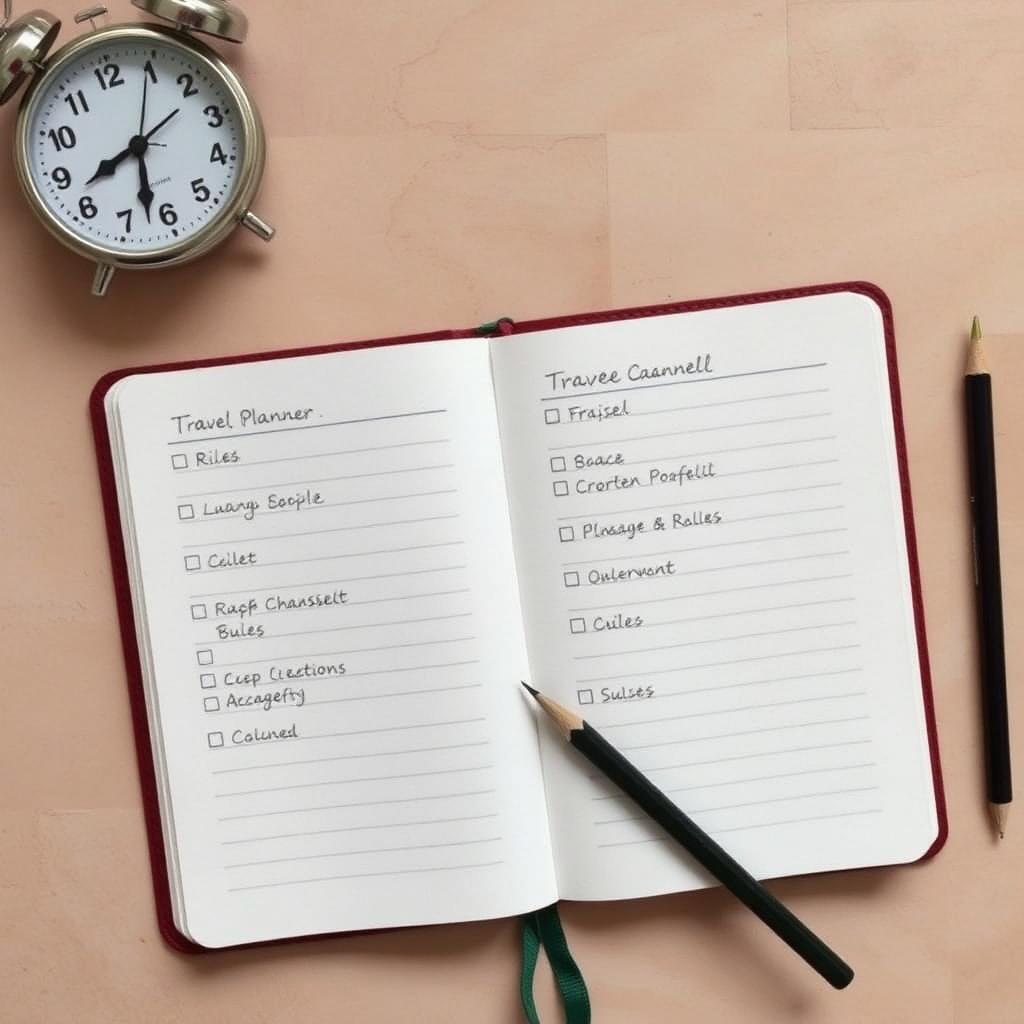
Every good itinerary I have used or built for someone else has the same five blocks. Skip any one of them and the document stops being useful exactly when you need it.
1. Pre departure checklist
This sits at the top of the document and covers the boring tasks you forget the night before a flight. Passport valid for at least six months past your return date. Visa or eTA confirmation printed. Travel insurance policy number saved offline. Bank notified of travel dates. International data or eSIM bought. Copies of your passport photo page and credit cards uploaded to your cloud drive. Currency ordered or ATM card tested. Power adapter packed. Prescription medication in carry on with a copy of the prescription.
2. The daily grid
This is the heart of the document. One row per scheduled item, sorted by date and time, with five columns: date and day, time, activity or transit detail, confirmation number or link, and estimated cost. Add a sixth column for notes if you want, but resist the urge to schedule every hour. The grid is for the things that have a fixed time, not for the things you might do.
3. Budget tracker
A simple table with three columns: category, planned spend, and actual spend. Categories are usually flights, accommodation, ground transport, activities, food, and a generous miscellaneous bucket. Update the actual column once a day. You will know within minutes if the trip is drifting over budget while there is still time to adjust.
4. Offline maps and apps
List every app that needs to work without data, along with what you have already downloaded. Google Maps offline area for each city. Maps.me or Organic Maps as a backup. The metro or bus app for your destination. Your airline app with your boarding pass saved. Your hotel chain app with the booking saved. A translation app with the language pack downloaded. Tested before you fly, not after.
5. Emergency contacts
The last page of the document holds the address and phone number of your home country embassy or consulate, your travel insurance emergency line, your bank's international fraud number, the local emergency number for the destination, your hotel address in the local language, and one trusted contact at home. Keep this page printed in your wallet as well.
The one anchor per day rule
Schedule exactly one main activity per day and leave the rest open. Tours, museums, dinner reservations, and timed entry tickets go on the grid. Everything else is for spontaneous walking, cafe sitting, and following whatever you find interesting.
This is the single change that turns a stressful trip into a relaxing one. Most travellers over schedule the first three days, hit a wall on day four, and rush the rest of the trip trying to recover. One anchor per day prevents that.
How to handle transit logistics
Do not just write down the destination airport or station. Write the exact post arrival steps that you would forget after a ten hour flight. Which terminal does your arrival come into. Where is the SIM card kiosk or the eSIM activation point. Which exit do rideshares pick up from. What is the name of the metro or train line into the city centre and which station do you get off at. What is the walking direction from the station to the hotel.
Do this once for each new city and you save yourself thirty minutes of stress every time you arrive somewhere new and tired.
Tools that build the document for you
You do not have to build the daily grid manually. A few tools handle most of the work.
- TripIt. Forward your confirmation emails to plans@tripit.com and it builds a structured itinerary automatically. The Pro tier tracks flight status, gate changes, and baggage carousels in real time.
- Wanderlog. A free alternative that handles itineraries, maps, and budget in one app. It also lets you collaborate with travel partners.
- Notion or Google Docs. Good if you like full control over the layout. Use a single document so the offline copy is one tap away.
- A paper backup. Print the final version, fold it, and keep it in your travel wallet. Phones die. Paper does not.
The night before checklist
Do a final pass the night before departure. Confirm seat assignments. Check in for the flight online. Move the daily grid for day one to the top of the document. Make sure offline maps for your first city are downloaded. Take a photo of your packed luggage so you can describe it accurately if it goes missing. Charge every battery to one hundred percent, including the spare power bank.
The takeaway
A great travel itinerary is a reference document, not a schedule. Build it with the five blocks above, use the one anchor per day rule, and save it both offline on your phone and printed in your wallet. The trip you actually take will not match the document perfectly, and that is the point. The itinerary exists so you can change plans confidently, not so you can stick to them rigidly.
Frequently asked questions
Should my itinerary include hour by hour planning?
No. Only fixed time commitments belong on the grid. Anything more turns the trip into a checklist instead of an experience.
What format works best for an itinerary document?
A single editable document like Google Docs or Notion, paired with a printed paper backup. Avoid spreading reservations across email, screenshots, and notes apps.
How early should I start building the itinerary?
Start the moment you book your first flight or hotel. Add each reservation as it is booked so you never have to reconstruct details from old emails.
Do I need a paid app like TripIt Pro?
Only if you fly often. The real time gate change and delay alerts pay for themselves quickly for frequent flyers but are overkill for one or two trips a year.