

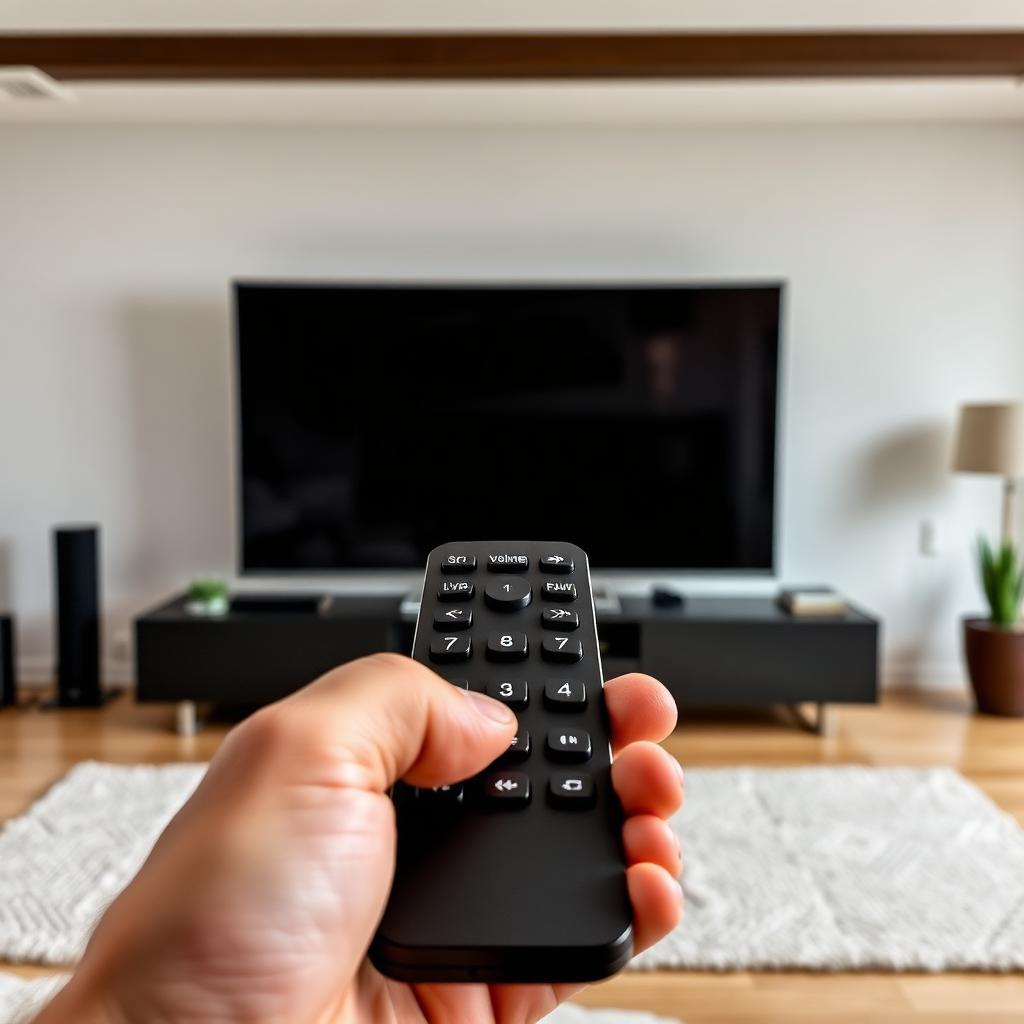
It is a common headache for Vizio TV owners: the remote works fine for navigating apps and changing inputs, but the volume keys do absolutely nothing. The on screen volume bar never even appears. The issue is rarely hardware. It is almost always a software setting called Audio Command Routing, and the fix takes under a minute.
Quick Answer
A Vizio remote that will not change the volume usually has its TV Speakers setting toggled Off, which routes all volume commands to a soundbar that may no longer be connected.
Open Menu, choose Audio, set TV Speakers to On or Auto, and the volume keys work again instantly.
If the menu fix fails, do a hardware reset: remove the batteries, hold Power for 20 seconds, mash every key, then reinstall fresh batteries.
Why Vizio remotes lock volume to external speakers
Vizio remotes are designed to be smart. When the TV sees a soundbar attached over HDMI ARC or optical, the firmware assumes you want the remote to manage the better speakers. But if you later unplug the soundbar without telling the TV, the remote stays locked in External mode and silently sends volume commands to a device that is no longer there.
The TV Speakers toggle fix
[MENU] -> [AUDIO] -> [TV SPEAKERS] -> [SET TO ON or AUTO]- Press Menu on the Vizio remote to open the system sidebar.
- Scroll down to Audio.
- Find TV Speakers. If it shows Off, that is the culprit.
- Toggle it to On or Auto.
- Exit the menu and press Volume Up. The on screen volume bar should reappear immediately.
Hardware reset for a frozen remote chip
If the software fix does not help, the remote's microcontroller may be frozen.
- Pull the rear battery cover and remove both AAA cells.
- Press and hold the Power button for 20 seconds.
- Tap every other key several times to release any physically stuck button.
- Reinstall fresh batteries with correct polarity.
If only the volume keys are dead
Open the remote case and inspect the Volume Up and Volume Down domes. These are pressed more than almost any other key on the remote, so the conductive carbon pad wears out first. A 2 mm aluminum foil patch glued shiny side up to each pad restores function in minutes.
Try the SmartCast app as a confirmation
Download the Vizio SmartCast Mobile app on your phone and use the on screen volume slider. If the slider changes the volume but the physical remote does not, the issue is definitely the remote hardware, not the TV. Time for a $15 replacement.
Frequently asked questions
Does this same fix work on a Vizio M Series and V Series?
Yes. The TV Speakers toggle lives under Menu, Audio on every Vizio TV from 2016 onward.
My TV has eARC but the volume still will not change. Why?
If a connected receiver has CEC turned off, the volume command never reaches it. Enable CEC on both the TV and the receiver.
Why does my Vizio remote work for power but nothing else?
Power uses an IR signal that needs less precision. Other keys use full BLE pairing on newer voice remotes. Try the pairing sequence: hold the Vizio voice button for 5 seconds while the TV is on.
The takeaway
Volume keys that do nothing on a Vizio remote almost always trace back to the TV Speakers setting being toggled Off. Flip it back to On or Auto under Menu, Audio, and the volume bar returns. If that fails, drain the remote with a 20 second power button hold and fresh batteries. Still broken? Open the case and patch the worn carbon pads, or pick up a $15 replacement.


