

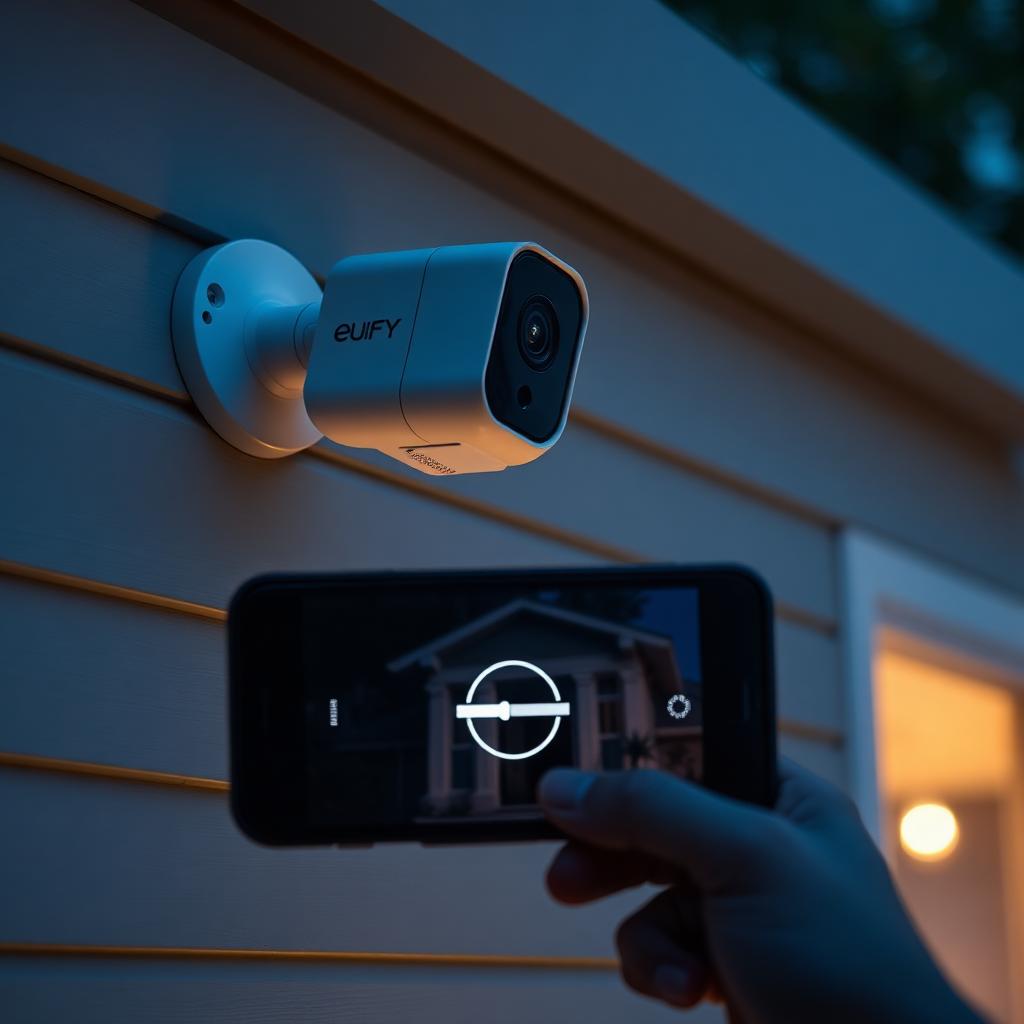
Quick Answer
When Eufy throws an Unable to Play Live Video error, lower streaming quality to Auto, power cycle the HomeBase for 30 seconds, and put the camera on a dedicated 2.4 GHz Wi-Fi band.
The error almost always traces to a decryption stall over a weak or merged Wi-Fi network, not a broken camera.
Most owners clear the loop in under 10 minutes without replacing hardware.
Why this error is specific to Eufy
Eufy cameras differ from Ring and Nest in one important way. They store and encrypt video on a local HomeBase or microSD card instead of in the cloud. Every live view triggers a two way handshake. The camera captures footage, encrypts it locally, sends it to the HomeBase, and your phone decrypts it on the fly using the keys stored in your Eufy Security account.
If any link in that chain stalls, the app cannot decrypt and you get the Unable to Play Live Video screen.
Fix 1: drop the streaming quality
Eufy cameras default to high quality streaming. If your upload speed cannot keep up, the encrypted packets arrive out of order and the decryption fails.
- Open the Eufy Security app and tap the camera that is failing.
- Open Settings (the gear icon), then Video Settings.
- Change Streaming Quality from High to Auto.
- Force quit the app and reopen it.
Auto lets the camera negotiate the highest quality your current network can actually carry.
Fix 2: power cycle the HomeBase
The HomeBase keeps an internal cache of recent encrypted segments. When that cache fills with corrupted packets, every new live view request fails.
- Walk to your HomeBase.
- Pull the power jack out of the back.
- Wait 30 seconds.
- Plug it back in and wait for the front LED to settle on solid blue.
- Open the app and try the live view again.
Fix 3: split your Wi-Fi bands
Eufy cameras only join 2.4 GHz Wi-Fi. If your router uses a single SSID that merges 2.4 GHz and 5 GHz (often labeled Smart Connect or Band Steering), the camera can keep getting bounced between bands and dropping the stream.
- Log in to your router admin page.
- Disable Smart Connect or Band Steering.
- Create two separate SSIDs, for example HomeWifi-24 and HomeWifi-5.
- Move the HomeBase and the cameras to the 24 network.
Fix 4: check signal strength
Inside the camera Settings, scroll to General and look at the Wi-Fi Signal value.
- Three bars or higher means strong signal.
- Two bars means marginal. Live view will fail occasionally.
- One bar means the camera is too far from the HomeBase. Move it closer or add a Wi-Fi range extender between them.
Fix 5: clear the app cache
The Eufy Security app stores decryption keys and recent thumbnails in its own cache. A stale cache can block decryption even when the camera is healthy.
- On Android, open Settings, Apps, Eufy Security, Storage, Clear Cache.
- On iOS, delete and reinstall the app. Your account, cameras, and recorded clips remain on the HomeBase.
Fix 6: update firmware
Open the app, tap the menu icon, then Settings, Firmware Updates. Install pending updates for both the HomeBase and every camera. Eufy ships decryption bug fixes regularly and an out of date device can cause the Unable to Play loop on its own.
Fix 7: re-pair the camera
If nothing else works, remove the camera from the app and re-pair it from scratch. The camera will exchange a fresh set of encryption keys with the HomeBase. Recorded clips on the HomeBase remain accessible.
When the cause is your phone, not the camera
Live view also depends on your phone's connection. If your phone is on cellular with weak service or a public Wi-Fi network with restrictive firewall rules, the encrypted stream cannot reach you. Try the same camera from a different network. If it works there, the original network was the bottleneck.
The takeaway
The Eufy Unable to Play Live Video error is almost always a network or cache issue, not a hardware fault. Drop the streaming quality to Auto, restart the HomeBase, split your Wi-Fi into a dedicated 2.4 GHz network, and clear the app cache. Those four moves clear the loop on the overwhelming majority of installs and let the local decryption pipeline finish the handshake cleanly.
Frequently Asked Questions
Why does Eufy work on Wi-Fi but not on cellular?
Some carrier firewalls block the encrypted P2P ports Eufy uses. Try a different network to confirm and contact your carrier if cellular streaming is your priority.
Does the HomeBase need a wired Ethernet connection?
It is strongly recommended. Plugging the HomeBase into the router by Ethernet removes one entire failure layer from the live view pipeline.
Will a factory reset erase recorded clips?
Resetting a camera does not erase HomeBase storage. Resetting the HomeBase itself wipes all local recordings.
How many cameras can one HomeBase handle?
The HomeBase 2 supports 16 cameras and the HomeBase 3 supports 16 plus expanded local storage of up to 16 TB.


