

Quick Answer
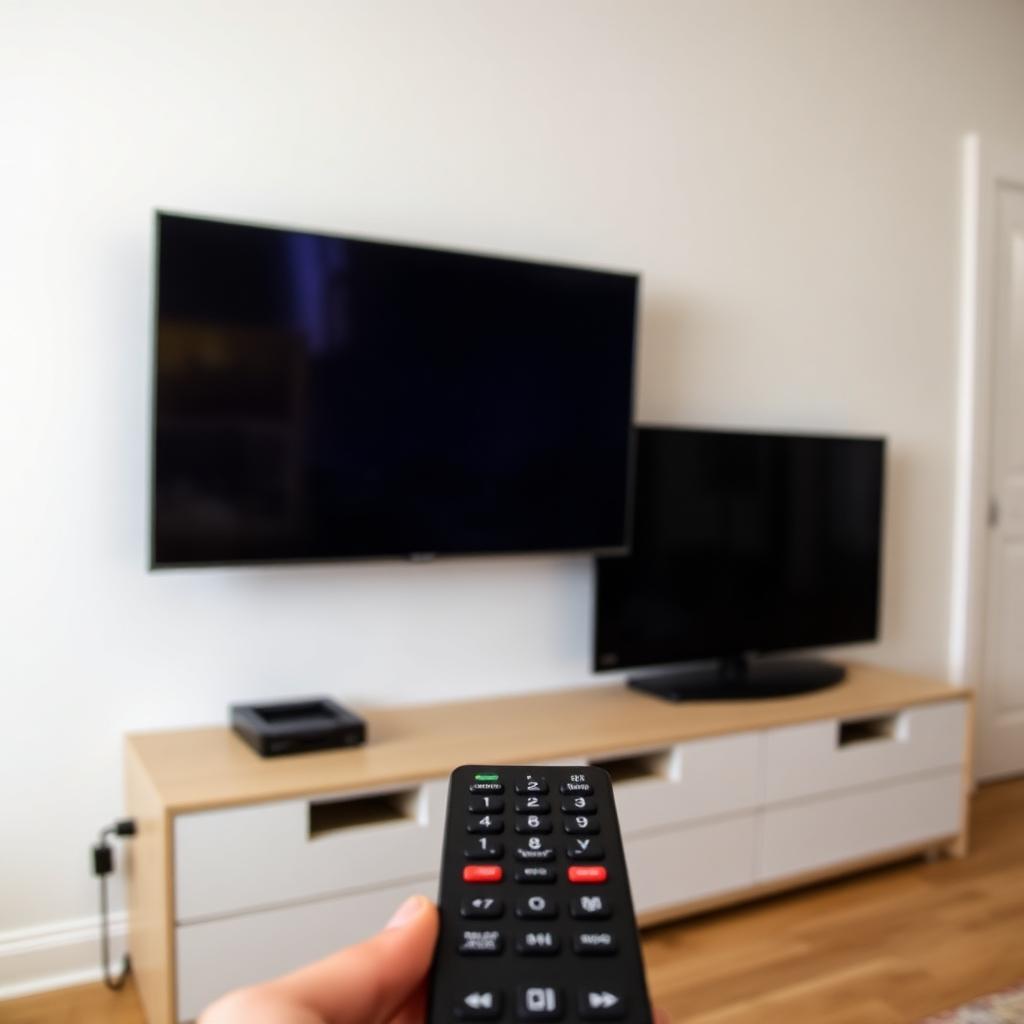
Two televisions of the same brand share the same infrared command codes from the factory. When you press Power on the kitchen TV remote, the same infrared pulse leaks around walls or reflects off ceilings and reaches the living room TV, switching both on at once.
The fix is to assign one of the TVs to a second remote ID inside its system menu (LG, Samsung, and Sony all support this), or to pair the remote to that TV over Bluetooth instead of IR. Once the link is Bluetooth, the encrypted pairing only talks to one chassis.
Why this happens
Manufacturers do not create a unique IR code set for every TV they ship. Doing so would mean a new remote could never replace a lost one. Instead, every TV from a given brand and product family responds to the same handful of hex commands. For example, the LG Power command is 0x20DF10EF on every LG TV made in the last 15 years.
+-------------------------------------------------------------+
|              ONE COMMAND, TWO TVs                           |
+-------------------------------------------------------------+
|  Remote --(IR pulse 0x20DF10EF)--> TV A   power toggle      |
|                              > TV B   power toggle        |
+-------------------------------------------------------------+
If the two sets sit in line of sight of each other, or share a hallway that reflects infrared off light walls, both respond simultaneously.
Fix 1: change the Remote ID on one TV
Most modern TVs include a hidden remote ID setting that switches the chassis to listen for an alternate command set.
- LG. Settings, General, About This TV, Hold Wheel for 5 seconds, set Set ID to 2. On the remote, hold Settings plus the digit 2 for 5 seconds to bind it.
- Samsung. On the second TV, open Service Menu (hold Mute, 1, 8, 2, Power on older sets), enter Option, Remote ID, set to 02. Then on the remote hold Return plus 2.
- Sony Bravia. Settings, Watching TV, Remote, change Remote Control Mode to Mode 2. Confirm on the remote with Display plus 2.
After this change, the two TVs respond to different command sets. The kitchen remote no longer reaches the living room.
Fix 2: pair the remote over Bluetooth
Most voice remotes from 2019 onward (Samsung Smart, LG Magic, Sony Bravia, Fire TV, Roku Voice) support Bluetooth in addition to infrared. Once paired, all menu navigation runs over an encrypted Bluetooth link that is locked to a single TV's MAC address.
- Go to Settings, Bluetooth, Add Accessory on the target TV.
- Hold the remote pairing combo (varies by brand) until the TV shows Connected.
- Test by aiming the remote away from the screen. If the TV still responds, you are on Bluetooth.
Most voice remotes still fall back to infrared for the Power button only, because Bluetooth cannot wake a fully off TV. That single IR pulse can still trigger the second TV. Use Fix 1 in combination if Power remains a problem.
Fix 3: block the line of sight
If neither setting is available on your model, you can physically block the path. Move the second TV out of line of sight or stick a small piece of black electrical tape over its IR sensor window. The TV will only accept commands from a remote pointed at the tape from inches away, which is enough for the room it lives in but prevents stray pulses from across the house.
Fix 4: use the manufacturer's app instead
Switching to a phone app over Wi-Fi removes IR from the equation entirely. The connection is targeted by IP address, so only the TV you tap on responds. Use the SmartThings app for Samsung, LG ThinQ for LG, Apple TV Remote for Apple TV, or the Roku app for Roku TVs.
Frequently asked questions
Will mixing brands fix this?
Yes. Different brands use different IR codes. One Sony TV and one LG TV in the same room will never interfere with each other.
Why does my universal remote not have this problem?
It does, but only on the device it is set to. If you program one universal remote for both TVs, you will see the same problem the first time you press Power.
Does an IR repeater make it worse?
It can. An IR repeater that mounts inside a cabinet rebroadcasts every command, including pulses meant for the other TV. Configure the repeater to only fire at the device you want to control.
The takeaway
Two TVs of the same brand share the same infrared codes, so a single button press can flip both. Assign one TV to a second Remote ID inside its setup menu, pair the remote over Bluetooth instead of IR, or use the brand's phone app. Any of those three fixes eliminates the double activation permanently.


