

Quick Answer
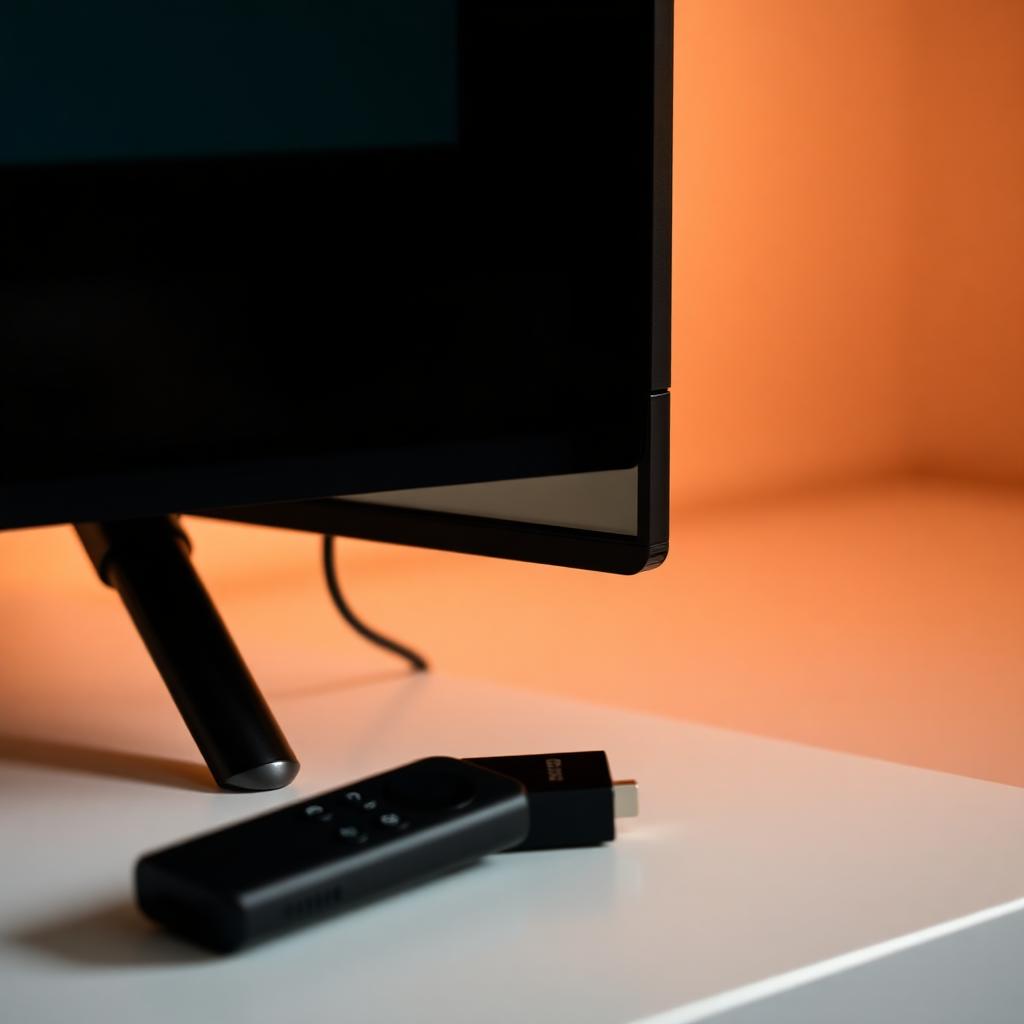
A Fire TV remote that keeps unpairing almost always has one of two problems: weak batteries dropping voltage below the BLE radio threshold, or the Fire TV Stick itself sitting behind a metal TV chassis that blocks Bluetooth signal. Fix it in three steps.
1. Replace the batteries with fresh name brand alkaline cells (never zinc carbon). 2. Reset the remote by holding Left arrow, Menu, and Back together for 12 seconds while the stick is unplugged. 3. Use the bundled HDMI extender cable to move the Fire TV Stick out from behind the TV.
Why the Fire TV remote drops its link
The Fire TV remote runs on Bluetooth Low Energy. BLE needs a stable 2.7 to 3.0 V supply to drive its radio. The moment the AAAs sag below that threshold (usually around 30 percent remaining capacity), the firmware turns off the radio to extend the basic key matrix's life. The result is a remote that flickers in and out: it connects for a second when you press a key hard, then drops out before the next command lands.
- The voice microphone and the BLE radio share a power rail. A microphone session can crash the radio if voltage is marginal.
- The Fire TV Stick scans for the remote every 30 seconds. If it finds the remote, it pairs. If voltage drops mid scan, the pairing keying never completes.
- The remote's status LED is misleading: it can blink red while the radio is dead.
Fix 1: Replace batteries the right way
- Use a matched pair of fresh alkaline or lithium AAAs. Lithium cells maintain voltage above 1.5 V for nearly their entire life and are the most reliable choice.
- Avoid zinc carbon or "heavy duty" cells. Their internal resistance is too high for the BLE current spikes.
- Do not mix old and new cells. The fresh cell ends up dumping current into the dead cell and both die quickly.
- Check the battery contacts for green corrosion. Clean with isopropyl alcohol and a cotton swab.
Fix 2: The Fire TV remote deep reset
If fresh batteries do not stop the unpairing loop, the remote's BLE configuration profile is corrupted. Wipe it and re-pair.
+-----------------------------------------------+
|       FIRE TV REMOTE SYSTEM RESET             |
+-----------------------------------------------+
|  Hold:    LEFT + MENU + BACK                  |
|  Time:    12 seconds                          |
+-----------------------------------------------+- Unplug the Fire TV Stick from the HDMI port or its USB power adapter. This stops it from broadcasting conflicting pairing beacons.
- Press and hold the Left directional button, Menu (three horizontal lines), and Back together for at least 12 seconds.
- Release the buttons and wait 5 seconds.
- Remove the batteries from the remote.
- Plug the Fire TV Stick back in and wait for the home screen to fully load.
- Reinsert the remote batteries.
- Press and hold Home for 10 to 15 seconds. The LED pulses rapidly and the stick auto pairs.
Fix 3: Move the stick out from behind the TV
The metal frame and the layered electronics behind a large 4K TV act like a Faraday cage. The Fire TV Stick's tiny BLE antenna is on the side of the dongle, pointing straight into the back of the panel.
- Use the official HDMI extender cable that ships in the Fire TV box. It moves the dongle out from behind the screen and dramatically improves range.
- If you lost the extender, any short HDMI cable (6 to 12 inches) works as a substitute.
- Do not bury the stick under a soundbar or behind a metal media console door. Both block 2.4 GHz signals.
Other causes of recurring drops
- Overheating: A Fire TV Stick that runs hot (very common when plugged behind a TV with no airflow) will throttle its Bluetooth radio first. The HDMI extender also helps cool the dongle.
- 2.4 GHz Wi-Fi congestion: If your router is wedged into the same shelf as the TV, it floods the band. Move the router 5 feet away.
- Old firmware: Go to Settings, My Fire TV, About, Check for Updates. A 2022 patch fixed a known BLE scheduler bug on the Lite and 4K Max sticks.
- USB 3.0 drives: Plugging a USB 3.0 drive into a port near the TV adds broadband noise across 2.4 GHz. Use USB 2.0 if possible.
The Fire TV mobile app as a backup
The free Amazon Fire TV app on iOS and Android can fully control your stick over Wi-Fi while you work through the reset. Install it once and you never have to be stranded again if a remote dies.
Frequently asked questions
Will any AAA battery work in the Fire TV remote?
Alkaline or lithium AAA cells work reliably. Zinc carbon and "heavy duty" cells cannot deliver the current spikes the BLE radio needs and will cause repeated unpairing. Rechargeable NiMH AAAs run at 1.2 V, which is below the BLE radio's preferred range, so reliability is hit or miss.
Why do my Fire TV apps freeze right when the remote drops?
The Fire TV operating system uses the same Bluetooth scheduler for the remote and for any Bluetooth headphones or game controllers. When the remote re-pair handshake hangs, the entire BLE stack stalls, which freezes apps. Unplug the stick for 30 seconds to force a clean restart.
Can I use two Fire TV remotes at once?
Yes. Up to 7 BLE devices can pair simultaneously. Add a second remote from Settings, Controllers and Bluetooth Devices, Amazon Fire TV Remotes, Add New Remote.
Does the HDMI extender slow down 4K video?
No. The bundled extender is a passive HDMI 2.0 jumper rated for 4K HDR at 60 frames per second. Video quality is unchanged.
How do I tell which generation of remote I have?
Check the model code under the battery cover. L5B83H is the third generation Alexa Voice Remote. H69A73 is the Lite remote. The third gen has dedicated power, volume, and mute keys; the Lite does not.
The takeaway
A Fire TV remote that keeps unpairing has one of three root causes: weak batteries below the BLE voltage floor, a corrupted pairing profile, or a Fire TV Stick buried behind the metal TV chassis. Fresh lithium AAAs, a Left plus Menu plus Back 12 second reset, and the bundled HDMI extender solve it in 90 percent of cases. Keep the Amazon Fire TV mobile app installed as a permanent backup.


