

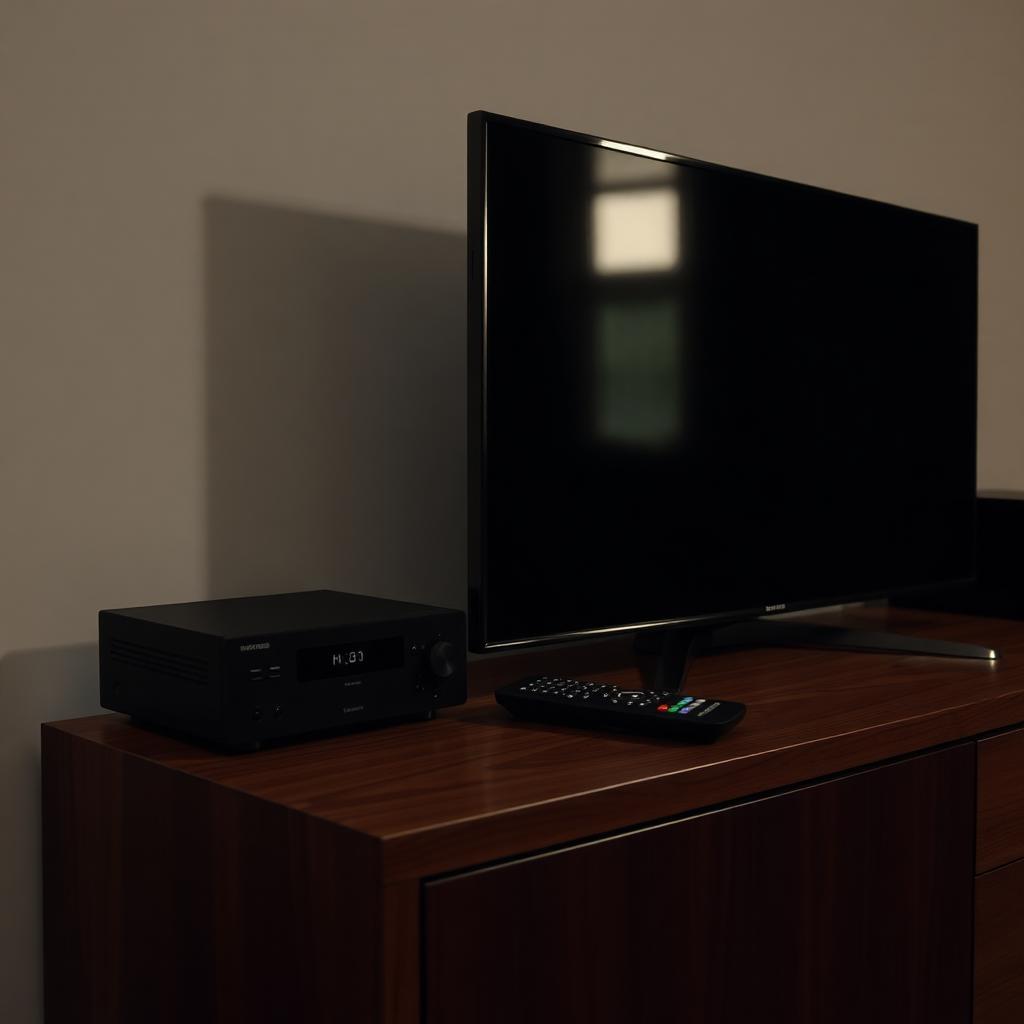
It is one of the most common issues after setting up a new cable box: you press Power on the Xfinity, Spectrum, Cox, or DirecTV remote, the cable box shuts off perfectly, but the TV stays fully lit with a blank No Signal screen. You walk over and turn the TV off manually every night.
Quick Answer
A cable remote that turns off the box but not the TV ships with single device power by default. The Power button only sends a signal to the cable box.
To shut off both at once, program the Power Macro: hold Setup until the LED turns green, enter 9-9-5, press Power, press TV, press CBL, then hold Setup again to save.
After that, one tap of Power sends commands to both the TV and the cable box in sequence.
Single vs sequential power signals
When you program a cable remote for your TV, it stores two separate IR codes: one for the cable box and one for the TV. By default the Power button only fires the cable box code to save battery. To shut off both, you need to bundle the two commands into a Power Macro that runs every time Power is pressed.
Spectrum and Xfinity Global remotes
[HOLD SETUP] -> [ENTER 9-9-5] -> [POWER] -> [TV] -> [CBL] -> [HOLD SETUP]- Press and hold Setup until the LED changes from red to green (or blinks twice).
- Enter the universal Power Macro code 9-9-5. The status light blinks twice.
- Press Power once.
- Press the TV component button, then the CBL or Cable button. This tells the remote to bundle these two commands.
- Press and hold Setup again to save. The LED blinks twice to confirm.
From now on, one Power press shuts off both the cable box and the TV.
Cox Contour and DirecTV variants
- Cox Contour 2 Voice Remote (XR15): hold Setup until LED turns green, enter 9-7-7, then press Power, TV, and CBL in order.
- DirecTV RC73 / RC72: slide the mode switch to AV1, hold Mute and Select together 2 seconds for the green light, enter 9-9-3 to bundle TV and receiver power.
If the macro will not save
- Make sure the TV brand code is fully programmed before attempting the macro. The macro fails silently if the TV code slot is empty.
- Fresh AA batteries. A drained battery commonly fails on the multi step macro programming sequence even though single key presses still register.
- Some 2024+ Xfinity XR16 remotes use 8-1-5 instead of 9-9-5. Check the model number printed inside the battery bay.
Frequently asked questions
Will the Power Macro drain the batteries faster?
Slightly. Each press now fires two IR bursts instead of one. Real world battery life drops by maybe 5 to 10 percent.
Can I add my soundbar to the same macro?
On most Xfinity X1 and Cox Contour remotes, yes. After pressing TV and CBL, press AUD before holding Setup to save. The macro then includes the soundbar.
What if my TV uses HDMI-CEC instead?
If CEC 1-Touch Play is enabled on both the TV and the cable box, the cable box will turn the TV on and off automatically. In that case you do not need the Power Macro at all.
The takeaway
A cable remote that only turns off the cable box is doing what it was shipped to do. Program the Power Macro by holding Setup, entering 9-9-5, then pressing Power, TV, and CBL in sequence, and a single Power tap shuts down both devices. If you also have HDMI-CEC enabled, the cable box can handle the TV power for you without any macro at all.


