

Quick Answer
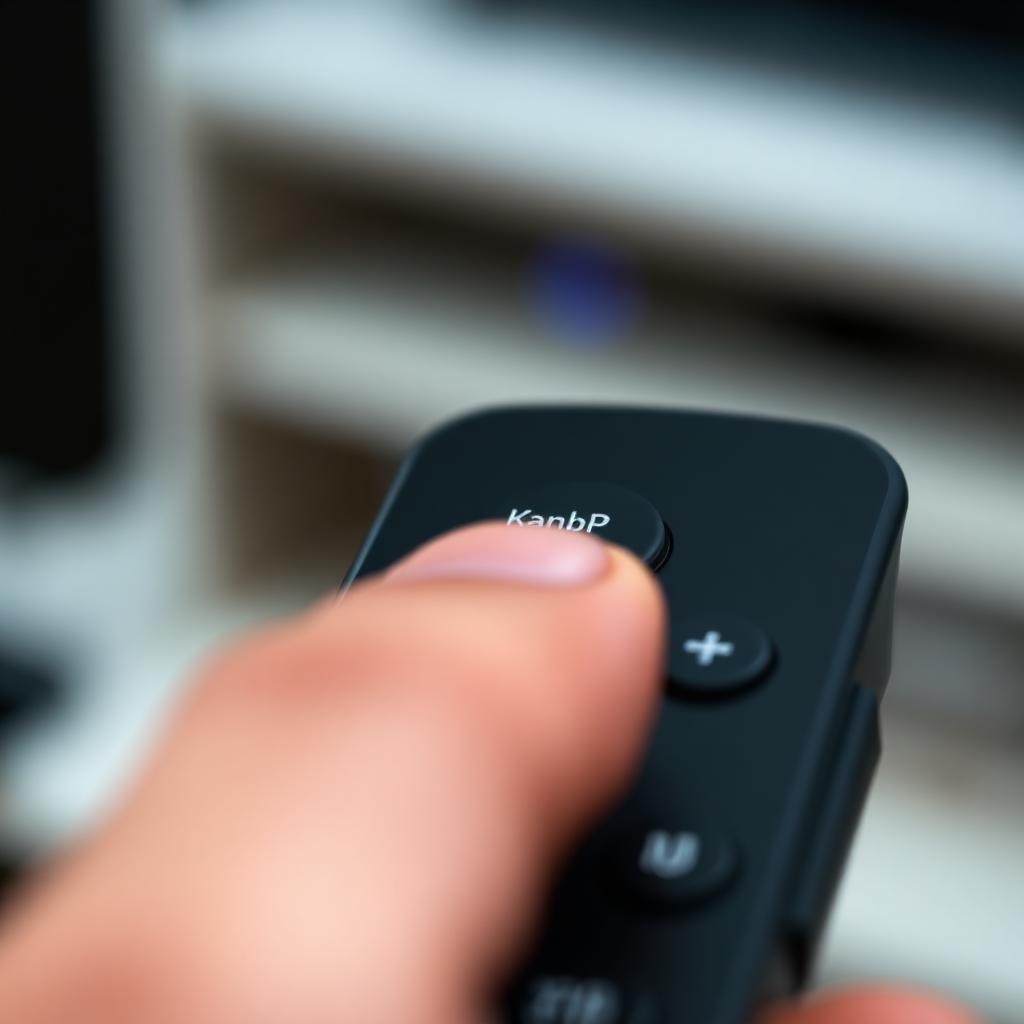
The Magic button on a One For All universal remote is the entry point to programming mode. It puts the remote into a state where it will accept the next command sequence: a SimpleSet setup, a Volume Lock code, a key remap, or a learning routine. Without pressing Magic first, the remote behaves as a plain universal controller. With it, the remote unlocks every advanced feature One For All ships in firmware.
The most common Magic codes: 993 locks the volume keys to a single device (great for soundbars), 994 remaps any button to another button's function, and digits 1 to 0 trigger SimpleSet for the top 10 TV brands.
The primary function: SimpleSet device setup
SimpleSet is One For All's auto search system. The Magic button starts it.
- Turn on your TV manually.
- Press and hold the Magic button until the LED blinks twice and stays solid.
- Press the TV device key once.
- Press and hold the brand digit:
+---------------------------------------------+
|        ONE FOR ALL BRAND DIGIT MAP          |
+---------------------------------------------+
|  1: Bush      2: Grundig    3: LG           |
|  4: Panasonic 5: Philips    6: Samsung      |
|  7: Sharp     8: Sony       9: Thomson      |
|  0: Toshiba                                 |
+---------------------------------------------+
Release the digit the instant your TV powers off. The LED blinks twice to confirm the configuration is saved.
Hidden feature 1: Volume Lock for soundbars
If you use a soundbar or AV receiver, you do not want to switch the remote into Audio mode every time you adjust volume. Volume Lock makes the volume and mute keys always control one chosen device, no matter what mode the remote is in.
- Hold Magic until the LED flashes twice.
- Enter the unlock code 993. The LED flashes twice again.
- Press the device button that should always handle audio (AUD for soundbar, AMP for receiver).
- The LED flashes twice, confirming the lock.
From now on, even when you are navigating the cable box or DVD player, pressing Volume Up adjusts the soundbar. To remove the lock, repeat the sequence and press the TV button instead of AUD.
Hidden feature 2: Key Magic (individual remapping)
If a key is in an awkward place or your replacement remote mapped Input to the wrong location, Key Magic copies one button's function onto another button.
- Hold Magic until the LED flashes twice.
- Enter 994. The LED flashes twice.
- Press the source key that has the function you want to copy.
- Press the target key where you want that function to live.
The internal software remaps the hex code dynamically. The original source key keeps its function as well, so you end up with the command on two buttons.
Hidden feature 3: Learning (high end models only)
One For All "Smart Control" and "Evolve" models have an IR learning eye on the front. Magic plus 975 puts the remote into learning mode, where it captures a raw IR signal from your original remote, key by key. This is the rescue for obscure components: vintage projectors, gaming arcade cabinets, or non standard cable boxes that have no code in the database.
What to do if Magic does not respond
- Weak batteries: The LED needs a real voltage push to glow steady. Replace AAAs with fresh alkaline cells.
- Wrong remote variant: Some budget One For All models (URC1210, URC1280) omit the advanced 99x feature codes. The full feature set lives in URC7935, URC7980, URC8820, and the Evolve series.
- Stuck in another mode: Press Magic plus 977 to factory reset the remote. All custom mappings are wiped and you can start fresh.
Why the Magic name actually fits
Most universal remotes from the 1990s required pages of code books and prayer. One For All's Magic button collapsed the entire programming surface into a single hardware key plus a 3 digit code. Once you learn the code list (993, 994, 975, 977), the remote effectively becomes a tiny programmable computer for your living room IR ecosystem.
Frequently asked questions
How is the Magic button different from Setup on other remotes?
Functionally they are identical: both enter programming mode. One For All branded the key Magic because the 99x code system unlocks features (Volume Lock, Key Magic, Learning) that GE and Philips remotes either do not offer or hide behind separate buttons.
Does Magic plus 994 erase the original key function?
No. Key Magic copies a function to a new button while leaving the original button's command intact. You end up with the command on two keys.
Can I learn IR codes from any remote?
Only on One For All Smart Control and Evolve models with the IR learning eye on the front. Budget URC1210 and URC1280 remotes lack the receiver.
What does Magic plus 977 do?
Factory reset. All saved devices, key remaps, volume locks, and learned codes are erased.
The Magic button does not respond at all. What is wrong?
Weak batteries or a broken Magic switch under the rubber dome. Replace the AAAs first, then open the remote if the issue persists. Cleaning the conductive carbon pad with isopropyl alcohol fixes most stuck Magic buttons.
Compatibility across brands
The 99x code system is unique to One For All. If you replace your One For All remote with a different brand (GE, Philips, Inteset), the Magic codes will not transfer. GE uses Setup plus 9 8 1 for reset, Philips uses a dedicated Code Search button, and Inteset has a Mode key that doubles as program entry. Knowing this saves time: do not bother typing 993 into a non One For All remote, it will do nothing.
One For All also publishes a free SimpleSet companion website where you can type your TV brand and model number and receive a one off setup code that bypasses Auto Search entirely. The site is free and works in any browser, no account needed. For the rare case where neither Auto Search nor SimpleSet finds a match, the printed manual that ships with every remote includes a paper backup code book organized by brand.
The takeaway
The Magic button is not decoration. It is the programming gateway that unlocks every advanced feature on a One For All remote. Press Magic plus the right 3 digit code to set up a TV (digits 1 to 0), lock volume to a soundbar (993), remap keys (994), learn raw IR codes (975), or factory reset (977). Once you memorize this short code list, the remote stops being a plain controller and becomes a configurable IR hub.


