Quick Answer
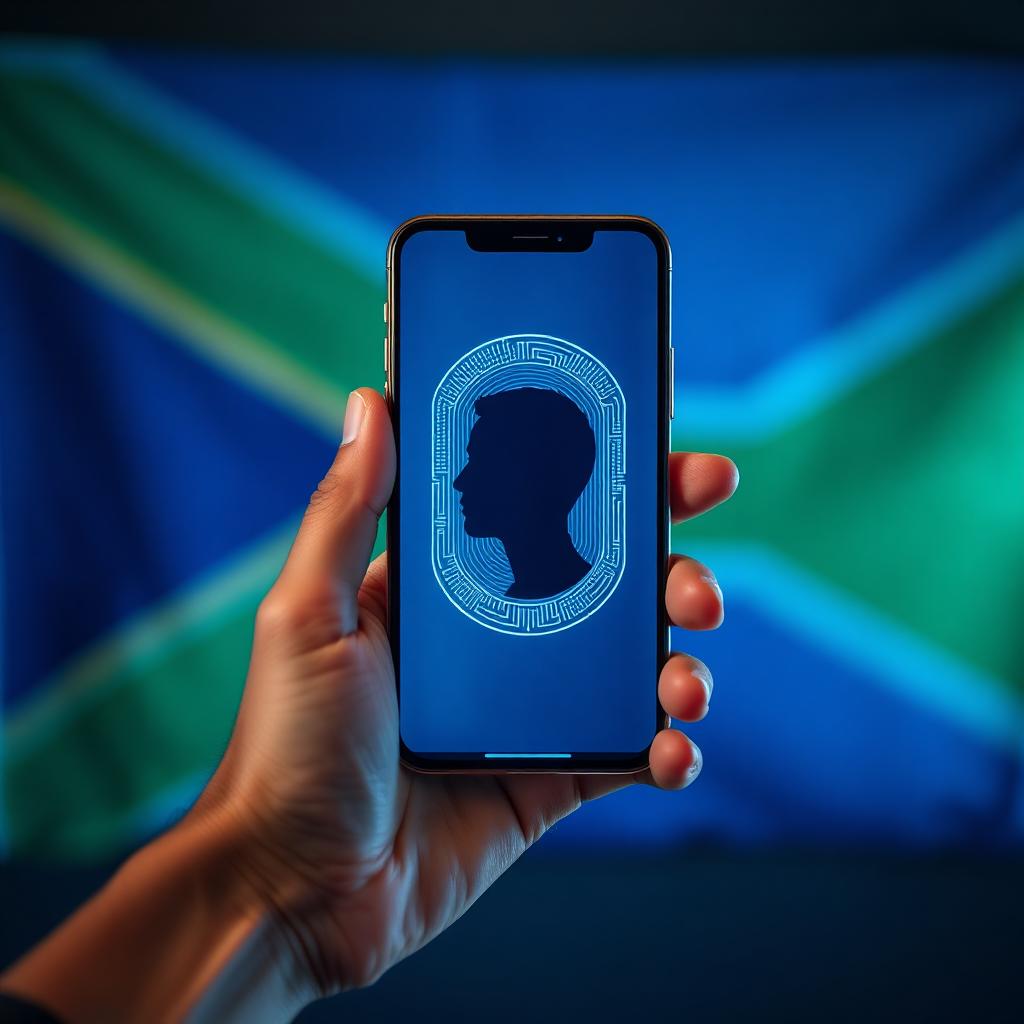
South Africa's new digital ID is a smartphone based identity system currently being developed by the Department of Home Affairs. It will allow citizens to securely store their ID, birth certificates and marriage certificates on their phones using biometric facial recognition.
If you have stood in a notoriously long queue at a South African Department of Home Affairs branch, you know how frustrating identity management can be. However, a massive shift in digital infrastructure is finally happening.
In early May 2026, the Minister of Home Affairs gazetted draft regulations to officially pave the way for a cutting edge Digital Identity system. I follow the data behind civic technology closely, and today I am breaking down exactly how this new system works, how secure it actually is, and what it means for your physical ID.
How the MyMzansi app works
The government is moving away from purely physical documents and stepping into the digital age. This new digital ID will be housed within an upcoming, secure government platform known as the MyMzansi app.
Instead of carrying a wallet, you will be able to access a digital version of your identity credential directly on your smartphone. The goal is to allow citizens to prove who they are for both government and private sector services simply by scanning their faces, operating much like a highly secure mobile banking app.
The security: biometrics and liveness detection
The biggest question surrounding a digital ID is security. How do you stop someone from stealing your phone and pretending to be you?
The entire system is anchored by biometric technology. To open and use the digital ID, the system requires facial recognition and liveness detection. Liveness detection is a specific technology that ensures a real, live human is looking at the camera, preventing a thief from simply holding up a printed photograph of you to unlock the app. Your encrypted biometric data will be safely stored in the national population register.
How to get it: the enrollment process
While the ID lives on your phone, you cannot just download it from your couch, at least not at first.
To prevent identity fraud, the initial application requires an in person enrollment. You will need to visit a Home Affairs branch or an accredited trusted entity (like participating bank branches). You will need:
- A mobile device
- A working phone number and email address
- Proof of residence
During this visit, your facial biometrics and fingerprints will be captured and linked directly to your digital profile.
Do you still need your physical ID?
The short answer is: yes, for now.
The Department of Home Affairs has explicitly stated that the new digital ID system is optional. No one will be forced to use it. It will co-exist peacefully alongside the physical Smart ID cards.
However, this is the beginning of a broader strategic plan for the 2025 to 2030 period. The ultimate goal of this digital modernization is to eventually phase out the vulnerable, old green bar coded ID books entirely. So, while you can hold onto your physical Smart Card, the days of the green booklet are numbered.
How the Digital ID Actually Works on Your Phone
The new system is built around a secure wallet app issued by the Department of Home Affairs. Once you enrol, your identity document, driver's licence and selected qualifications sit inside the wallet as cryptographically signed credentials.
When a bank, retailer or government office needs to verify you, they generate a QR code. You scan it, your phone shows exactly what data is being requested, and you tap to approve. The verifier only sees the fields they actually need, not your full ID record.
That selective sharing is the biggest practical change. Buying alcohol no longer reveals your address. Opening a bank account no longer means handing over a full photocopy of your green ID book.
How to Enrol Step by Step
- Download the official Home Affairs wallet app from the Play Store or App Store.
- Book an enrolment slot at a participating Home Affairs office or partner bank branch.
- Bring your existing ID, proof of address and a working smartphone.
- Complete a biometric capture: fingerprints, a face scan and a signature.
- Activate the wallet with the PIN sent to your registered cellphone number.
The whole appointment takes about 20 minutes. The first issuance is free.
Security, Privacy and the Big Concerns
Critics have raised three main worries: device theft, government overreach and exclusion of people without smartphones.
On theft, the wallet is bound to your device and protected by biometric unlock, so a stolen phone cannot be used to impersonate you. If you lose the phone, you call the Home Affairs hotline to revoke the credential and reissue it on a new device.
On overreach, the system uses a decentralised verification model. The department does not see every transaction. Verifiers query the wallet directly, and only the holder approves each share.
On exclusion, the green barcoded ID and smart card ID will remain valid in parallel for several years. Nobody is being forced to switch, and printed proof of identity will still be available on request.
What Changes for Banking, SASSA and Voting
Banks were the first to integrate. FNB, Standard Bank, Absa, Nedbank and Capitec now accept the digital ID for FICA verification, account opening and high-value transfers. Branch visits for KYC updates have dropped dramatically.
SASSA is rolling the wallet into grant collection, which should cut queues at pay points. The Electoral Commission has signalled it will trial the digital ID for voter verification at selected stations, but the printed voters' roll will still anchor the official process.
What This Means for Everyday Life
For most South Africans, the day-to-day impact is small but welcome: fewer photocopies, faster sign-ups for mobile contracts and easier age verification at retailers. The longer-term promise is bigger, because a working digital identity unlocks proper online government services, from licence renewals to tax filings, without the paper chase.