


Quick Answer
A slow old phone is usually a full phone, a throttled phone or a busy phone, and all three are fixable in an afternoon without spending anything. Free up storage until at least 15 percent is empty, reduce animation scale, cut background refresh for apps you do not need live, and check battery health.
If those four steps do not help, a battery replacement often restores full processor speed for a fraction of the cost of a new handset. A factory reset is the last resort, not the first move.
Why phones slow down in the first place
Silicon does not wear out the way a bicycle chain does. What changes is everything around it. Apps grow larger with each update while your storage stays the same size. Operating systems add features that assume newer hardware. And the battery, which is a chemical component, loses its ability to deliver current under load.
Understanding which of those is causing your slowdown decides which fix will work. Guessing usually means factory resetting a phone whose real problem was a tired battery.
Step 1: get storage back under 85 percent full
Flash storage needs free space to shuffle data around during writes. When a drive is nearly full, the controller spends its time reorganizing blocks instead of serving your apps, and the whole system stutters. This is the single most common cause of a phone that "suddenly" got slow.
- On Android: open Settings, then Storage, and use the built-in cleanup tool. Clear caches for the biggest offenders, then delete downloaded video and old app installers.
- On iPhone: open Settings, General, then iPhone Storage. Turn on Offload Unused Apps, which removes the app itself while keeping your data.
- Photos are almost always the culprit. Back up to cloud storage or copy to a computer, then delete the local originals and empty the recently deleted album.
- Target 10GB to 15GB free on a 128GB phone. On a 64GB phone, aim for at least 8GB.
Step 2: cut the animations
A lot of perceived speed is theatre. Both operating systems play a short animation whenever an app opens, and on older hardware those animations take longer to render than the app takes to load. Shortening them makes the phone feel dramatically snappier without changing any actual performance.
On Android, open Settings and About Phone, tap Build Number seven times to unlock Developer Options, then set Window animation scale, Transition animation scale and Animator duration scale to 0.5x. On iPhone, open Settings, Accessibility, then Motion, and turn on Reduce Motion and Prefer Cross-Fade Transitions.
This is the highest-impact minute you will spend on an old phone.
Step 3: check the battery before you blame the chip
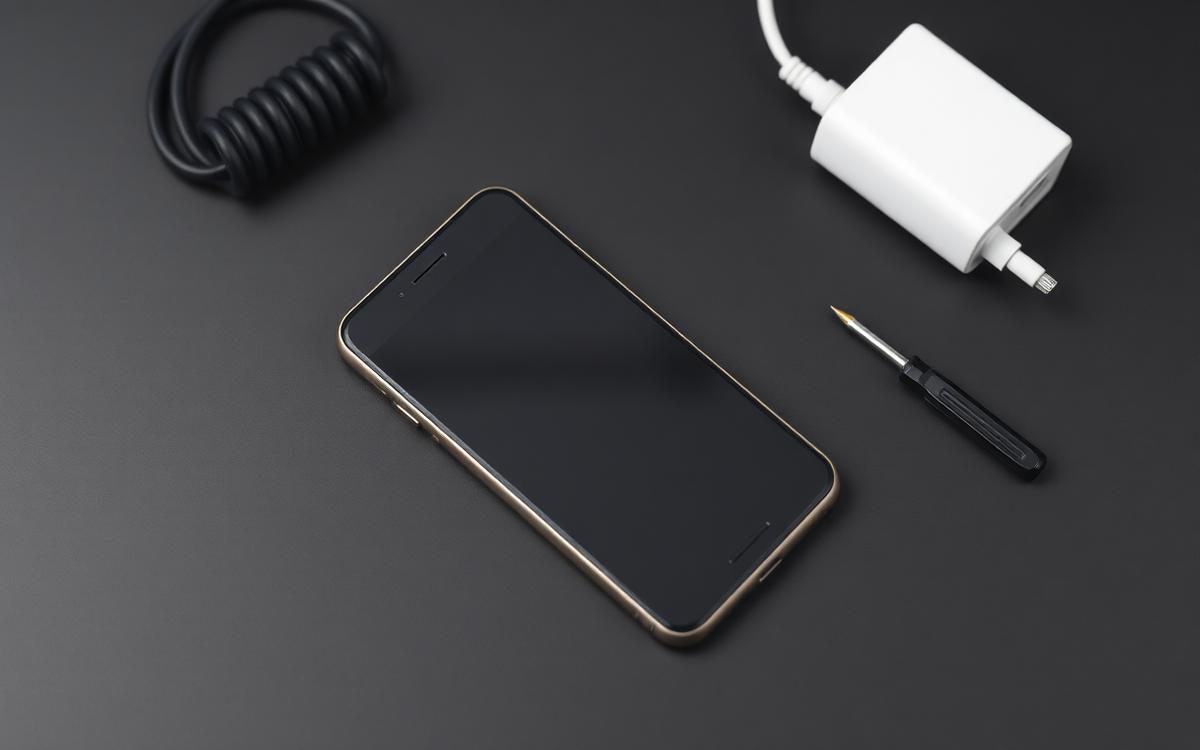
Lithium-ion cells lose capacity and, more importantly, lose their ability to deliver peak current. When the phone asks for a burst of power and the battery cannot supply it cleanly, the system reduces processor speed to avoid an unexpected shutdown. The result feels exactly like an old, slow phone.
On iPhone, check Settings, Battery, then Battery Health and Charging. Below 80 percent maximum capacity, performance management may be active. On Android, use a reputable battery diagnostic app to estimate health, or check the built-in battery information if your manufacturer exposes it.
A replacement battery typically costs a small fraction of a new phone and often restores full speed instantly. It is the best value repair in consumer electronics.
Step 4: stop apps running in the background
Every app that refreshes in the background consumes memory and processor cycles that your foreground app wanted. Social, shopping and news apps are the worst offenders.
- iPhone: Settings, General, Background App Refresh. Turn it off for anything that does not genuinely need live data.
- Android: Settings, Apps, then per app, restrict background data and battery usage.
- Location: switch permissions from Always to While Using. Constant GPS polling is both a battery and a performance tax.
- Widgets: each live widget is a small recurring job. Remove the ones you never read.
Step 5: replace heavy apps with web versions
Large social apps can each hold well over a gigabyte of memory. On a phone with 4GB of RAM, two of them running is enough to force the system to kill and reload whatever else you open, which is why switching between apps triggers constant reloads.
Open the same services in your browser and save them to the home screen as a web app. You lose a few notification features and gain a phone that stops thrashing.
Step 6: clean the software layer
- Update the OS, but check forums first if your device is several generations old, since some updates run poorly on ageing hardware.
- Clear the browser cache. Years of accumulated web data slows page loads noticeably.
- Uninstall rather than disable. Disabled apps still occupy storage.
- Remove cleaner and booster apps. They run constantly, show ads and provide no measurable benefit on modern operating systems.
- Reduce your home screen. Live wallpapers and animated icon packs cost real GPU time on old chips.
Step 7: the factory reset, done properly
If the phone is still slow after all of the above, a clean reset removes years of orphaned files and broken caches. The important part is what you do afterwards.
- Back up photos, messages and documents to cloud storage or a computer.
- Note your two-factor authentication apps and move them to the new setup before wiping.
- Reset the device from Settings.
- Set up as new rather than restoring a full backup. Restoring a clone brings the clutter back with it.
- Reinstall only the apps you used in the last month. Add others only when you miss them.
When it really is time to replace the phone
There are limits. If the manufacturer has stopped issuing security patches, if the battery swells or the phone gets hot doing nothing, if essential apps refuse to install because the OS version is too old, or if a battery replacement has already been done and the phone still crawls, the hardware has reached the end of its useful life. Everything short of that is usually recoverable.
A ten-minute maintenance routine
Once a month, delete the videos you already backed up, clear the browser cache, review which apps have background permission, and restart the phone properly. A restart clears memory leaks that build up over weeks of uptime, and most people go months without doing it.
The bottom line
Old phones rarely slow down because the processor aged. They slow down because storage filled, the battery weakened and background apps multiplied. Fix those three, halve the animation scale, and a four-year-old handset can feel close to new for the cost of a battery.


