Quick Answer
To track your checked luggage with an Apple AirTag, you simply pair the device with your iPhone, name it after your suitcase, and tuck it securely inside your bag before heading to the airport. The AirTag uses Bluetooth signals from the global Find My network to update its location even when it is thousands of miles away from you.
I recommend placing the AirTag in a discrete interior pocket or even inside the lining of your suitcase rather than hanging it on the outside. This prevents the device from being ripped off or stolen while your bag is moving through the conveyor belts and cargo holds of the airport.
Choose the Right Placement Inside Your Bag
When I first started using AirTags for travel, I made the mistake of using a fancy keychain and hanging it on the outside of my bag. I quickly realized that the rough handling of checked luggage makes an external tag a liability. It can get caught in the mechanical sorters or be easily removed by someone with bad intentions.
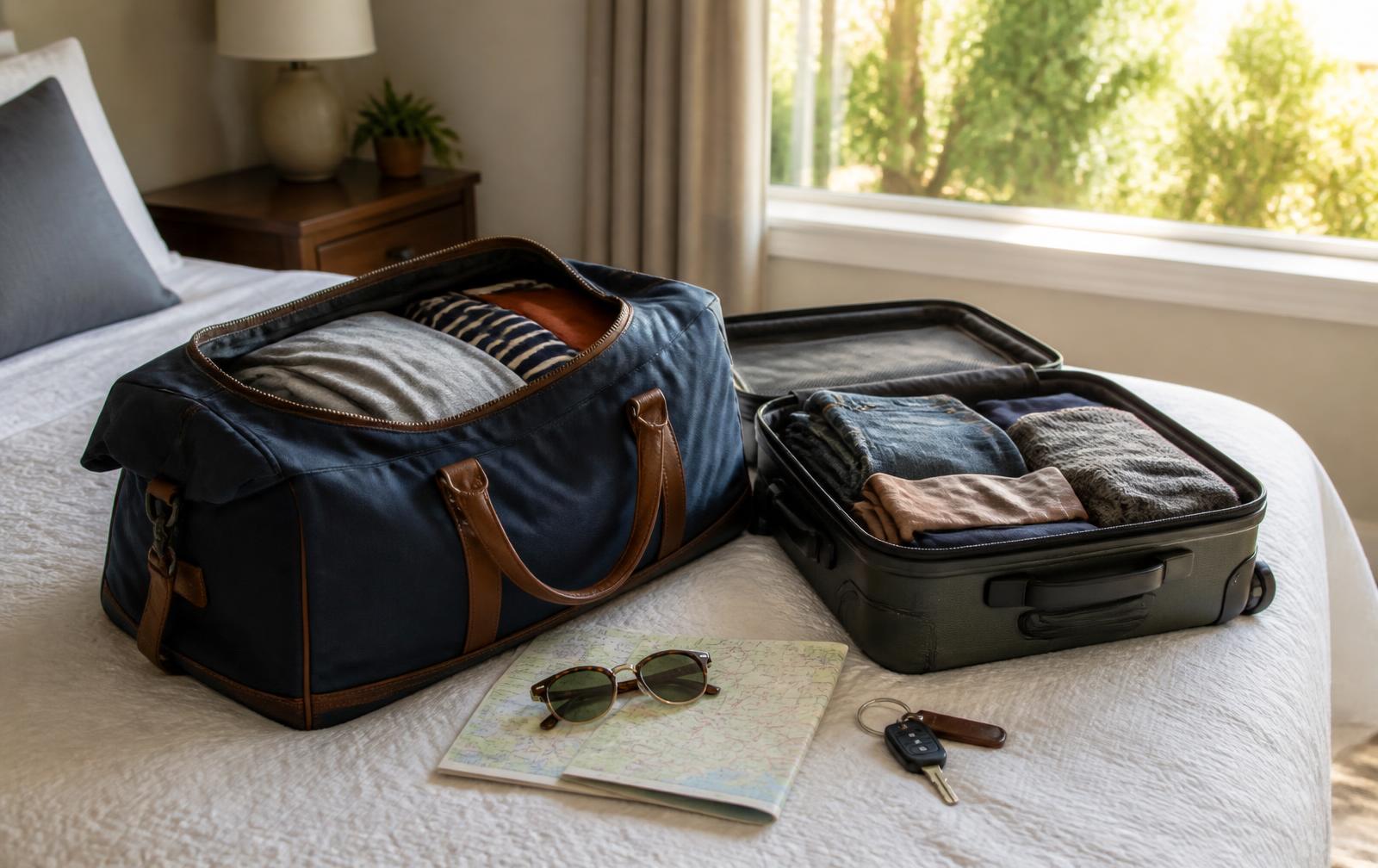
The best place for your AirTag is inside a zippered mesh compartment or a dedicated small pocket in the main body of the suitcase. Do not worry about the signal being blocked by your clothes or the plastic shell of the bag. The Bluetooth signal is strong enough to penetrate most standard suitcase materials, including hard shell polycarbonate and thick fabric.
If you want to be extra careful, you can tape the AirTag to the bottom of the suitcase lining or hide it inside a shoe. The goal is to keep it stationary and protected from impacts. I have found that placing it near the center of the bag provides the best protection from the bumps and drops that happen during the loading process.
Understanding Airline Safety Regulations
For a while, there was some confusion about whether tracking devices were allowed in checked baggage due to their lithium batteries. I can confirm that the FAA and major international aviation bodies like the TSA and EASA have cleared AirTags for use. The batteries in these devices are tiny CR2032 cells which fall well below the threshold of restricted hazardous materials.
You do not need to notify the gate agent or the check in counter that you have an AirTag in your bag. It is perfectly legal and complies with all current safety standards. These devices are designed to operate in a low energy state that does not interfere with the navigation systems of the aircraft.
While airlines like Lufthansa briefly considered banning them, they reversed that stance quickly. Today, almost every major carrier expects passengers to use these devices. In fact, many airline employees actually find it helpful if you can show them exactly where your bag is located on a map if it goes missing.
Setting Up Your AirTag for Success
Before you even leave for the airport, you need to make sure the AirTag is properly synced to your Apple ID. I always do this at home where I have a stable internet connection. Just pull the plastic tab to activate the battery, hold it near your iPhone, and follow the on screen prompts to name it something like Blue Suitcase or Checked Bag.
I suggest enabling the Notify When Left Behind feature in the Find My app settings for this specific tag. However, keep in mind that you should temporarily disable this alert once you check the bag at the counter. Otherwise, your phone will constantly ping you with alerts that you have left your bag behind while you are sitting at the gate or flying in the air.
Check the battery level in the Find My app a few days before your trip. A standard AirTag battery lasts about a year. If the icon shows a low charge, swap it out for a fresh CR2032 battery immediately. There is nothing worse than landing in a foreign country only to realize your tracker died somewhere over the Atlantic.
Tracking Your Bag at the Airport
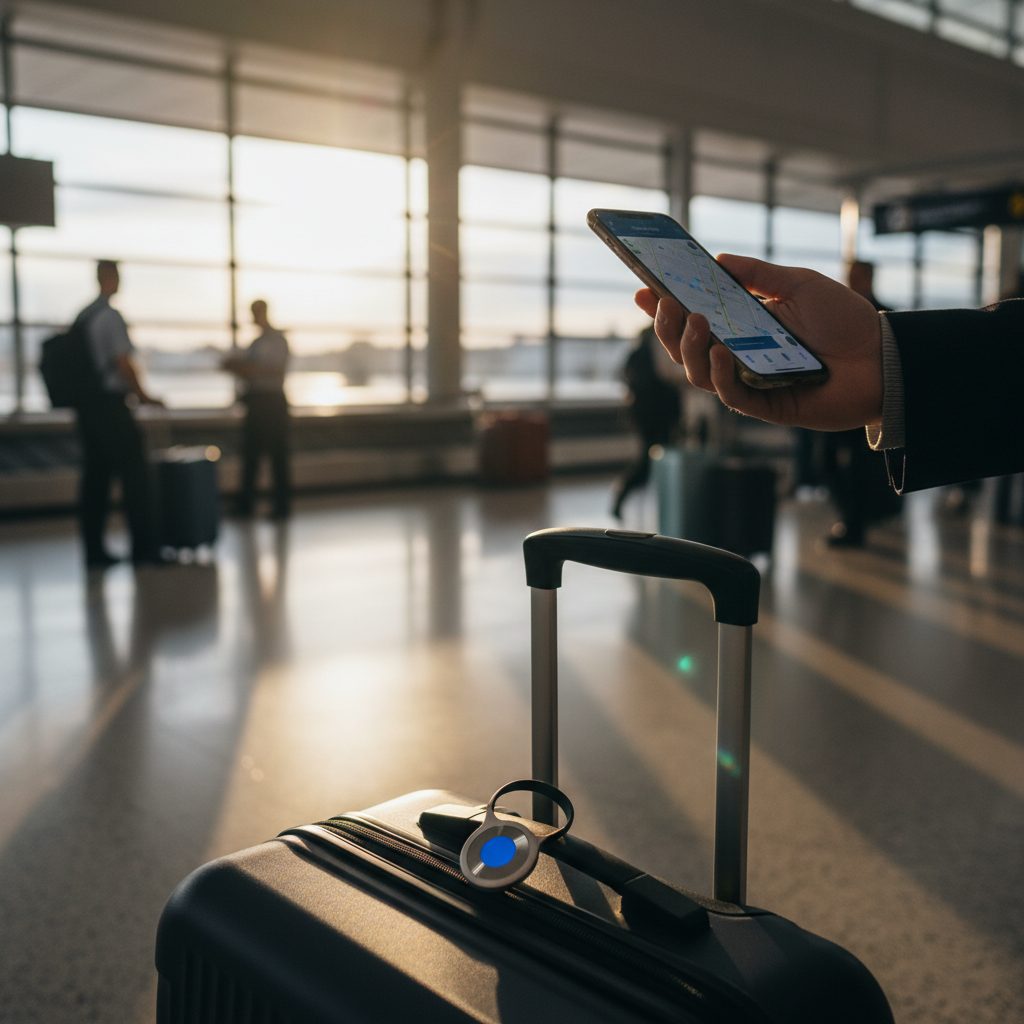
Once you drop your bag at the check in counter, the real magic happens. I usually check the Find My app as soon as I get through security. It gives me a great sense of peace to see that my bag is already moving toward the gate area or is sitting directly underneath my feet in the cargo hold while I board the plane.
Keep in mind that AirTags do not have GPS. They rely on other iPhones nearby to report their location. Because airports are crowded with people carrying iPhones, the location updates are usually very frequent. You might see a status update every few minutes as baggage handlers or other passengers walk near your suitcase.
When you land at your destination, do not panic if the location does not update the second you touch down. The bag is still in the metal hold of the plane, which can act as a shield. Once the cargo door opens and the ground crew begins unloading, you will usually see your bag pop up on the map within the airport terminal.
Using the Find My Network to Recover Lost Bags
If you arrive at the baggage carousel and your bag never appears, your AirTag becomes your most valuable tool. Instead of just filing a report and hoping for the best, you can look at the app to see where the suitcase actually is. I have had situations where the airline told me the bag was in one city, but my phone showed it was still at my departure point.
If your bag is in a different city, you can use the Share My Location feature to send a screenshot or a temporary link to the airline baggage service desk. This provides them with concrete evidence to help locate the bag in their system. It cuts through the guesswork and helps the ground staff focus their search on the right terminal or warehouse.
If the bag is at your current airport but not on the carousel, it might be in the oversized luggage area or stuck in a back room. You can use the Play Sound feature if you are within about 30 feet, though this is often hard to hear in a noisy airport. The Precision Finding feature on newer iPhones uses arrows to point you directly to the bag if you are in the same room.
Privacy and Limitations to Keep in Mind
While AirTags are amazing, they are not perfect. They require proximity to an Apple device to update. If your bag ends up in a remote corner of a warehouse where no one walks by with an iPhone, the location will not update. This is rarely an issue in major hubs, but it can happen in smaller, regional airports with less foot traffic.
Also, remember that AirTags are not meant for real time tracking of moving objects in the same way a dedicated GPS unit is. There can be a delay of several minutes between location pings. I have learned to stay patient and wait for a cluster of updates rather than obsessing over a single data point that might be slightly outdated.
Finally, be aware of the anti stalking features built into the Apple ecosystem. If someone else picks up your bag by mistake and they have an iPhone, their phone might eventually alert them that an unknown AirTag is traveling with them. This is a safety feature, but it can be confusing if a stranger is trying to be helpful and return your luggage.
Essential Tips for AirTag Users
- Always name each AirTag clearly if you are traveling with multiple bags so you do not get them confused.
- Place the AirTag away from large metal objects inside the bag, like heavy tools or metal framed toiletry kits.
- Ensure your iPhone is updated to the latest version of iOS to take advantage of the most recent Find My network improvements.
- Do not rely solely on the AirTag: still put your name and phone number on a physical tag on the outside of the bag.
- If your bag is truly lost, use the Lost Mode in the app to leave a message and contact number for whoever finds it.
Frequently Asked Questions
Does an AirTag work if I am flying internationally?
Yes, the Find My network is global and works as long as there are iPhones nearby to pick up the Bluetooth signal, regardless of what country you are in. I have used them successfully across Europe, Asia, and North America without any issues.
Will the AirTag signal interfere with the planes electronics?
No, AirTags use Bluetooth Low Energy, which is a low power signal that is safe for aircraft use and is permitted by the FAA and other international aviation authorities. You do not need to turn the device off during the flight.
Do I need to pay a monthly fee to use an AirTag?
No, there are no subscription fees or monthly costs associated with using an AirTag. Once you buy the device and the battery, the tracking service provided through the Apple Find My network is free to use forever.
What happens if the AirTag battery dies during my trip?
If the battery dies, you will no longer receive location updates until the battery is replaced. This is why I always check the battery level in the app before leaving home and carry a spare CR2032 battery in my carry on just in case.
Can I track my bag while the plane is in the air?
Generally, you cannot track the bag while the plane is at cruising altitude because there are no iPhones nearby to relay the signal and the plane is moving too fast. You will usually see the last known location at the departure airport until the plane lands and the cargo doors are opened.
Final Thoughts on Luggage Tracking
Using an AirTag has completely changed how I feel about checking bags. The anxiety of wondering if my suitcase made the connection is largely gone. Even if the airline makes a mistake, having the power to see exactly where my property is located makes the recovery process much faster and less stressful.
I suggest every traveler keep at least one AirTag in their permanent travel kit. It is a small investment for a lot of security. Just remember to hide it well, check your battery, and enjoy the peace of mind that comes with knowing your gear is safe.