Quick Answer
To clear US customs fast with Mobile Passport Control, you need to download the official MPC app from the Google Play or Apple App Store before you land. Once you arrive at a participating US airport, you submit your digital declaration form through the app to receive a QR code receipt.
You then follow the signs for the dedicated Mobile Passport Control lane, which is usually much shorter than the standard line. Show your physical passport and your digital receipt to the Customs and Border Protection officer to complete your entry in just a few minutes.
What Exactly Is Mobile Passport Control?
Mobile Passport Control, often called MPC, is a free app created by U.S. Customs and Border Protection to streamline the entry process into the United States. It allows U.S. citizens, Canadian B1 or B2 visitors, and Lawful Permanent Residents to bypass the traditional paper forms and long lines at the primary inspection area.
I have found that this is one of the best kept secrets in travel because many people think you have to pay for a fast lane. Unlike Global Entry, which requires a background check and a fee, MPC is accessible to anyone with a compatible smartphone and a valid passport. It digitizes the administrative portion of your arrival so the officer can focus on your identity verification.
The app creates a secure profile for you and your family members traveling together. Instead of standing at a kiosk or filling out a card by hand, you do everything on your phone while the plane is taxing to the gate. It is efficient, paperless, and significantly faster than the standard immigration process.
How to Set Up the App Before You Fly
I always recommend setting up the app well before your flight departs. You can download the Mobile Passport Control app at home while you have a stable internet connection. Once it is installed, you will need to create a profile by scanning your passport or entering your information manually.
You can add multiple people to one submission if they are all members of your immediate household. This is a huge time saver for families. The app will store your passport details securely so you do not have to re-enter them every time you travel, though you will need to take a fresh selfie for every arrival.
Check for updates to the app a day before your return trip. The CBP frequently updates the software to add new airports or fix bugs. Having the latest version ensures that your QR code generates correctly when you finally land on US soil.
The Step by Step Process at the Airport
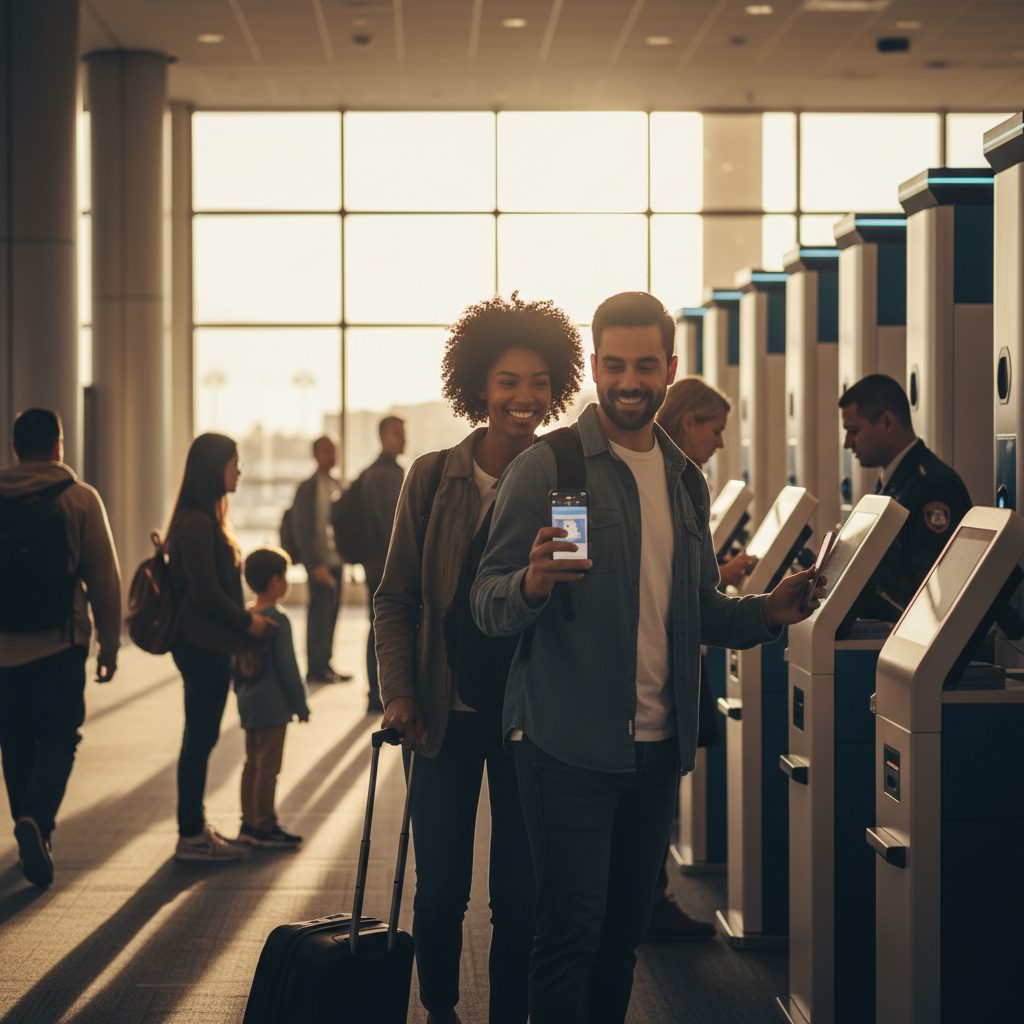
When your plane lands and you regain cell service or connect to the airport Wi-Fi, open the app. You will select your arrival airport and terminal from a dropdown menu. The app will then ask you to answer a few standard customs declaration questions about what you are bringing into the country.
After you answer the questions, you will take a quick photo of yourself within the app. Do not worry about it being a professional portrait, but make sure your face is clear and you are not wearing sunglasses or a hat. Once you hit submit, the app generates a digital receipt that contains a specialized QR code.
This receipt is valid for four hours. As you walk toward the immigration hall, look for the signage that specifically says Mobile Passport Control or MPC. Head directly into that lane. When it is your turn, you simply show the officer your physical passport and let them scan the QR code from your phone screen.
Which Airports Currently Support MPC?
The number of locations accepting Mobile Passport Control has grown significantly over the last few years. You can use it at most major international hubs in the United States and even at several Preclearance locations in other countries. Here are some of the major participating airports:
- Hartsfield Jackson Atlanta International Airport (ATL)
- John F. Kennedy International Airport (JFK) and Newark Liberty (EWR)
- Los Angeles International Airport (LAX) and San Francisco (SFO)
- Chicago O Hare International (ORD)
- Dallas/Fort Worth International (DFW)
- Miami International Airport (MIA) and Orlando (MCO)
- Seattle Tacoma International (SEA)
I have also used it at Preclearance sites in Canada and the Caribbean. If you are flying back from Vancouver, Toronto, or Dublin, you can often use the MPC app before you even board your plane to the US. This means when you land at your domestic destination, you just grab your bags and walk out like a domestic passenger.
Mobile Passport Control vs Global Entry
People often ask me if they should bother with Global Entry if MPC is free. The answer depends on how often you travel. Global Entry is a paid program that includes TSA PreCheck and gives you access to automated kiosks. It is generally the fastest possible way to enter the country, but it requires an interview and a background check.
MPC is excellent for occasional travelers or those who do not want to pay the application fee for Global Entry. While Global Entry users have their own dedicated kiosks, MPC users have a dedicated lane to see an officer. In my experience, the MPC line is often just as short as the Global Entry line, especially at smaller terminals.
One downside of MPC compared to Global Entry is that MPC does not give you any benefits for the security screening line. If you want to keep your shoes on and leave your laptop in your bag when you depart, you still need TSA PreCheck. If you only care about clearing customs quickly on the way back, MPC is a perfect, free substitute.
Tips for a Smooth Experience
I have learned a few tricks to make sure the app works every time. First, make sure your phone is charged. If your battery dies while you are waiting in line, you will have to move to the standard queue because the officer cannot scan a dead phone. I always keep a portable power bank in my carry on just in case.
Second, ensure you have a data connection when you submit your form. Some airport basements have terrible cell reception, so try to submit your form as soon as you land while the plane is still on the tarmac. If the airport Wi-Fi is spotty, your submission might hang, so using your own cellular data is usually more reliable.
Finally, keep your physical passport handy. Even though the app stores your digital data, the law still requires you to present your physical passport to the CBP officer. The app replaces the paperwork, not the legal travel document itself. Have your passport open to the photo page to speed things up even more.
Common Troubleshooting Issues
Sometimes the app might give you an error message saying that your information cannot be processed. This often happens if there is a typo in your passport number or if your photo is too dark. If this happens, do not panic. You can simply try to resubmit or, in the worst case, join the regular line and tell the officer you had a technical issue.
Another common issue is selecting the wrong terminal. For example, at JFK, different airlines use different terminals, and not all of them may have the MPC lane open at all hours. Always double check your arrival terminal against the options in the app. If you select the wrong one, the officer might not see your submission in their system.
If you are traveling with a large group that is not from the same household, you cannot submit everyone together. Each household needs their own submission. I have seen families get stuck because they tried to put cousins or friends on one profile. Keep it strictly to your immediate family to avoid delays at the booth.
Frequently Asked Questions
Does Mobile Passport Control cost any money to use?
No, the official CBP Mobile Passport Control app is completely free to download and use, and there are no hidden transaction fees for submitting your declaration.
Can I use MPC if I am not a US citizen?
You can use it if you are a U.S. citizen, a Lawful Permanent Resident, a Canadian B1 or B2 citizen visitor, or a returning traveler from a Visa Waiver Program country with an approved ESTA.
Do I still need to fill out the blue customs form?
No, the digital submission within the app replaces the old paper customs declaration forms, so you do not need to fill out any paper cards if you use MPC.
Is there a separate line for Mobile Passport Control?
Yes, participating airports have a dedicated lane marked with MPC or Mobile Passport signs that is separate from the general public and Global Entry lanes.
What happens if the MPC lane is closed?
If the dedicated lane is not open, you will have to join the regular immigration line, but you can still show your digital receipt to the officer to speed up the data entry portion of your interview.
Why You Should Use MPC on Your Next Trip
I cannot stress enough how much stress this app has saved me during peak travel seasons. Standing in a two hour line after a ten hour flight is a miserable experience. With Mobile Passport Control, I have often walked from the plane to the baggage claim in less than fifteen minutes.
Since it costs nothing and takes only a few minutes to set up, there is no reason not to have it on your phone. Even if you have Global Entry, it is a great backup to have in case the kiosks are down or the Global Entry line is unexpectedly long. It puts the power of a fast entry right in your pocket.
Next time you are heading back to the States, give it a try. As long as you have your passport, a smartphone, and the app ready to go, you will be well on your way to beating the crowds and getting home sooner. It is simple, effective, and easily the best free travel hack available today.