

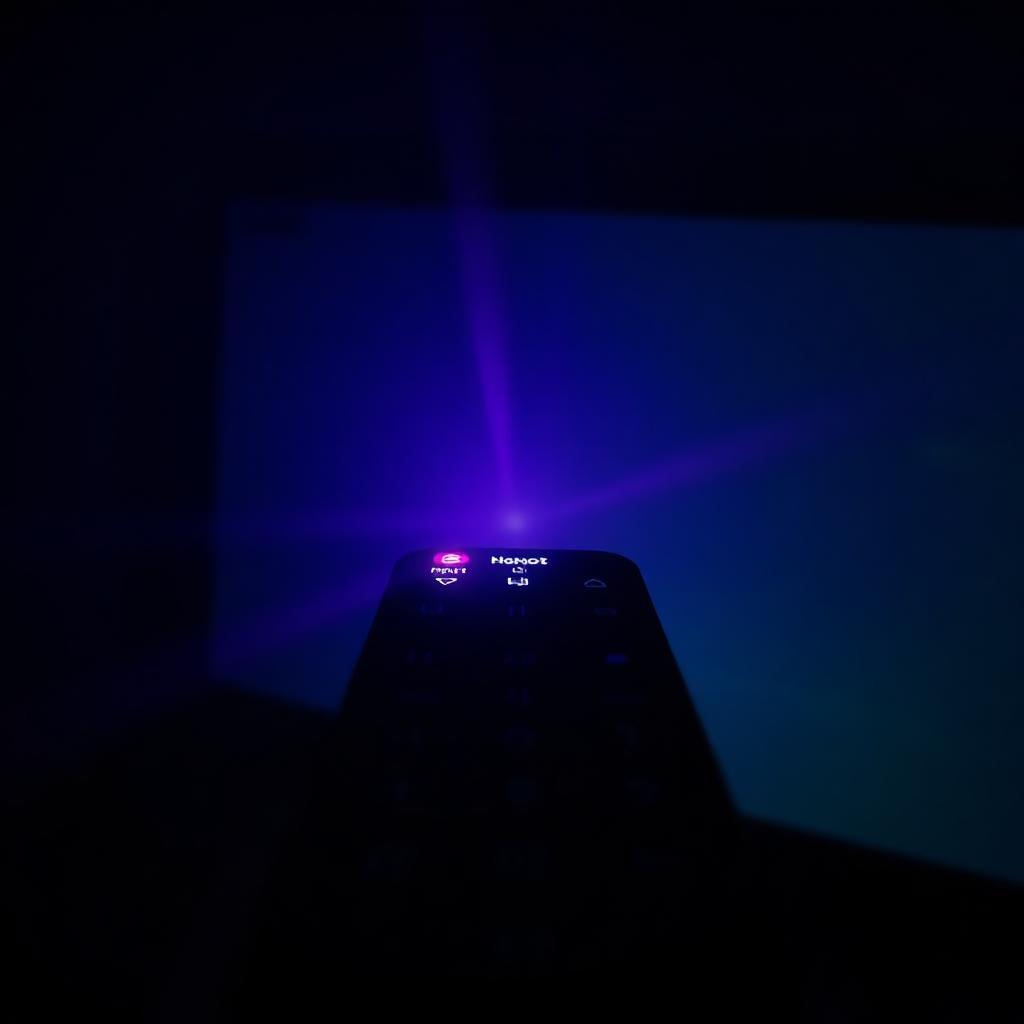
When your TV stops responding to button presses, you face a frustrating diagnostic question: is the remote broken, or has the infrared receiver in the TV failed? Because IR light sits outside the visible spectrum, you cannot just look at the LED to know. Luckily your smartphone camera makes that light visible in seconds.
Quick Answer
To check an IR remote, open the front facing camera on your phone, point the remote's LED tip at the lens from a few inches away, and press any button.
If you see a bright purple or white flash on the screen, the remote is transmitting and the fault is in the TV.
If you see no light at all, replace the batteries and try again. Still nothing means the IR LED or the chip inside the remote has failed.
Why a smartphone camera can see infrared
Digital camera sensors use silicon image chips that are inherently sensitive to near infrared wavelengths. Professional cameras add a hot mirror filter to block IR so daytime photos look natural, but most phone front cameras use a simpler filter that lets IR through. That is why the front camera works for this test and the rear camera often does not.
The step by step camera test
[OPEN CAMERA] -> [POINT REMOTE AT LENS] -> [PRESS BUTTONS] -> [LOOK FOR PURPLE FLASH]- Open the default Camera app.
- iPhone users: switch to the front facing selfie camera. Apple's rear cameras have stronger IR cut filters and may not show the flash.
- Hold the remote a few inches from the lens, LED tip pointed at the camera.
- Watch the phone screen while pressing any high frequency button like Power or Volume Up.
Interpreting the results
- Bright flashing purple or white light: the remote works. The fault is in the TV's IR receiver window or the TV's system board. Try a hard reboot by unplugging the TV from the wall for 60 seconds.
- No light at all: swap the batteries for fresh alkaline cells and retest. Still nothing means a broken solder joint or a burned out LED. Replace the remote.
- Faint or flickering glow: batteries are nearly drained. There is enough power for the LED but not enough current to reach the TV across the room.
Bonus tip: if the remote works but the TV does not
Wipe the IR sensor window on the lower bezel of the TV with a microfiber cloth (dust film blocks IR), make sure nothing is sitting on top of the bezel, and unplug the TV power cord for 60 seconds to force a cold boot of the receiver chip.
Frequently asked questions
Will the test work on a Bluetooth or Wi-Fi remote?
No. Bluetooth remotes (Apple TV, Samsung Smart Control, Roku Voice) use radio frequencies that produce no visible light. The camera test only works for traditional IR remotes.
My iPhone shows no flash with the rear camera. Is my remote broken?
Not necessarily. Newer iPhones (12 and up) have aggressive IR cut filters on the rear lens. Switch to the front selfie camera and try again.
Why does the camera show purple instead of red?
The Bayer color filter array on the sensor sees IR as a combination of red and blue, which renders as purple or magenta on screen.
The takeaway
Your phone's front camera turns an invisible diagnostic into a 30 second test. Point the remote tip at the lens, press a button, and watch for a purple flash. A flash means the remote is good and the fault is in the TV. No flash means a battery swap, or a replacement remote if fresh cells do not help.


