

Quick Answer
To reset a Hisense TV remote, pull both AAA batteries, hold the power button for 30 seconds, press every other button to clear static, then reinstall fresh alkaline batteries. To re-pair, hold Menu plus Back together on a Google TV/Android model, or press the small pairing button inside the battery bay on a Hisense Roku TV remote.
This combined hardware drain plus software handshake fixes about 90 percent of frozen, lagging, or partially working Hisense remotes without buying a replacement.
Signs your Hisense remote needs a reset
- The power button works (IR) but no menu navigation responds (Bluetooth).
- The status LED flashes rapidly but nothing happens on screen.
- Massive input lag: you press an arrow and the cursor moves 3 to 5 seconds later.
- The voice button does nothing, even right after batteries were replaced.
- Random buttons trigger the wrong action (Back acts like Home, etc.).
Method 1: Physical hardware drain
This wipes corrupt temporary memory registers inside the remote's main chip and clears static around individual key contacts.
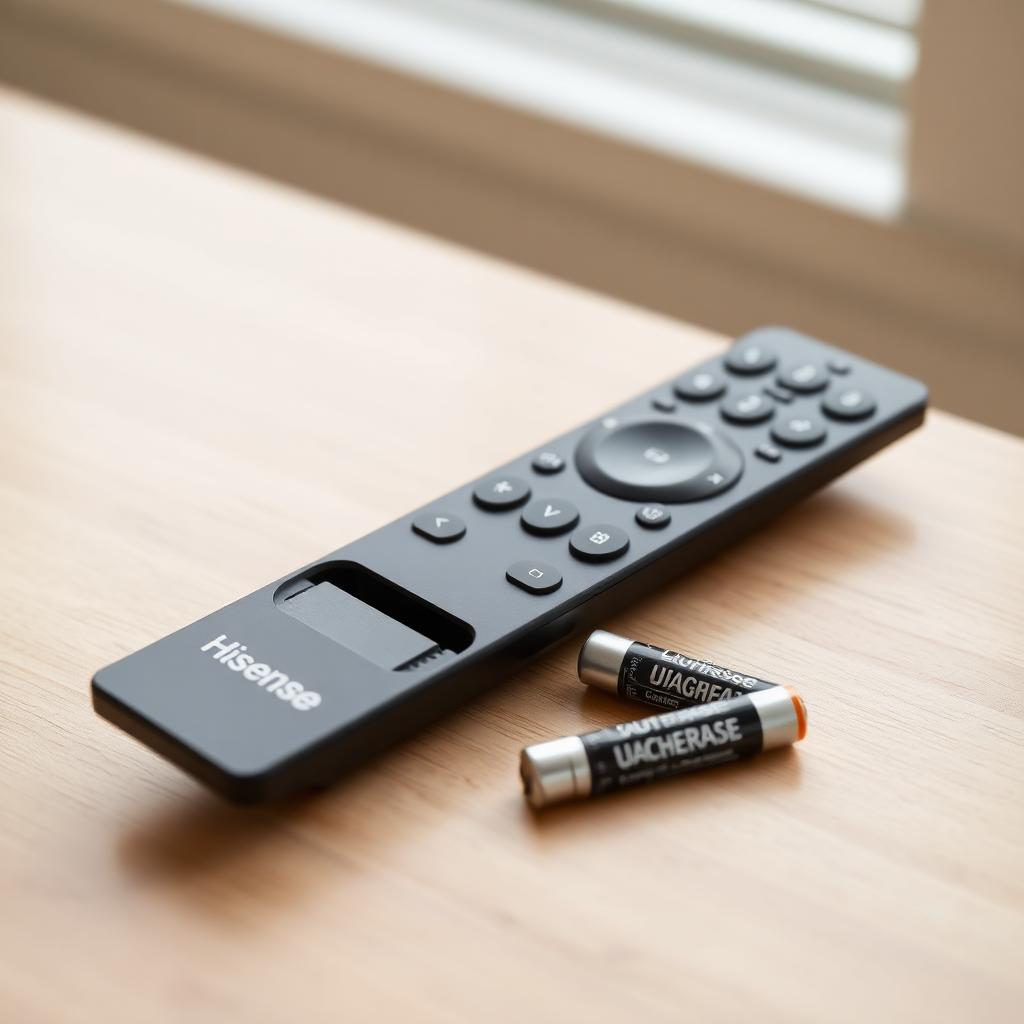
- Slide open the battery cover and remove both AAA cells.
- Press and hold the Power button for 15 to 30 full seconds.
- Press every single button on the remote sequentially. This clears static built up around the conductive rubber pads.
- Inspect the battery terminals. White chalky film or green crust means battery leakage. Clean with a cotton swab dipped in white vinegar or isopropyl alcohol.
- Install a matched pair of brand new alkaline batteries (do not mix old and new).
Test basic navigation. If the remote still misbehaves, move to method 2.
Method 2: System specific Bluetooth re-pairing
Hisense ships TVs with several different smart platforms. Pick the workflow that matches the menu on your TV.
Hisense Android TV / Google TV remotes
- Turn on the TV with the physical power button on the bottom of the panel.
- Locate the Menu button (square or three lines) and the Back button on the remote.
- Stand within 3 feet of the screen.
- Press and hold Menu plus Back together until the indicator LED pulses or turns solid.
- Wait for the on screen confirmation message that the remote is paired.
Hisense Roku TV remotes
- Unplug the TV power cord from the wall for 60 seconds to clear the system cache.
- Plug the TV back in and turn it on.
- Open the battery door on the remote. A small circular pairing button sits near the bottom or under the battery slot.
- Press and hold the pairing button for 5 seconds until the front LED starts flashing.
- Wait for the on screen pairing dialog to confirm.
Hisense VIDAA remotes
Most VIDAA remotes are IR only. If a VIDAA remote stops responding entirely, the fix is almost always batteries or a cleaning of the IR window at the top of the remote. There is no BLE pairing to perform.
If the remote still drops the link
A Hisense remote that unpairs every couple of days usually has a firmware issue on the TV, not the remote.
- Go to Settings, System, System Update and check for an over the air patch. Hisense fixed a known BLE stack crash during sleep cycles on 2021 to 2023 Android models.
- If the TV refuses to update, try the Hisense RemoteNOW app on iOS or Android. It connects over your home Wi-Fi and lets you operate the TV long enough to push a manual firmware update.
- Disable HDMI CEC (Anynet, Bravia Sync, etc.) temporarily. CEC chatter from a soundbar or game console can confuse the Bluetooth scheduler.
Common causes of repeat failures
- Cheap batteries: Zinc carbon AAAs cannot deliver the peak current the BLE radio needs. Always use alkaline or lithium.
- Spilled liquid: Even a small drop of soda or coffee under the rubber keypad will corrode the carbon traces. Open the remote and clean with isopropyl alcohol if you suspect a spill.
- Wi-Fi router proximity: A 2.4 GHz router sitting on top of the TV will jam the BLE pairing channel. Move it 5 feet away.
When a replacement makes sense
Genuine Hisense replacement remotes run $15 to $30 on Amazon. Check the model number printed inside the battery bay (ER-22641HS, EN3A32, etc.) and match it exactly. Universal "fits all Hisense" remotes work for power, volume, and channel but usually lose voice and smart hub functions.
Frequently asked questions
How can I tell which smart platform my Hisense TV runs?
The home screen layout is the easiest clue. A green grass background with a colorful tile grid is VIDAA. The "For You" carousel with Google account integration is Google TV. The purple themed grid of streaming tiles is Roku TV. The pairing procedure depends on which one you see.
My Hisense remote works but the voice button does nothing. Why?
Voice usually fails for one of three reasons: the TV is not connected to the internet (voice depends on a cloud service for speech to text), the microphone permissions are turned off in Settings, or the remote needs to be re-paired so the dedicated voice channel is reestablished. Re-pair first, then check the network.
Will a universal remote work with a Hisense Roku TV?
Yes for power, volume, and channel via IR. No for navigation, voice, or smart hub. The proper fix is a Hisense Roku certified replacement remote, which costs $15 to $25 online.
Why does the remote unpair every time the TV sleeps?
A firmware bug on 2021 to 2023 Android Hisense models crashed the Bluetooth stack during sleep. Force a firmware update via Settings, System, System Update, or use the RemoteNOW app to control the TV long enough to push the patch.
Can I clean the rubber buttons safely?
Yes. Open the remote, remove the rubber keypad, and wash it with warm water and mild dish soap. Dry fully before reassembly. Do not use isopropyl on the rubber itself, only on the metal contacts.
The takeaway
Reset any Hisense remote in two passes: drain the hardware (batteries out, 30 second power hold, mash every key) then re-pair the software (Menu plus Back for Google TV, in-bay pairing button for Roku). Fresh alkaline batteries plus distance from the router fixes the rest. If unpairing comes back every few days, update the TV firmware, that is usually the real culprit.


