

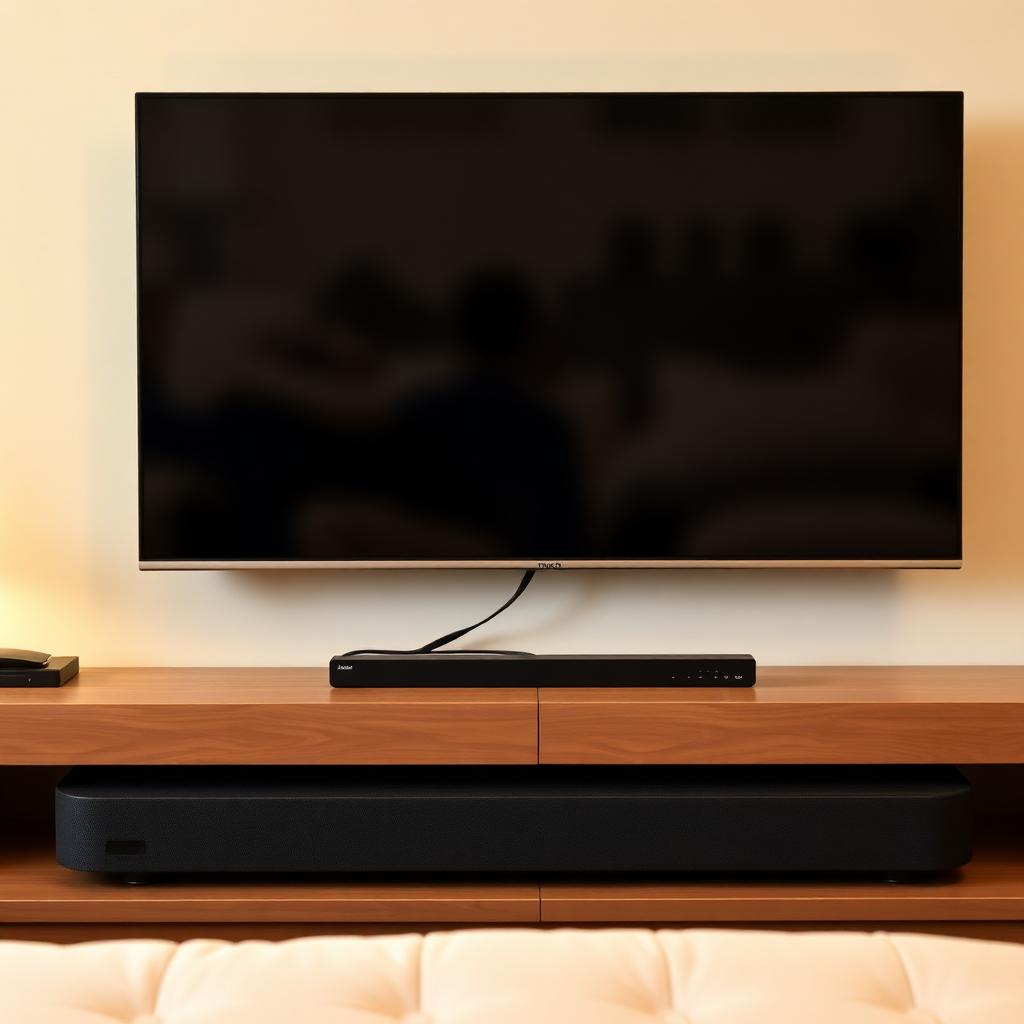
Few audio setups are messier than one remote for the TV, one for the cable box, and a third just to nudge the soundbar volume up and down. The fix is a single industry standard that has shipped in nearly every TV and soundbar built in the last decade: HDMI-CEC.
Quick Answer
To make a TV remote control your soundbar's volume, plug the soundbar into the TV's HDMI ARC (or eARC) port using a high speed HDMI cable, then enable the HDMI-CEC setting under the TV's audio or system menu.
Each TV brand uses a different marketing name for CEC: Samsung calls it Anynet+, LG calls it SimpLink, Sony calls it Bravia Sync, Vizio simply calls it CEC.
Finally set the TV audio output to External Speakers via HDMI/ARC instead of Internal TV Speakers.
How HDMI-CEC works under the hood
HDMI-CEC (Consumer Electronics Control) is a control channel built into the HDMI standard. It lets control commands travel down the same cable as video and audio. When you press Volume Up on the TV remote, the TV captures the press, then sends a CEC volume up command down the HDMI cable to the soundbar.
Step 1: use the HDMI ARC or eARC port
CEC volume control requires the Audio Return Channel. Look at the back of the TV and find the HDMI port stamped ARC or eARC. Standard HDMI ports (HDMI 1, HDMI 2 without ARC text) only accept incoming video and cannot pass control back to the soundbar. Use a high speed HDMI cable rated 18 Gbps or higher for ARC, or 48 Gbps for eARC.
Step 2: enable CEC under its brand name
+-------------------------------------------------------------+
|                HDMI-CEC BRAND NAME FINDER                   |
+-------------------------------------------------------------+
|  Samsung:   Anynet+            |  LG:        SimpLink       |
|  Sony:      Bravia Sync        |  Vizio:     CEC            |
|  Panasonic: VIERA Link         |  Philips:   EasyLink       |
|  TCL/Roku:  1-Touch Play       |  Toshiba:   Regza Link     |
+-------------------------------------------------------------+- Open the TV Settings menu.
- Navigate to System, General, or Audio depending on brand.
- Find the entry matching the table above and toggle it ON.
- Make sure the same CEC setting is enabled on the soundbar.
Step 3: route audio output
Change the TV audio output from Internal TV Speakers to Audio System via HDMI/ARC (the wording varies by brand). The TV will mute its internal speakers, hand audio to the soundbar, and forward all volume key presses through the HDMI cable.
If it still does not work
- Power cycle both devices: unplug the TV and soundbar from the wall for 60 seconds.
- Swap the HDMI cable. CEC failures are commonly caused by a cheap or damaged cable.
- Make sure no other HDMI device on the TV has CEC disabled - one bad device on the bus can confuse the chain.
Frequently asked questions
Does CEC work over optical cable?
No. Optical (TOSLINK) only carries audio. CEC requires a copper HDMI bus, so volume control over optical needs an IR repeater instead.
Will CEC work with Bluetooth soundbars?
Only if the soundbar also has an HDMI ARC input. Most Bluetooth-only soundbars do not, in which case you need a universal remote or your TV's IR learning feature.
Why does my Sony TV turn on the cable box when I power on the TV?
That is CEC 1-Touch Play doing exactly what it is designed to do: power up linked devices when the TV starts. Disable it under Bravia Sync settings if you do not want it.
The takeaway
HDMI-CEC is the cleanest way to control a soundbar with your TV remote. Plug into the HDMI ARC port, switch on Anynet+, SimpLink, Bravia Sync, or whatever your brand calls CEC, and set the TV audio output to External Audio System. From there the TV remote controls the soundbar volume, power, and mute. If it fails, swap the HDMI cable: bad cables are the number one cause of CEC weirdness.


