

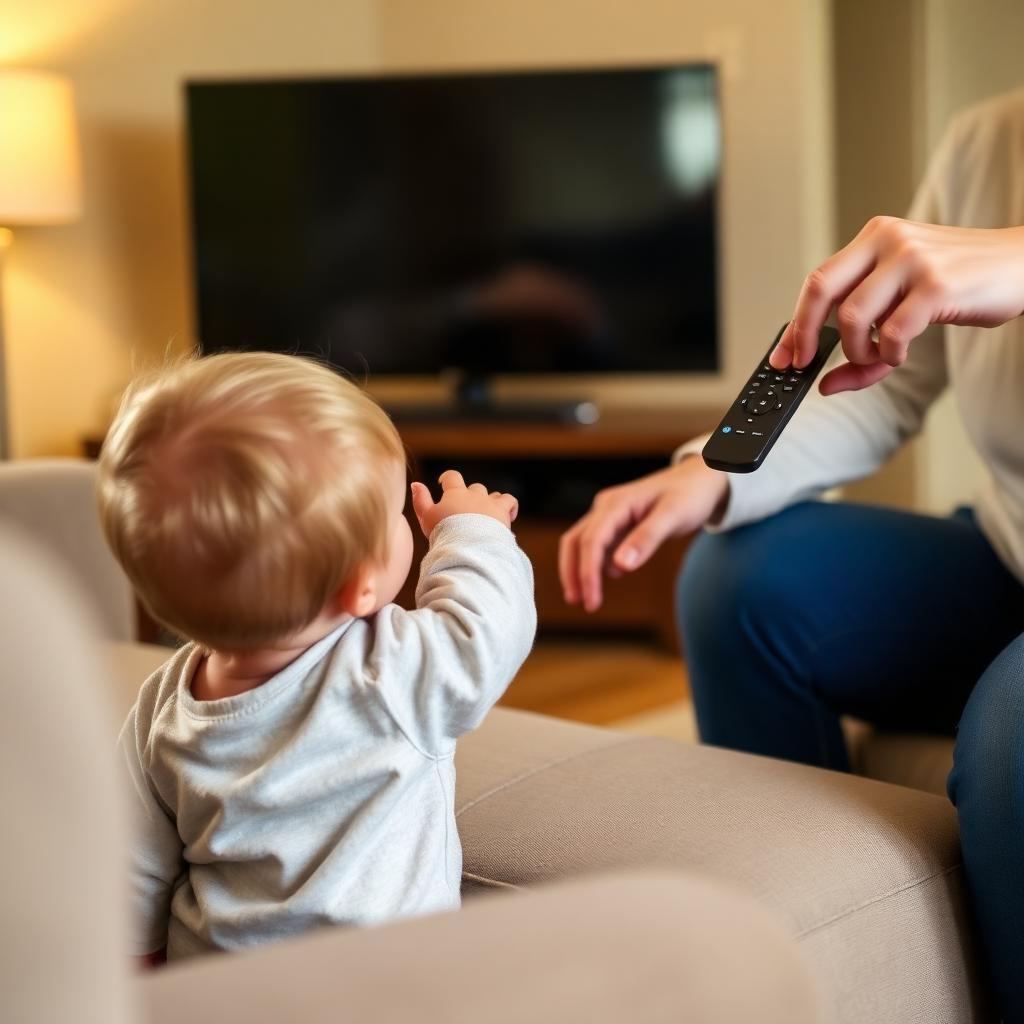
Whether you are a parent dealing with toddlers who mash every button, a caregiver managing a family member with dementia, or an Airbnb host whose guests keep deleting apps, locking down a TV remote is harder than it should be. Most retail remotes have no physical lock switch, but every major TV ships with a hidden hospitality menu that solves the problem.
Quick Answer
Almost every modern TV has a hidden Hotel Mode that disables channel changes, locks the settings menu, and caps the maximum volume.
Samsung: Mute, 1, 1, 9, Enter. LG: hold Settings for 5 seconds, type 1105. Sony: Display, 5, Volume Up, Power.
If your TV does not have Hotel Mode, set a 4 digit Parental PIN under Settings, Safety to lock the system menu and app installs.
Method 1: enable the factory Hotel Mode
Every major TV brand ships a hidden Hospitality Mode designed for hotels and care facilities. Activating it lets you block the channel keys, lock the input list, cap the volume, and even hide the settings menu entirely.
+-------------------------------------------------------------+
|                HOTEL MODE KEY COMBINATIONS                  |
+-------------------------------------------------------------+
|  Samsung: [MUTE] -> [1] -> [1] -> [9] -> [ENTER]            |
|  LG:      Hold [SETTINGS] 5 seconds, then enter 1105        |
|  Sony:    [DISPLAY] -> [5] -> [VOL UP] -> [POWER]           |
+-------------------------------------------------------------+
The exact combo varies by model year. If the code above does not work, search Hotel Mode plus your TV model number. Once inside the hidden menu, toggle Hotel Mode Operation to On and choose which buttons to disable.
Method 2: parental PIN restrictions
If your TV does not have a Hotel Mode, the parental control framework still locks down the most damaging actions.
- Open the TV Settings.
- Navigate to Safety, Security, or Parental Controls.
- Create a 4 digit PIN that only you know.
- Enable System Settings Lock and App Installation Lock.
- Anyone can still turn the TV on and watch the current channel, but altering channels, deleting apps, or changing inputs requires the PIN.
Method 3: physical hardware lock
A few practical options when software locks are not enough:
- Buy a clear plastic remote case with a flap that blocks specific buttons. These run $10 to $20 on Amazon and are popular in elder care.
- Hide the master TV remote and give kids a single button caregiver remote pre paired to the TV (Flipper, RemoteMate).
- Cover specific buttons with a small piece of electrical tape. Cheap, ugly, but effective.
Bonus: lock streaming app accounts
Hotel Mode does not stop someone from buying a $60 Apple TV movie inside an app. Inside each streaming app, set a separate PIN on purchases and profiles: Netflix Kids PIN, YouTube Kids restricted mode, Disney Plus Junior Mode, Apple TV Restrictions.
Frequently asked questions
Will Hotel Mode survive a TV power cycle?
Yes. Hotel Mode is stored in the firmware EEPROM. It persists through unplugging, factory resets, and software updates.
How do I disable Hotel Mode later?
Re enter the same hidden menu code and toggle Hotel Mode Operation to Off.
Can a kid Google the Hotel Mode code and unlock it themselves?
Possible if they are tech savvy. For maximum security, combine Hotel Mode with a 4 digit Parental PIN. They would need both to get back in.
The takeaway
Locking a TV remote without a dedicated child lock is easier than it looks. Activate the hidden Hotel Mode using the brand specific key combo, set a 4 digit Parental PIN under Settings, Safety, and add per app PINs on Netflix, YouTube Kids, and Disney. Combine the three layers and even the most curious kid (or guest) cannot accidentally wreck your TV setup.


