

Quick Answer
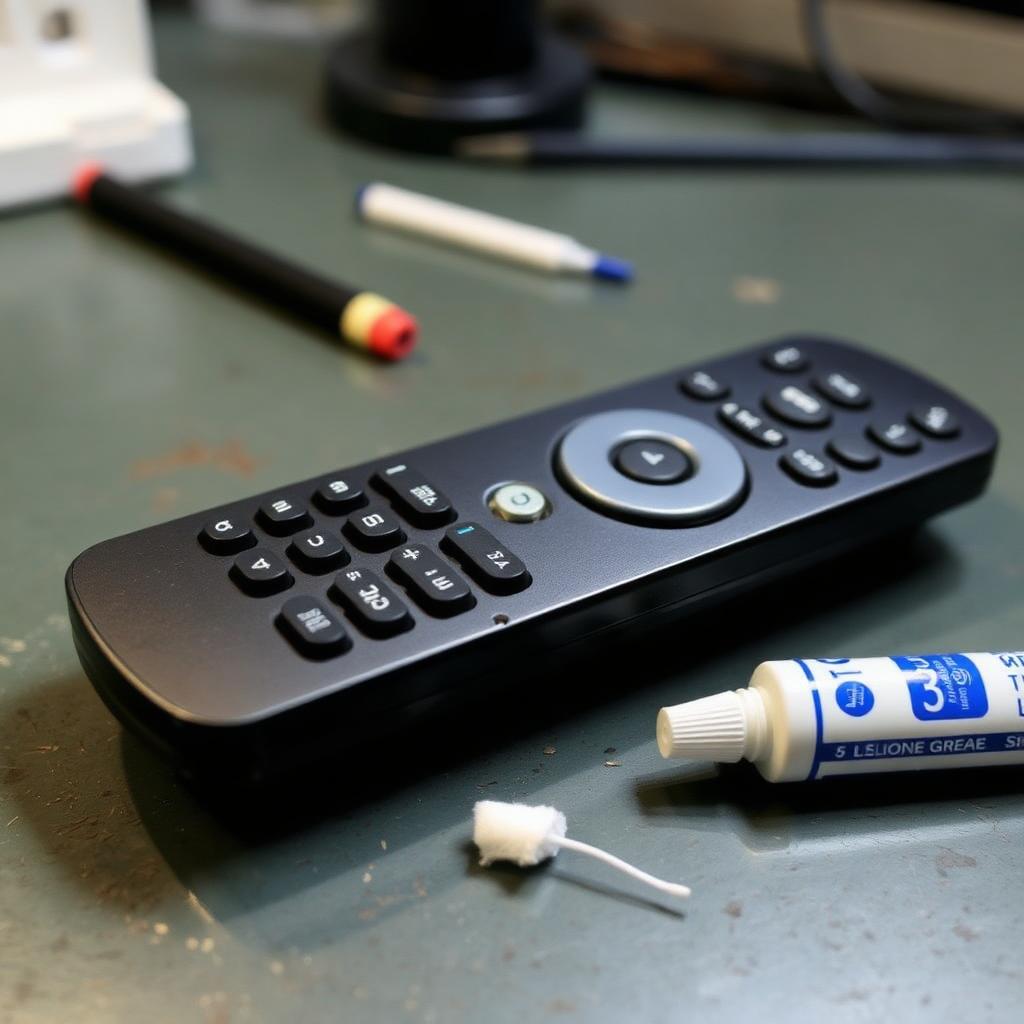
A squeaky remote button is dry rubber rubbing against the inside edge of the plastic case opening. The factory lubricant film has worn off. The fix is to open the case, remove the rubber button membrane, and apply a tiny dab of pure silicone grease or a quick burst of dry PTFE spray to the vertical edges of the plastic opening, not the rubber itself.
Do not use WD-40, cooking oil, or petroleum jelly. They will eat the silicone rubber over a few months and leave a sticky conductive residue on the circuit board.
Why buttons squeak in the first place
The button you press is part of a one piece silicone rubber sheet sitting under the plastic shell. Each button has a tall rubber skirt that slides up and down through a matching opening in the front shell. From the factory, both surfaces are coated in a thin slip layer of silicone oil.
+-------------------------------------------------------------+
|              WHERE THE SQUEAK COMES FROM                    |
+-------------------------------------------------------------+
|  Rubber button skirt  <-- friction -->  Plastic shell rim   |
+-------------------------------------------------------------+
Over years of finger oils, dust, and cleaning wipes, that slip layer wears away. The rubber starts to grab the plastic on every press, vibrate rapidly as it slips free, and produce that high pitched squeak.
Lubricants that are safe for rubber
| Lubricant | Notes |
|---|---|
| Pure silicone grease (food grade or plumber's) | Best option. Stays put, will not migrate to the PCB. |
| Dry PTFE spray (e.g. DuPont Teflon Dry) | Sprays on wet, dries to a slick film in seconds. |
| Powdered graphite | Works but messy. Reserve for keyholes, not remotes. |
Lubricants to avoid: WD-40 (multi use), 3 in 1 oil, cooking oil, petroleum jelly, lithium grease. All attack silicone rubber over weeks to months. They also leave conductive residue if any drips onto the carbon pad under the button.
Step by step
- Remove the batteries. Always step one.
- Open the case. Run a guitar pick or thin plastic spudger along the seam. Most remotes are clipped, sometimes with one or two hidden screws under the rubber feet or behind the battery cover.
- Separate the layers. You will see three parts: front shell, rubber button membrane, circuit board. Lift the rubber membrane out gently. Note which way is up so you can replace it.
- Clean the openings. Wipe the inside rim of each plastic button hole with a cotton swab dipped in isopropyl alcohol. This removes finger oils and old slip layer residue.
- Apply lubricant. If using silicone grease, put a pinhead sized dab on a cotton swab and run it around the inside vertical edge of each squeaky button hole. If using dry PTFE spray, spray onto the swab first (never directly into the case) and apply the same way.
- Reassemble. Drop the rubber membrane back in, snap the shell shut, install batteries, and click each button 10 to 20 times to spread the lubricant evenly.
The squeak should be gone immediately and stay gone for 2 to 3 years.
Special case: sticky as well as squeaky
If a button is sticking down after each press as well as squeaking, the cause is usually spilled soda, coffee, or juice that worked its way under the rubber. Sticky residue grabs the rubber skirt and adds resistance.
Before lubricating, wash the rubber membrane in warm water with a drop of dish soap, rinse it, and let it air dry for an hour. Wipe the inside of the plastic shell with isopropyl alcohol. Then lubricate as above.
What not to do
- Do not spray any lubricant directly into the assembled remote. It will run onto the circuit board.
- Do not apply lubricant to the carbon pad on the underside of each rubber button. That pad needs to make solid electrical contact with the PCB tracks.
- Do not over apply. A pinhead of grease is enough for the entire remote. More creates a dust magnet.
Frequently asked questions
Will lubricant make my buttons feel mushy?
Only if you apply too much. A thin film does not change the snap feel of the dome. A puddle does.
How long does the fix last?
Two to three years for silicone grease. About one year for dry PTFE. Reapply if the squeak returns.
Can I just lubricate the rubber instead of the plastic?
You can, but the rubber absorbs silicone over time and the slip wears off faster. Coating the plastic rim is the longer lasting fix.
The takeaway
Squeaky remote buttons are a mechanical friction issue, not a worn out remote. Open the case, wipe the openings with alcohol, apply a tiny dab of silicone grease or dry PTFE to the inside rim of each button hole, and reassemble. Avoid WD-40 and any petroleum based oil on rubber components.


