

Quick Answer
To clear all programming on a GE universal remote, hold the Setup button until the indicator LED glows solid, then enter the master reset code 9 8 1 on the numeric keypad. The LED flashes twice and turns off, confirming the factory reset.
If 9 8 1 does not work on older GE 4 device or 6 device remotes, try 9 9 0 or 9 9 1. Once the reset finishes, the remote forgets every saved code, every key remap, and every volume lock, and it is ready to be programmed from scratch.
Why a master reset is sometimes the only fix
GE universal remotes hold their saved codes in a non volatile memory chip that survives even when you pull the batteries. That is great for keeping settings through a battery swap and miserable when the memory has gone wrong. Symptoms that call for a master reset:
- The remote refuses to enter Auto Code Search even with fresh batteries.
- One device button (TV, CBL, AUD) controls the wrong device.
- Volume Lock was enabled and you cannot remember how to undo it.
- You replaced the cable box, soundbar, or TV and the old codes interfere with the new ones.
- Key remaps from Setup plus 994 left buttons in unexpected places.
The master reset code sequence
HOLD SETUP -> LED SOLID -> PRESS 9 -> PRESS 8
           -> PRESS 1   -> LED BLINKS TWICE
Step by step
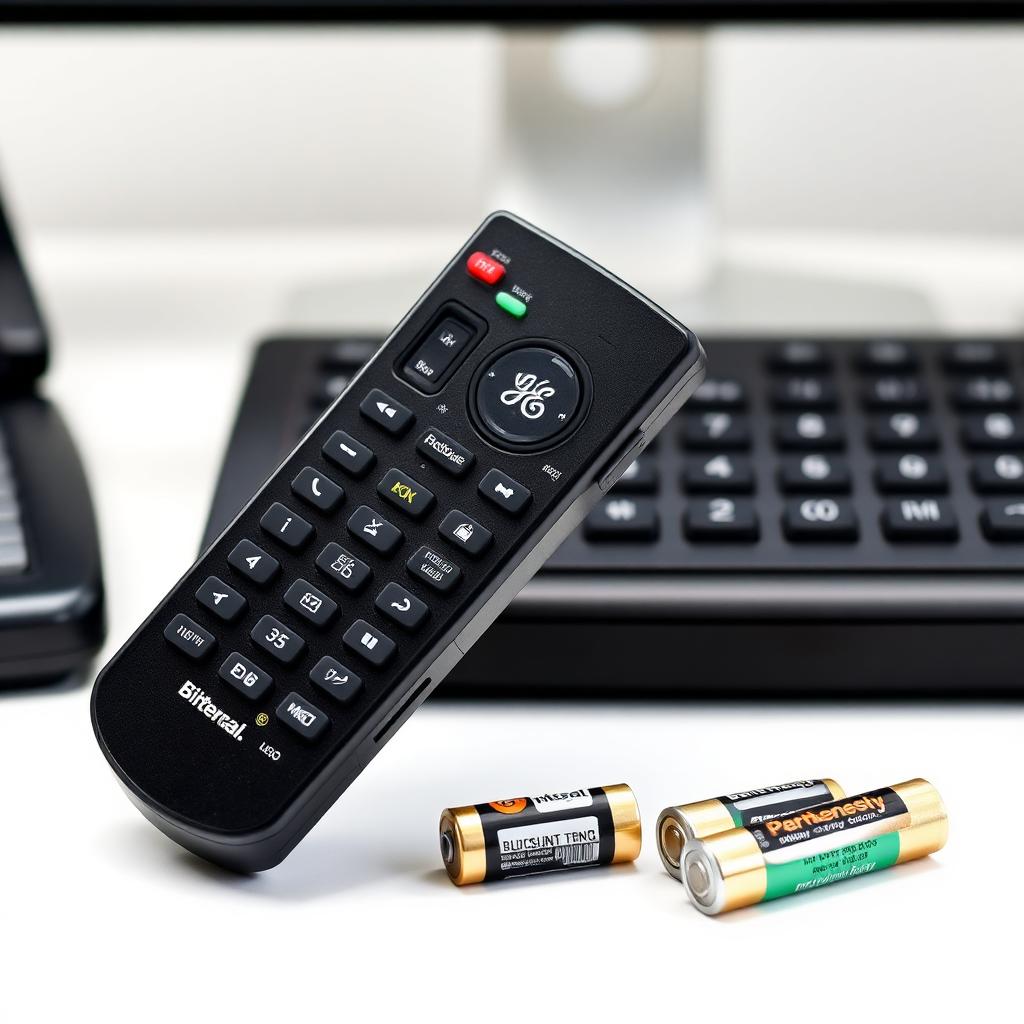
- Install fresh alkaline AAA batteries. A weak cell will let the LED light up but will not deliver enough current for the firmware to commit a memory wipe.
- Press and hold the Setup button at the top of the remote.
- Keep holding until the red or blue indicator stops blinking and stays solid bright, then release.
- Press 9, then 8, then 1 on the keypad. Type the digits steadily.
- The LED flashes twice rapidly and turns off. The reset is complete.
How to confirm the reset worked
- Point the remote at your TV and press Power. If it was previously programmed, nothing happens, the codes are gone.
- Try Auto Code Search again. The LED should turn solid immediately on a Setup hold, and the search should run cleanly through the code library.
- Check any device button (CBL, DVD, AUD). None should control any device until you reprogram them.
Reset codes for older GE remotes
Some pre 2015 GE 4 device and 6 device remotes (CL3, CL4, CL5, CL6 models) use a different master reset code. If 9 8 1 fails, try these in order:
- 9 9 0
- 9 9 1
- 9 8 2
Look for the signature double LED blink to confirm the reset committed. The exact code depends on the year and SKU printed on the back of the remote. The double blink is universal across the family.
Reprogramming after a clean reset
Once the remote is blank, set up each device:
- Turn on the target device manually.
- Hold Setup until the LED glows solid.
- Press the device key (TV, CBL, DVD, AUD).
- Pulse Power once every 2 seconds. Stop when the device turns off, then immediately press Setup to lock the code.
- Test every key. Repeat the search if Volume or Channel does not respond.
If even the master reset fails
- Dead batteries: Try a brand new matched pair of alkaline AAAs. Zinc carbon batteries cannot drive the LED and the EEPROM write at the same time.
- Stuck Setup button: Pop off the rubber Setup key and inspect the contact for sticky residue. Clean with isopropyl alcohol.
- Corrupted EEPROM: The memory chip occasionally fails. At a $10 to $20 retail price, a replacement remote is cheaper than any repair attempt.
Frequently asked questions
Will the reset erase the brand information for my devices?
Yes. After 981, the remote forgets every saved device. You will need to run Auto Code Search again for the TV, cable box, soundbar, and any other component.
How do I tell which GE remote model I have?
The model number is printed on the back of the remote or inside the battery bay (CL3, CL4, CL5, CL6, or 33709). The 4 digit master reset code depends on the family. 981 works on most 2015 and newer models. 990 and 991 are the legacy codes.
Can I do a partial reset that keeps some devices?
No. The master reset is all or nothing. If you want to clear only one device, hold Setup, press the device key, and follow the manual's clear single device instructions (usually Setup plus 9 9 2 plus device key).
Does the reset survive a battery swap?
Yes. The EEPROM keeps the reset state even with batteries removed for months. You only need to reset once.
The double LED blink never happens. What now?
Either the batteries are too weak (replace with fresh alkaline AAAs) or the Setup contact under the rubber dome is dirty. Clean with isopropyl alcohol and try again.
Preventing the need for future resets
Most accidental remappings happen when a child or pet steps on the remote during programming mode. Two habits prevent it. First, after every successful programming session, lock the keypad by holding Setup plus 9 7 5 (on most GE 8 in 1 models). This freezes the configuration until you unlock it with the same combination. Second, write your active code list on a small label and tape it inside the battery cover. When the remote breaks or batteries leak, you can reprogram in 60 seconds instead of running Auto Search again.
GE remote SKUs to know: the 33709 8 in 1 backlit model is the most popular current generation. The CL3 and CL5 are entry level 4 device units, while the CL6 and CL7 add learning capability. All four families share the 981 master reset code, so the procedure above works on every modern GE universal remote sold at Walmart, Target, or Amazon.
The takeaway
A GE universal remote's master reset is one key combo: hold Setup until the LED is solid, then type 9 8 1. The double LED blink confirms the wipe. Older models use 9 9 0 or 9 9 1. Once reset, re-run Auto Code Search to program your TV, cable box, and audio device from scratch. Fresh alkaline batteries are essential because the chip needs full voltage to commit the memory clear.


