

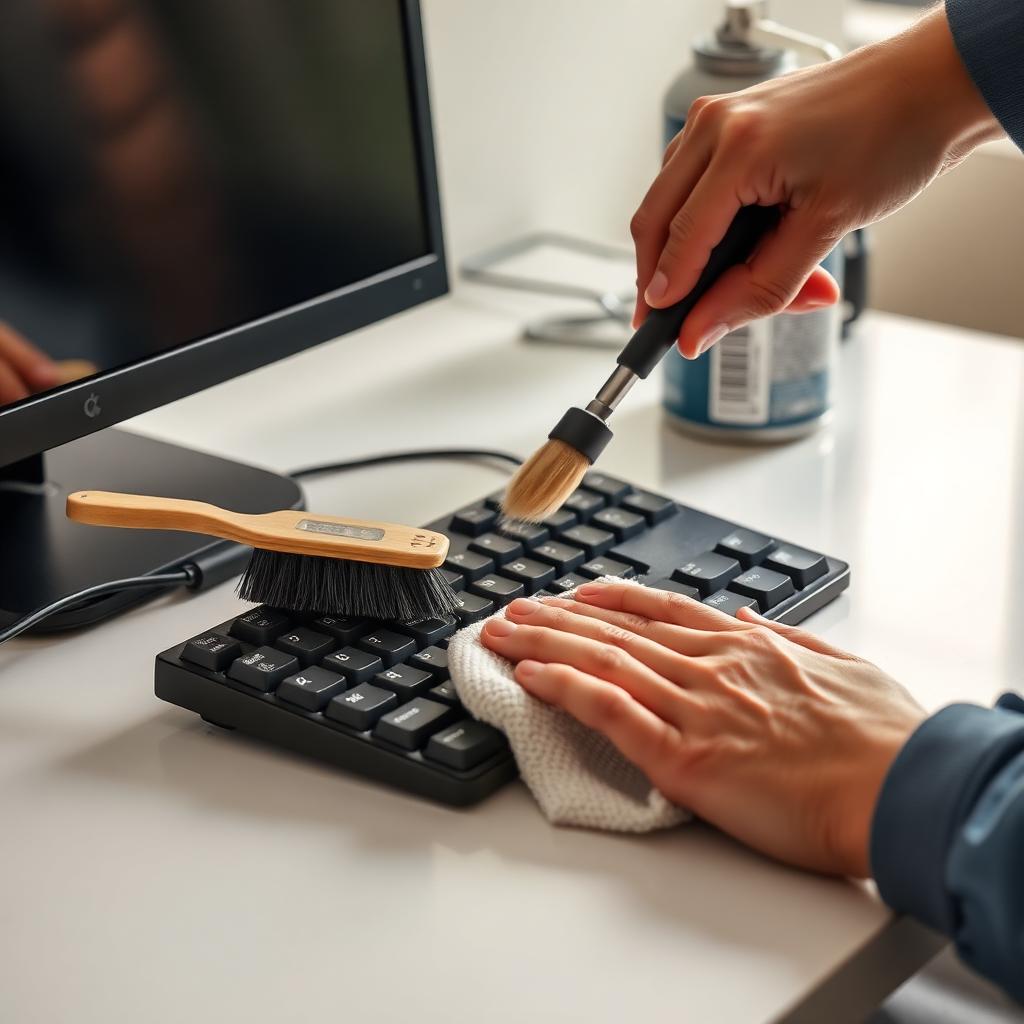
Quick Answer
Cleaning a keyboard safely means disconnecting it first, shaking out loose debris, blasting between keys with compressed air, and wiping the surfaces with isopropyl alcohol on a barely damp microfiber cloth. Never spray liquid directly onto the board and never use water.
For mechanical keyboards, you can take it further by popping the keycaps off with a wire puller and washing them in warm soapy water while the board itself gets blown out and wiped down.
A full deep clean takes 15 minutes for a membrane keyboard and about 45 minutes for a mechanical one.
What you need
- 70 percent or higher isopropyl alcohol for surfaces and switches.
- A can of compressed air for blowing out trapped particles.
- Microfiber cloths that will not scratch or leave lint.
- Cotton swabs for tight spaces around the keys.
- A wire keycap puller if you have a mechanical keyboard.
Step 1: Power down completely
Unplug a wired keyboard from the computer. For wireless models, turn off the power switch and pop out the batteries so a stray key press cannot send garbage characters into open apps or, worse, short something out when liquid is nearby.
Step 2: The gravity clear
Hold the keyboard upside down over a trash can and tap the back firmly a few times. Crumbs, hair, and dust that have collected over months will fall straight out. This step is unglamorous but it removes more debris than anything else.
Step 3: Use compressed air strategically
Hold the keyboard at about a 45 degree angle so dislodged debris can fall out instead of settling deeper inside. Use short bursts of compressed air, working across each row from left to right.
Keep the can upright at all times. Holding it sideways or upside down releases a stream of freezing liquid propellant that can damage plastic and electronics.
Step 4: Wipe the surfaces
Lightly dampen a microfiber cloth with isopropyl alcohol. It should feel barely moist, never dripping. Wipe across the top of every key, the outer frame, and the cable connection point.
Dip a cotton swab in alcohol and run it through the narrow channels between keys to lift the skin oil and grime that builds up where fingers naturally rest. This step is what removes the shiny worn patches on common keys.
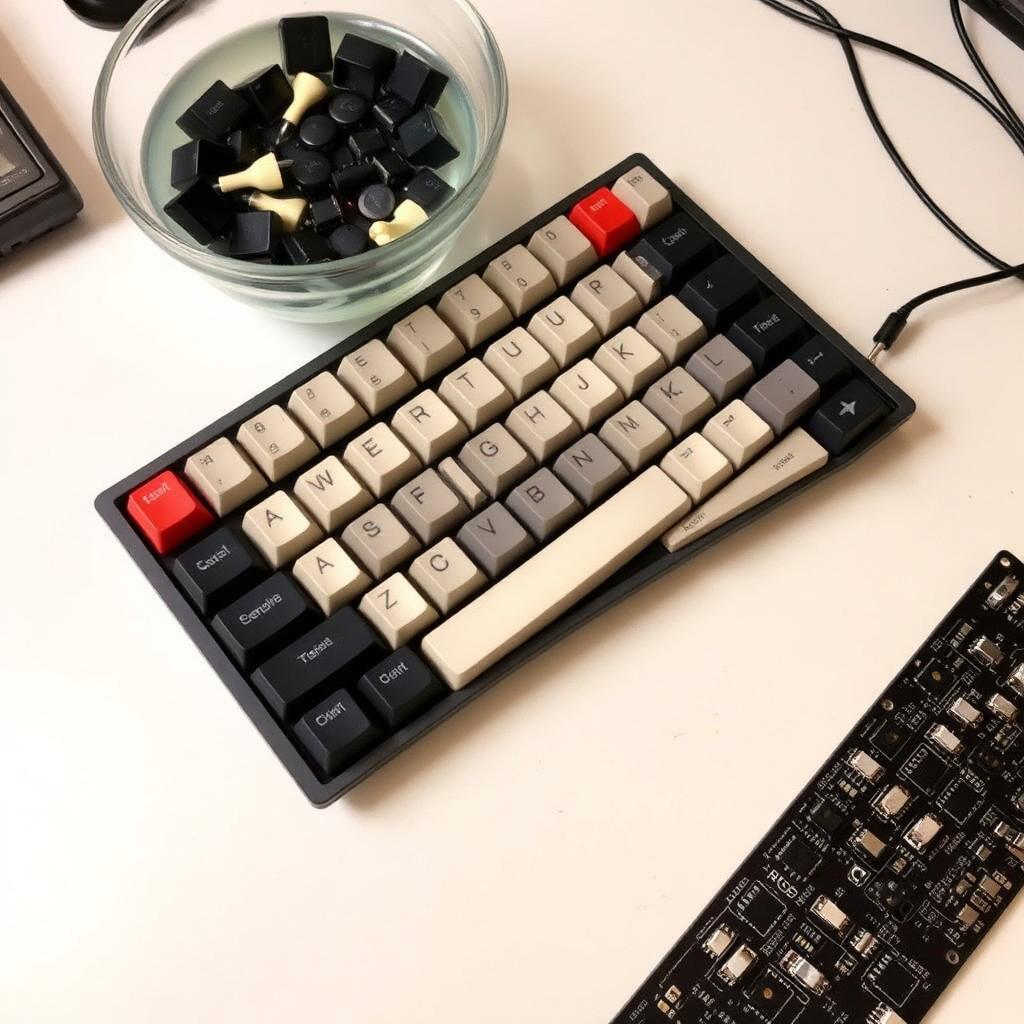
Mechanical deep clean
If your board has hot swappable or standard mechanical keycaps, take cleaning a step further:
- Photograph the layout so you know exactly where every cap belongs before pulling.
- Pull each cap straight up with a wire puller, never a flat metal lever, which can scratch the switch housing.
- Soak the caps in warm water with a drop of dish soap for 20 minutes.
- Rub gently with a soft toothbrush to clear oily fingerprints from the legends.
- Rinse and air dry on a towel for 24 full hours before reseating.
- Brush the board itself with a soft paintbrush and finish with one more pass of compressed air.
Never submerge the keyboard itself. Only the caps go in water.
How often to clean
A light surface wipe twice a week is enough to keep things sanitary if you eat at your desk. A deep clean once every two or three months is plenty for most users. Heavy snackers or anyone with pets shedding fur into the workspace should bump that to once a month.
Why isopropyl alcohol works
70 percent alcohol kills the vast majority of bacteria and viruses on contact and evaporates fast enough that it does not seep into electronics. Higher concentrations (90 or 99 percent) evaporate even faster but are slightly less effective as a disinfectant because they need water to penetrate cell walls. Either works for keyboard duty.
The takeaway
Disconnect, invert and tap, blast with compressed air, wipe with a damp microfiber, and use cotton swabs in the cracks. That five step routine handles every membrane keyboard. Add keycap soaking and a soft brush pass for mechanical boards. Done every couple of months, your keyboard stays cleaner than your kitchen counter.
Frequently asked questions
Can I put my keyboard in the dishwasher?
Some old fully mechanical boards survive a top rack rinse with no detergent and a long air dry, but modern boards with LEDs or USB hubs almost always die. Do not risk it.
Will alcohol damage the printed legends on my keycaps?
Cheap pad printed legends can fade with repeated alcohol use. Doubleshot, dye sublimated, or laser etched caps are alcohol safe.
What about disinfecting wipes?
Pre moistened alcohol wipes work for the outer surface. Wring them out first because over saturated wipes can leak liquid down the key wells.
How do I clean a laptop keyboard the same way?
Skip the keycap removal. Shut the laptop down, tilt it open, use short bursts of compressed air, then wipe with a barely damp alcohol cloth.


