

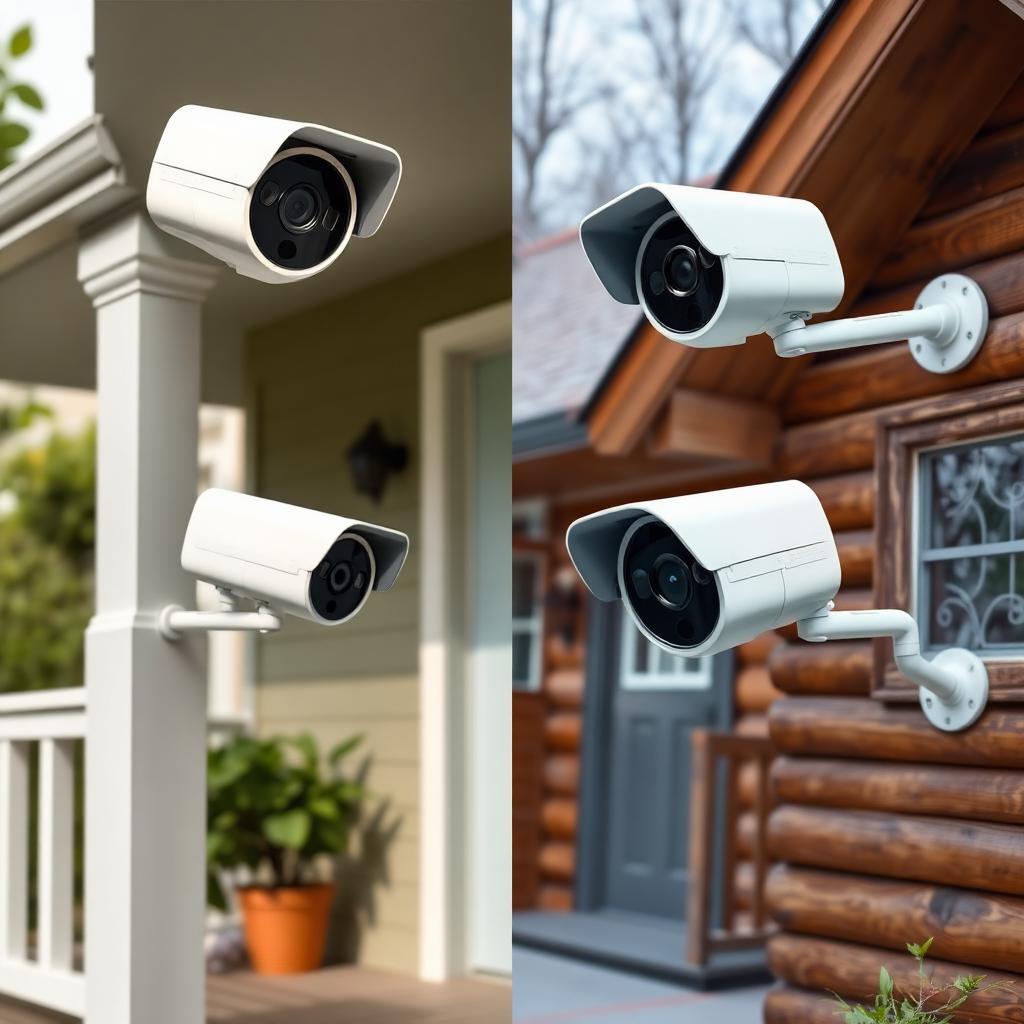
Quick Answer
Yes. A single Ring account can manage multiple physical Locations, each with its own cameras, shared users, modes, and notification rules. Locations are the core multi property feature inside the Ring app.
The catch is billing. Ring Protect subscriptions are scoped to a single Location, so a plan at your primary home does not cover cameras at your cabin or rental property. Every Location needs its own plan to unlock cloud storage.
Adding a second Location takes about two minutes during the setup of any new device.
How Locations work in the Ring app
Inside the Ring app, every physical address is a separate Location. Each Location has:
- Its own list of cameras, doorbells, alarm sensors, and smart lights.
- Its own Disarmed, Home, and Away mode rules.
- Its own Shared Users and Guest Users.
- Its own notification rules and motion zones.
- Its own Ring Protect subscription, if any.
From the main app, you switch between Locations from the dropdown at the top of the Dashboard. Everything below the dropdown reflects only the selected property.
How to add a second Location
The cleanest way to create a new Location is during the setup of the first device installed at that address.
- Open the Ring app and tap the menu icon in the top left.
- Tap Set Up a Device and pick the device type.
- When the wizard asks for an address, tap the address dropdown and pick Create a New Location.
- Enter the street address, city, state, and zip of the new property.
- Pick the time zone if it differs from your primary home.
The new Location appears in the Dashboard dropdown immediately. From that point any new device installed at the second address can be assigned to it.
What you can do across multiple Locations
The biggest practical benefits of multi Location support are not just about adding cameras at a second house. They are about how you manage them.
- Independent modes. You can run the primary home in Disarmed during the day while the cabin runs Away for the entire week.
- Per Location notification rules. Mute the rental property's front door motion alerts during the day while keeping the primary home's alerts live.
- Per Location shared users. The cleaning service can have access to the rental property without ever seeing the primary home cameras.
- Per Location guest users. Family members get event playback at the cabin without the ability to change settings.
The Ring Protect billing reality
Ring Protect is the single biggest gotcha for multi property owners. Plans never cross Locations, even at the Pro tier.
- Ring Protect Basic covers cameras at one Location for a flat monthly fee.
- Ring Protect Plus covers unlimited cameras at one Location.
- Ring Protect Pro covers Ring Alarm Pro features plus unlimited cameras at one Location.
If you have three Locations and want cloud history at each, you pay for three separate subscriptions. The plans show up as separate line items at billing and can be managed independently from Account, Manage Plans inside the app.
The exception is the original Ring Protect Plus grandfathered plan, which a small number of long term users still hold. That legacy plan also caps at a single Location.
Set up tips that save headaches later
A few practical tweaks make multi Location management much smoother.
- Name each Location clearly. "Cabin", "NYC Apartment", "Mom's House" reads cleaner in the dropdown than "Home 2".
- Use per Location shared users instead of one giant family share. Removing a single user from a single Location is much easier than untangling a multi property share later.
- Stand up Ring Protect Pro at any Location with a Ring Alarm Pro hub so the cellular backup can keep coverage running through internet outages.
- Confirm the address is right. The address determines weather data, emergency dispatch routing, and Neighbors feed scope.
What about businesses and short term rentals
Ring also sells Ring for Business, which separates account management from the consumer app and adds bulk Location management, role based access, and centralized billing. If you manage more than three or four properties, especially short term rental units, Ring for Business is the cleaner path. The consumer Locations feature works fine up to a handful of properties before the dropdown becomes unwieldy.
Real world examples that benefit most
Multi Location support is not just a convenience feature. A few common life situations get dramatically easier with it.
- Snowbirds with a primary home and a second home in a warmer climate. One account, two Locations, independent modes for each season.
- Adult children monitoring an elderly parent. Adding the parent's house as a second Location keeps the cameras visible from one app without ever logging into the parent's own account.
- Landlords running a single short term rental. The rental gets its own Location, shared with the cleaning crew, with no risk of crossing wires with the primary home cameras.
- Small business owners with a home and a storefront. The storefront becomes a Location with armed schedules tied to opening and closing hours.
In each case the magic is the per Location separation. Modes, alerts, shared users, and even branding stay contained, while the underlying account remains a single login to remember.
The takeaway
Multiple Ring cameras at different addresses run cleanly through a single account using the Locations feature. The system is built for it. Just budget for a separate Ring Protect plan per Location and name each Location clearly when you set it up. Done that way, the app handles three or four properties as easily as one.
Frequently Asked Questions
How many Locations can a single Ring account have?
There is no hard published limit. Consumer accounts handle several Locations cleanly. Property managers running more than five should look at Ring for Business.
Does Ring Protect cover all my Locations?
No. Every Location needs its own Ring Protect plan for cloud video history.
Can shared users see all Locations?
Only the Locations you explicitly add them to. Shared user permissions are scoped per Location.
Can I move a camera from one Location to another?
Yes. Tap the camera in the app, open Device Settings, General Settings, Change Location, and pick the new one. Existing event history stays with the camera.


