

Quick Answer
No. Standalone Ring cameras and doorbells cannot record or store video locally. Every clip is uploaded to Amazon Web Services and accessed through a Ring Protect subscription.
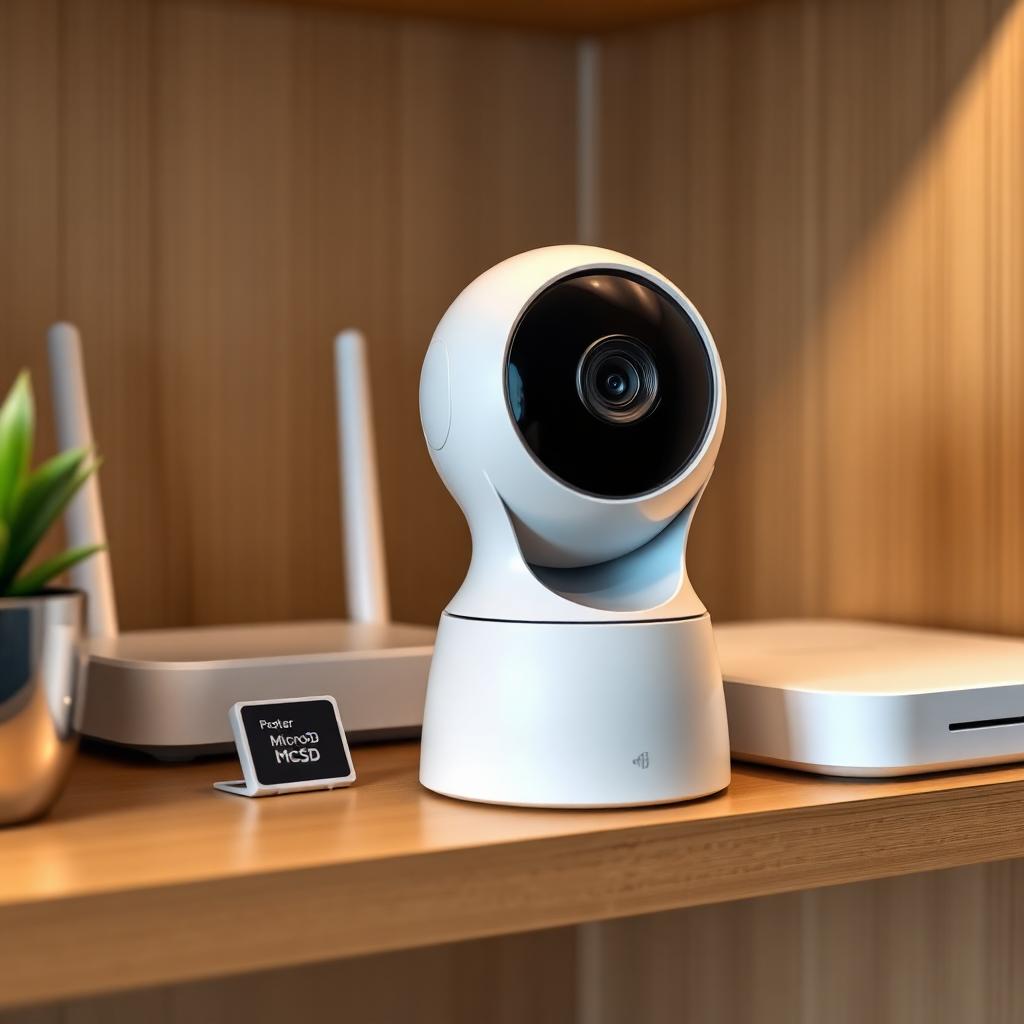
The only official local storage option is Ring Edge, which requires the Ring Alarm Pro Base Station with a microSD card and a Ring Protect Pro plan.
If you want a truly local first camera with no cloud requirement, you need a different platform such as Eufy, Reolink, or a UniFi Protect rig.
Why standard Ring has no local storage
Every Ring camera, from the Stick Up Cam to the Battery Doorbell Plus, is engineered around AWS. There is no microSD slot, no USB output, and no exposed local API. When the camera detects motion, the clip uploads to AWS in real time. If your internet is down, the clip is dropped.
This design is what enables shared family access, Neighbors feed integration, person detection, and rich event search. It is also why a working Ring Protect plan is functionally required if you want to review yesterday's footage.
What you actually get without a subscription
If you skip Ring Protect entirely, your cameras still work but only in live view mode. You can:
- Open the app and watch a live stream.
- Get push notifications when motion is detected.
- Answer your doorbell in real time.
You cannot review any past event, save a clip, or share a recording. The Event History timeline will be empty.
Ring Edge: the only local option
Ring Edge is the workaround Amazon added in 2022 for privacy conscious users and small businesses worried about cloud outages. It works only with the Ring Alarm Pro Base Station, which is a Wi Fi 6 Eero mesh router with a microSD slot on the back.
When Edge mode is enabled, video from compatible Ring cameras stays on the microSD card inside the base station instead of leaving your network. The setup is straightforward.
- Insert a microSD card of up to 512 GB into the Alarm Pro.
- Subscribe to Ring Protect Pro, which is required to unlock Edge.
- Open the app, go to the Pro Base Station settings, and enable Local Video Storage.
- Select which cameras should record locally.
Crucially, even with Edge running, you still need the Ring Protect Pro subscription, currently $20 per month in the United States, to keep the feature unlocked. There is no buy once, store forever model.
End to end encryption changes the trade off
Ring also offers end to end encryption, often shortened to E2EE. With E2EE enabled, video is encrypted on the camera and only your enrolled phone can decrypt it, even Amazon staff cannot view it.
E2EE sounds like a clean privacy upgrade, but turning it on disables several core features:
- Shared user accounts. Only the enrolled phone sees video.
- Web app and desktop app viewing.
- Alexa, Echo Show, and Fire TV integrations.
- Person and package detection.
- Pre Roll on supported doorbells.
For most families this is too much functionality to give up. For one person households worried about cloud breaches, the trade off may be worth it.
Alternatives if you want true local first
If true offline capable local recording is the priority and you are not married to Ring, three platforms deliver it out of the box.
- Eufy Security stores video on a base station hard drive with no subscription required.
- Reolink cameras include microSD slots and can write directly to a network attached storage device.
- Ubiquiti UniFi Protect is the prosumer option, with a Network Video Recorder and dedicated cameras, no cloud account required.
Each of these will pull you out of the Amazon Alexa, Sidewalk, and Neighbors ecosystem, which is part of the appeal for some buyers and a deal breaker for others.
Choosing between cloud and local
Whether cloud or local is the right call depends less on the technology and more on the threat model.
- If the priority is convenience, multi user access, and a low up front cost, Ring's cloud model is hard to beat. The monthly fee is low compared with the hardware investment of a local NVR setup.
- If the priority is data sovereignty, the Ring Alarm Pro with Edge gets you most of the way there, but the Pro plan fee never disappears.
- If the priority is offline first operation with zero subscription, look at Eufy or a UniFi Protect rig from day one. Switching ecosystems later costs more than starting on the right one.
It is also worth noting that internet outages reveal which model you really chose. A Ring system goes dark the moment Wi Fi drops. A local NVR keeps recording even if the wider internet is down for hours.
The takeaway
Ring is and remains a cloud platform. Standalone cameras do not record locally and a Ring Protect plan is functionally required to use the system as advertised. Ring Edge offers limited local storage but still demands a paid Pro plan and only works with the Alarm Pro hub. If your goal is true offline first recording, look at Eufy, Reolink, or UniFi instead.
Frequently Asked Questions
Does any Ring camera have a microSD slot?
No camera or doorbell has its own slot. Only the Ring Alarm Pro Base Station has a slot, and it stores video from connected Ring cameras when Edge mode is enabled.
How much is Ring Protect Pro in 2026?
$20 per month or $200 per year in the United States, which is what unlocks Ring Edge, cellular backup, and 180 day cloud video history.
Can I record Ring video to my own NAS?
Not officially. Some users run RTSP capture workarounds through unsupported community tools, but Ring does not publish a local API.
Is end to end encryption worth turning on?
Only if you accept losing shared access, web viewing, person detection, and most Alexa integrations.


