

Quick Answer
Yes, a Ring camera's view can be adjusted, but how depends entirely on which Ring product you own. Doorbells are adjusted with physical wedge or corner kits that change the mounting angle. Stick Up Cams, Spotlight Cams, and Floodlight Cams use a ball and socket joint that swivels by hand.
No Ring camera has motorized pan or tilt, so you cannot move the view from the app. Repositioning requires physical access to the camera.
You can, however, change what the camera responds to using Motion Zones inside the Ring app without touching the hardware.
Method 1: wedge and corner kits for doorbells
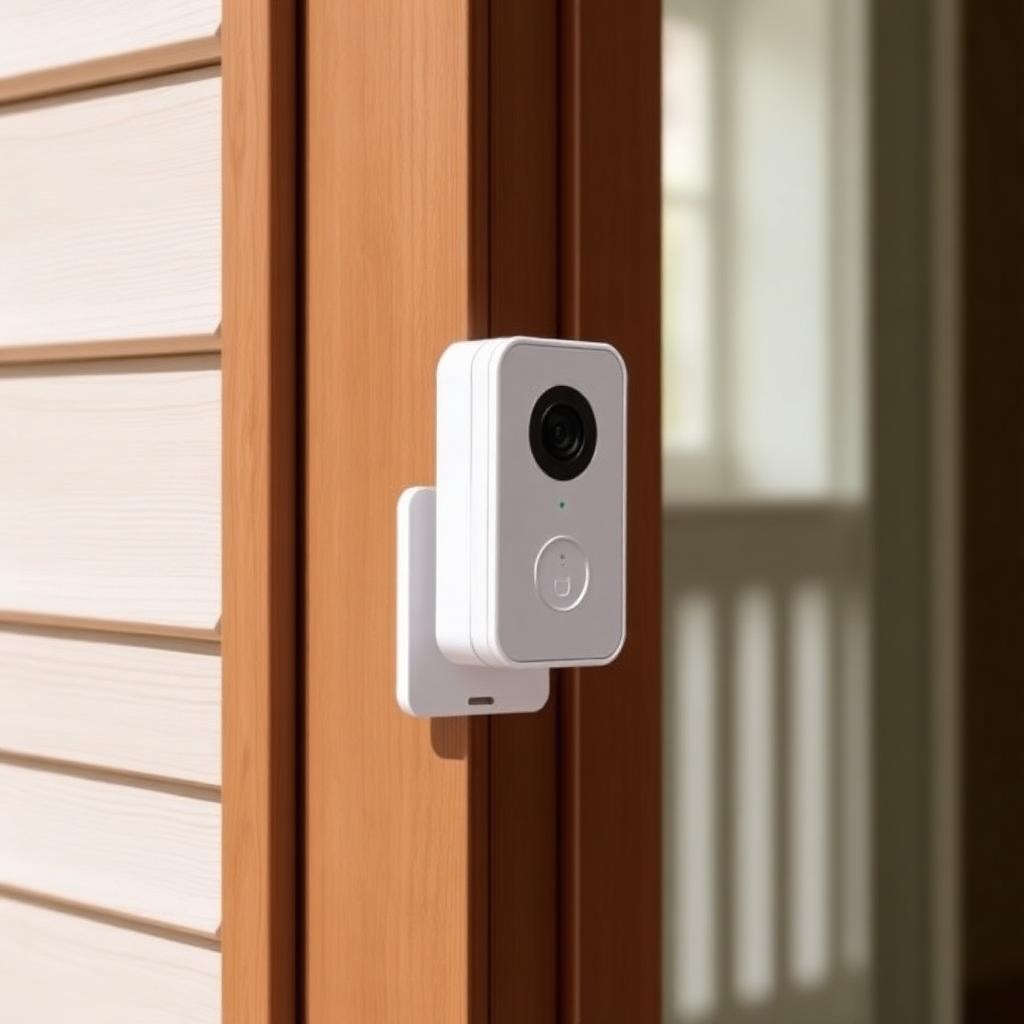
Ring doorbells screw flush against the door frame. Once mounted, you cannot pivot the camera by hand without unscrewing it. Ring sells two small plastic accessories that solve this.
Wedge kits are angled spacers that tilt the doorbell downward by 5 or 10 degrees. They are stackable, so you can combine them for up to 15 degrees of downward angle. Use a wedge kit when:
- Your front door sits at the top of a flight of steps and you want to see people climbing toward the door.
- You want to see packages on the welcome mat rather than just the visitor's chest.
- The doorbell is mounted higher than chest height and the field of view is too tilted upward.
Corner kits are horizontal wedges that angle the doorbell sideways by 15, 30, or 45 degrees. They are essential when the doorbell sits on a wall adjacent to the door rather than directly facing the approach path. Without a corner kit, you would only see the side of someone walking past instead of their face as they approach.
Both kits cost around $10 to $20 and ship in matching white, satin nickel, and venetian bronze finishes to blend with the doorbell faceplate.
Method 2: repositioning Stick Up Cam, Spotlight Cam, and Floodlight Cam
These three cameras mount on a metal arm that ends in a ball and socket joint, the same kind of joint used on car GPS mounts. Adjusting the angle takes 30 seconds and one trip up the ladder.
- Loosen the locking collar at the base of the camera body. Most use a hand tight knurled ring. The Floodlight Cam uses a hex screw that needs the included Allen key.
- Open the Ring app to live view so you can see exactly what the camera sees.
- Tilt and rotate the camera by hand until the live view frames the area you want.
- Firmly retighten the collar so wind, vibrations, and curious squirrels cannot nudge the angle over time.
For Floodlight Cam owners, also adjust the two floodlight heads independently so the camera frame is centered between the two light cones. This eliminates the harsh hot spots that ruin night recordings.
Method 3: Motion Zones inside the app
If the camera is pointed in the right direction but recording the wrong things, the fix is software not hardware. Motion Zones let you draw exclusion areas inside the camera frame so motion in those zones is ignored.
Common Motion Zone use cases:
- Excluding a busy street so passing cars do not trigger every recording.
- Excluding a tree branch that triggers false alerts on windy days.
- Excluding a neighbor's driveway to focus only on your own property.
On the Battery Doorbell Plus, Battery Doorbell Pro, and most Spotlight Cam models, you can also enable Advanced Motion Detection, which uses computer vision to ignore everything except people. This is the single most effective false alert reduction available on Ring.
What about pan tilt cameras
Ring released the Indoor Cam Pan Tilt in late 2024, which is the first true motorized model in the lineup. It rotates 360 degrees horizontally and 169 degrees vertically and can be controlled from the app or scheduled to sweep a room. If remote pan and tilt is essential to your use case, this is currently the only Ring product that delivers it.
For outdoor coverage, Ring still does not sell a motorized option. Competitors like the Eufy Solo Pro and the Reolink Argus PT do this well if remote outdoor pan is a must.
Combining hardware and software adjustments
The best framing usually comes from combining a physical angle change with a software zone refinement.
- Start by getting the lens pointed where you actually want coverage. A wedge kit or a swivel of the ball joint is always the first move.
- Then trim out everything the camera does not need to react to. A neighbor's driveway, a busy street, or a tree branch should all sit inside a motion exclusion zone.
- Finally, on supported models, turn on Advanced Motion Detection so people are prioritized over leaves, shadows, and cars.
Done in that order, you end up with a camera that records meaningful events instead of flooding the app with junk alerts.
The takeaway
Ring cameras can absolutely be adjusted, but every adjustment except the new Indoor Cam Pan Tilt requires physical access. Buy a wedge or corner kit for doorbells, loosen the ball joint for Stick Up and Spotlight Cams, and use Motion Zones to fix what the camera responds to without moving it at all.
Frequently Asked Questions
Can I tilt my Ring Doorbell down without a wedge?
No. The mounting plate is flat against the door frame. A wedge or corner kit is the only way to change the angle.
How much do Ring wedge kits cost?
Around $10 to $20 depending on color and the doorbell model.
Does the Stick Up Cam swivel?
Yes. It uses a ball and socket joint that adjusts by hand once the locking collar is loosened.
Is there a Ring camera that pans remotely?
The Indoor Cam Pan Tilt launched in 2024 is the only motorized model. All other Ring cameras require physical repositioning.


