
Quick Answer
To check a Starbucks gift card balance, go to starbucks.com/card, enter the 16-digit card number and the 8-digit security code from the back, and the balance appears instantly. You can also check inside the Starbucks app, ask a barista at any register, or call 1-800-782-7282.
All four methods are free and take under a minute.
Method 1: The starbucks.com balance page
The fastest method if you do not have the app installed:
- Open a browser and go to starbucks.com/card.
- Scroll to the Check Balance section.
- Enter the 16-digit card number printed on the back.
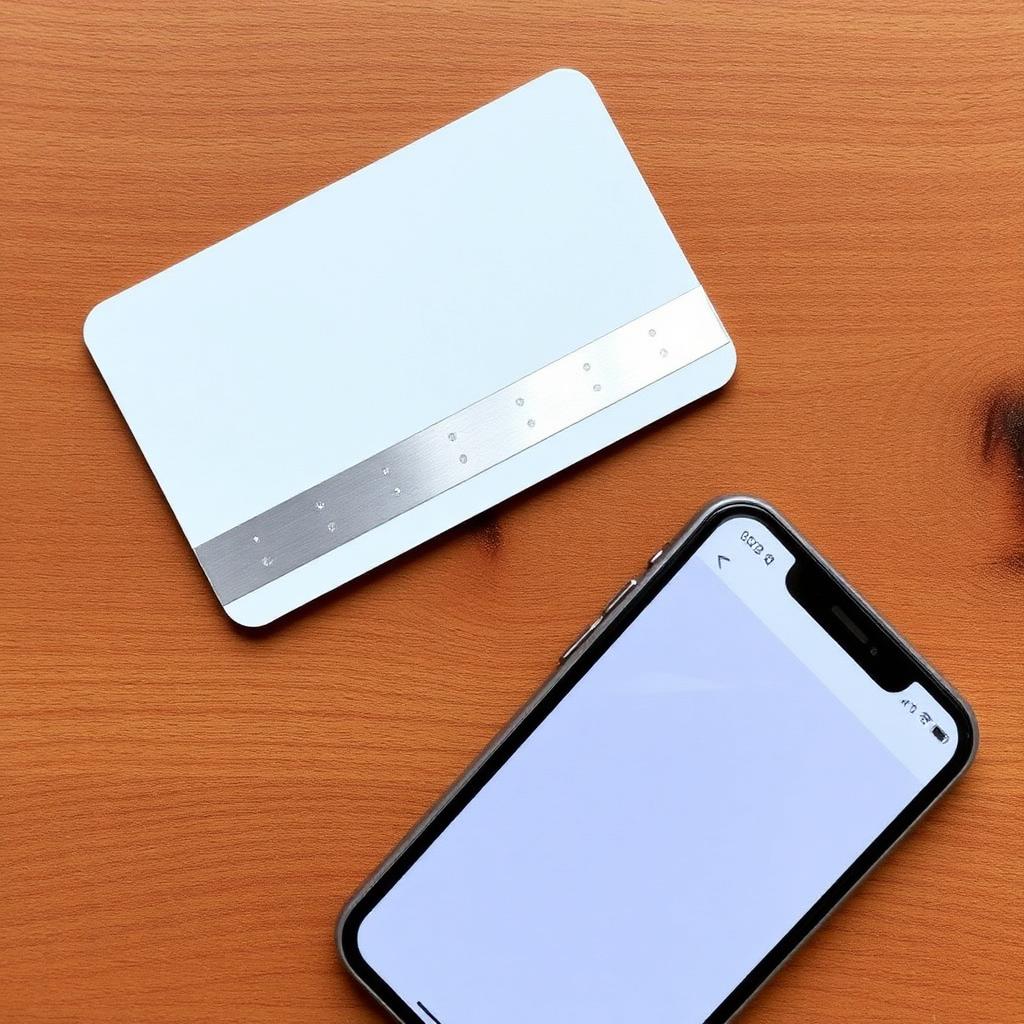
- Enter the 8-digit security code hidden under the silver scratch-off strip.
- Solve the captcha and tap Check Balance.
The current balance shows to the cent, along with the last transaction date. There is no login and no account required.
Method 2: The Starbucks mobile app
If the card is already registered to your Rewards account:
- Open the app and tap the Scan icon in the bottom navigation.
- The default card and its cash balance display at the top.
- Swipe left and right through the card carousel to see other cards you have registered.
If the card is not yet registered, tap Add Card and enter the 16-digit number plus the 8-digit security code. It joins the wallet immediately and the balance loads.
Method 3: Ask a barista at the register
Any Starbucks barista can look up a card balance. Hand the physical card over the counter (or read the number from your phone) and ask, "Can you check the balance on this card?" It takes about 15 seconds. This is the right method if the security code has worn off and you cannot use the online form.
Method 4: The customer-service phone line
Call 1-800-782-7282. This is the general Starbucks customer service number and it handles gift card balance checks. Have the 16-digit card number ready. The automated system reads the balance without needing to speak to a live agent.
What if the security code is unreadable
Silver scratch-off strips get worn down by wallets, keys, and time. If your code is a smudge:
- Go to a store and ask the barista to check via the 16-digit number alone; they can look up balances internally without the CSC.
- Or call the 1-800 line, which only asks for the 16-digit number.
Both bypass the online form, which does require the code.
What if the card was lost
If you registered the card to your Rewards account before losing it, contact Starbucks customer service and they can transfer the remaining balance onto a new digital card. If the card was never registered, the balance is gone; a physical gift card is bearer currency and Starbucks cannot recover it. Register cards to the app the day you get them.
What if the balance shows $0.00 but you have not used it
Two common causes:
- The card was accidentally scanned and redeemed by a previous holder (common with regifted cards). Nothing you can do; the balance was already spent.
- The card was purchased but not activated at the register. Bring the original receipt back to the buying store and they can activate it, since the funds were paid.
Consolidating balances
If you have accumulated three or four low-balance cards in a drawer, register all of them to your Rewards account, then tap Transfer Balance in the app to sweep every card into one primary card. This makes future checks trivial and stops small residual balances from sitting unused.
What to do with a low residual balance
If a card shows only 63 cents or $1.20 left, do not throw it out. Register it in the app and use Transfer Balance to sweep the residual onto your primary card. Every cent adds to your app-loaded balance, which earns 2 Stars per dollar. Even a $0.75 residual is worth 1 Star; multiplied across ten stray cards from birthdays, it adds up.
Corporate versus digital eGift cards
Digital eGift cards purchased on starbucks.com or through partner platforms follow the exact same balance-check process. The 16-digit number and 8-digit security code arrive in the confirmation email. Paste them into the same starbucks.com/card form or add the card to the app via Scan > Add Card. No physical scratch strip; both codes are visible in the email.
Balance protection best practices
Register every card the day you receive it. An unregistered plastic gift card is bearer currency; whoever has the physical card can spend it. Registered cards are tied to your account, and a lost or stolen card balance can usually be transferred to a new card by contacting Starbucks customer service (bring your receipt or order confirmation if possible).
Bottom line
To check your Starbucks gift card balance, the browser form at starbucks.com/card is the quickest with no login. The app is the best long-term home, because a registered card also lets you earn Stars on top of your gift card balance. Save the 1-800 line and the barista lookup for when the security code is scratched off.