Quick Answer
To turn off the Off-Road Pages on a Jeep Wrangler screen, press the X or Back arrow in the top corner of the Uconnect display, or press the physical Radio or Media button on the dash to force a return to your normal audio screen. If the app is frozen, hold the Volume and Tune knobs together for 10 to 15 seconds to soft-reset Uconnect.
Off-Road Pages are the built-in trail telemetry app on modern JL Wranglers, showing pitch, roll, transfer case status, and altitude. Great on the trail. Distracting on the commute.
Method 1: The standard exit
If Off-Road Pages is loaded and responsive, close it the way you would close any Uconnect app.
- Tap the small X or Back arrow icon in the upper corner of the touchscreen.
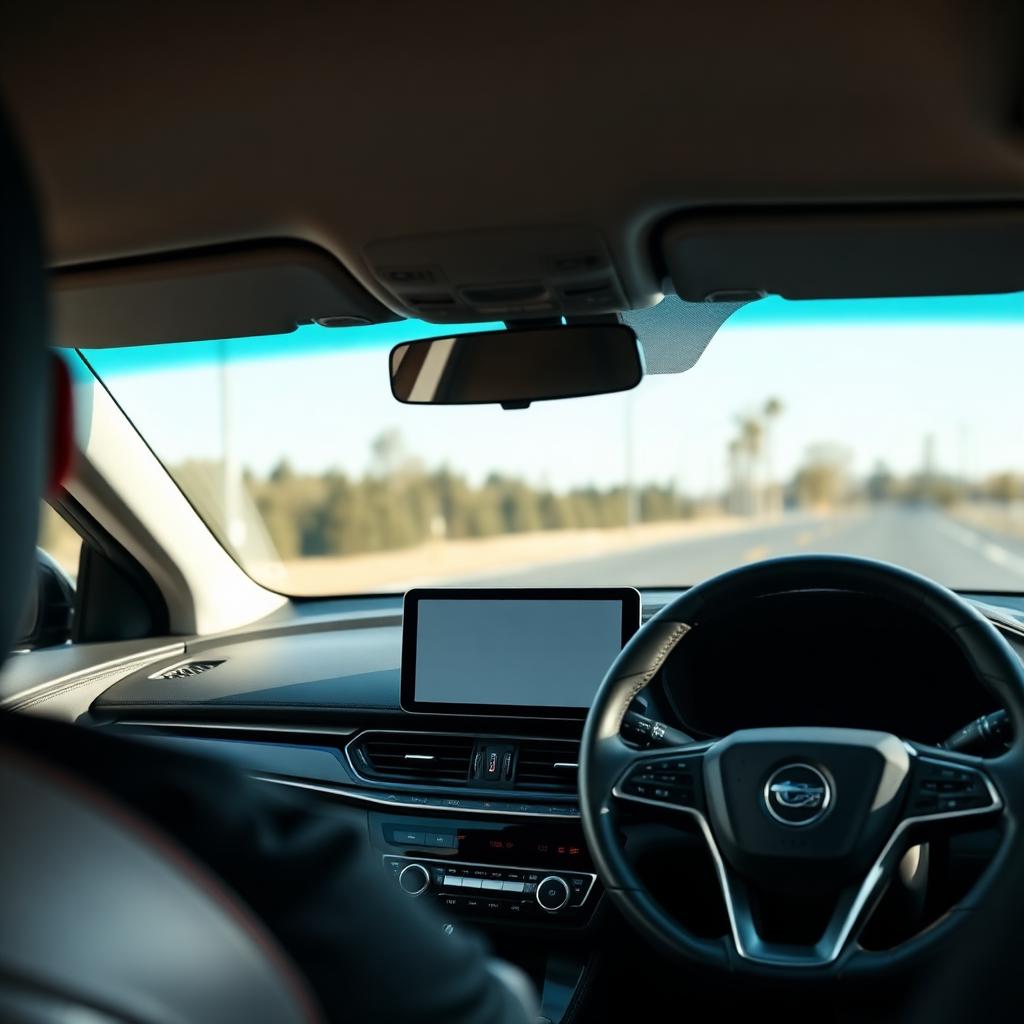
- Or press the physical Radio, Media, or Nav button on the dashboard hard keys. These hardware buttons override any running app and jump you to that source.
The Wrangler should return to your last audio or navigation screen. This is the fastest and safest exit while driving.
Method 2: Soft reset when the app freezes
The most common complaint I hear about the Wrangler screen is that Off-Road Pages hangs and refuses to close. That is almost always a cache overflow in the Uconnect head unit. A 15-second soft reset clears it without touching the battery.
- Park the Jeep and turn the ignition to RUN or ACC (engine can be running or off).
- Find the two rotary knobs on the dashboard: Volume on the left and Tune on the right.
- Press and hold both knobs down at the same time for 10 to 15 seconds.
- Release the moment the screen goes fully black. Within a few seconds the factory Jeep logo appears and Uconnect reboots with a clean cache.
The soft reset does not affect saved audio presets, paired phones, or seat memory. It only clears the head unit's running processes.
Method 3: Remove the Off-Road Pages icon from the dock
If you tend to launch Off-Road Pages by accident, rearrange the Uconnect dock so it is not one tap away.
- Tap the Apps grid icon on the bottom bar to open the full app list.
- Find the Off-Road Pages tile.
- Press and hold your finger on the tile for about two seconds. The icon lifts and becomes movable.
- Drag it out of the bottom dock into the general app grid.
- Drag a more useful icon (Climate, Nav, Apple CarPlay, Android Auto) into the empty dock slot.
The app is still available from the main grid; it just no longer occupies prime real estate on the always-visible dock.
Method 4: The full battery reset for stuck launch loops
Rarely, a firmware glitch causes the Wrangler to relaunch Off-Road Pages on every start, ignoring your saved default screen. If the soft reset in Method 2 does not fix the loop, do a full head unit reset.
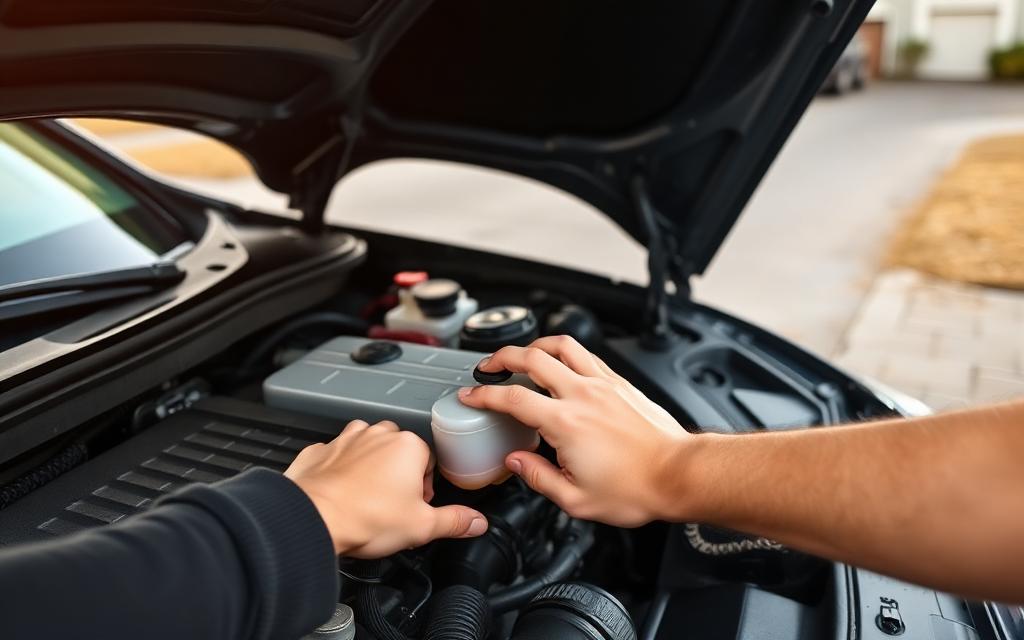
- Turn the Jeep off and open the hood.
- Disconnect the negative (black) battery cable with a 10mm wrench.
- On JL Wranglers with the auxiliary battery under the main tray, also pull the F50 fuse in the underhood fuse box to fully de-power the Uconnect module.
- Wait 15 minutes so all residual capacitor power drains.
- Reconnect the fuse first, then the battery. Uconnect boots from a completely blank cache and typically defaults back to the audio screen.
A battery disconnect resets some other conveniences too: clock, memory seats, and paired Bluetooth devices. Re-set them after the reboot.
Quick reference: what fixes what
| Symptom | Best fix |
|---|---|
| Off-Road Pages is open, I want the radio | Press the Radio hard key or tap X |
| Screen is frozen on Off-Road Pages | Hold Volume + Tune knobs for 10 to 15 seconds |
| I keep launching the app by accident | Drag the icon out of the bottom dock |
| Wrangler auto-launches Off-Road Pages every start | Battery disconnect + F50 fuse pull, 15 minute wait |
Common questions about Off-Road Pages
Can I uninstall Off-Road Pages entirely?
No. It is baked into the Uconnect firmware. The best you can do is remove the dock icon so you never accidentally open it.
Does Off-Road Pages drain the battery?
Not in any measurable way. It only runs while the ignition is on. If your Jeep has parasitic drain, look elsewhere (aftermarket lights, dash cams, or a bad ground).
Will a Uconnect software update help?
Sometimes. FCA/Stellantis has pushed firmware updates that improve Off-Road Pages stability. Check for updates through the Jeep app or at your dealer; they are free.
Is there a way to move Off-Road Pages to the driver info cluster instead of the main screen?
On most JL and JLU Wranglers with the 7-inch or 10.1-inch cluster, the pitch and roll gauges can be shown in the instrument cluster only, leaving the main touchscreen free for audio or navigation. Look under Vehicle Settings > Instrument Panel Cluster.
Bottom line
Off-Road Pages is useful on the trail and annoying on the commute. The Radio button and the two-knob soft reset handle 95 percent of cases in seconds. Dock rearrangement stops the accidental launches. And the battery disconnect is there for the rare firmware loop that refuses to clear any other way.