Quick Answer
Open the Starbucks app, tap Stores, then tap the filter icon and check Drive-Thru under Store Amenities. The map redraws to show only drive-thru locations.
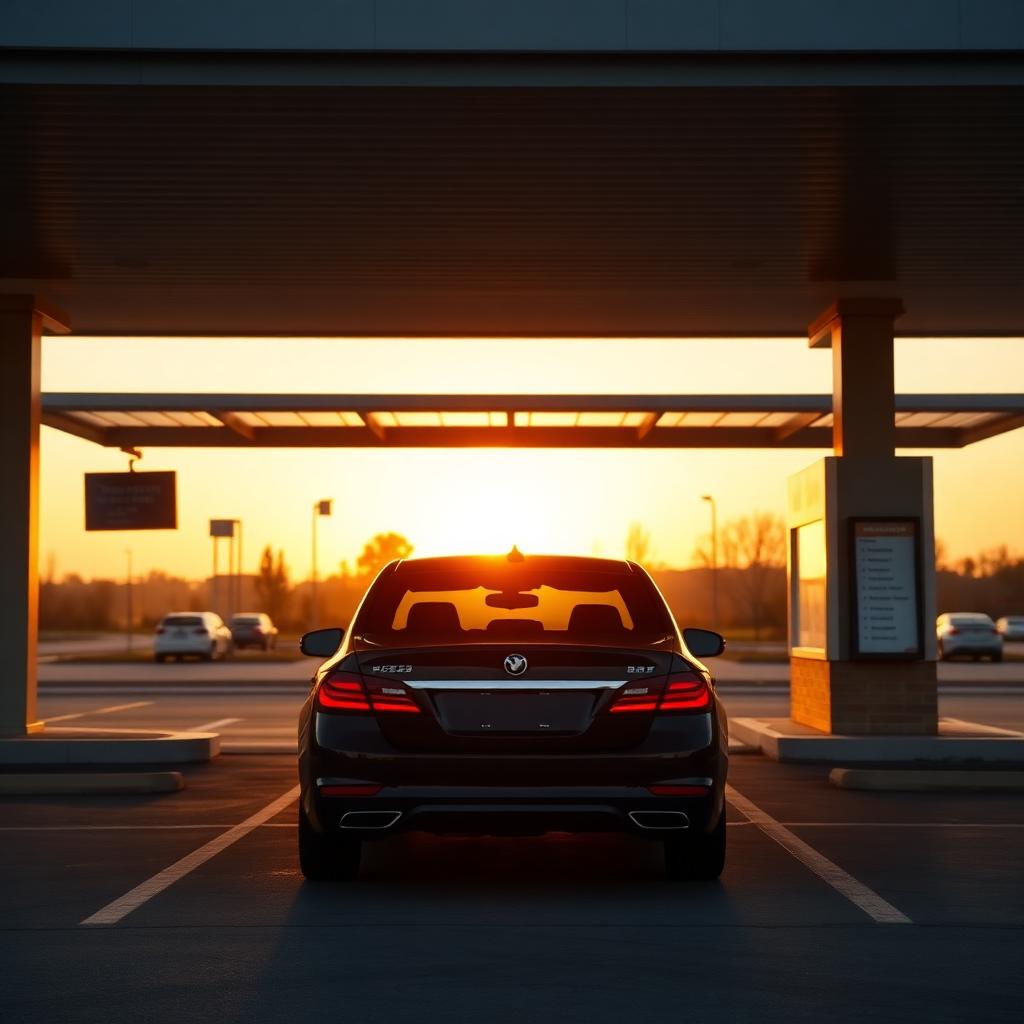
Drive-thru Starbucks are almost always in suburban or highway locations, never inside city centers or shopping malls.
Where drive-thru Starbucks actually exist
Roughly 60 percent of company-operated Starbucks stores in the United States have a drive-thru, but they are not evenly distributed. Drive-thrus require a dedicated automotive loop, a menu board and speaker, and enough parcel space that a car can queue without blocking the street.
- Suburban standalone buildings: almost always drive-thru. This is the default build for new stores.
- Interstate exits and highway corridors: almost always drive-thru. Often the only Starbucks for miles.
- Strip mall out-parcels: often drive-thru, but the loop can share space with neighboring stores.
- Downtown and dense urban: essentially never drive-thru. Zoning and street footprint make it impossible.
- Shopping mall interiors and food courts: never drive-thru.
- Grocery kiosks (Target, Kroger, Fred Meyer): never drive-thru.
Step by step: filtering to drive-thru only
- Open the Starbucks app.
- Tap Stores in the bottom nav.
- Tap the small filter or sliders icon next to the search bar.
- Scroll to the Store Amenities section.
- Check the box next to Drive-Thru.
- Tap Apply Filters.
The map immediately redraws showing only locations with an active drive-thru lane. Kiosks and mall stores drop off entirely.
Other amenity filters worth knowing
The same filter panel has other checkboxes that are often useful:
- Mobile Order: stores that accept mobile pickup. Not every kiosk supports it.
- In Store: stores with actual seating, useful for a work session.
- Wi-Fi: nearly every company store has it, but grocery kiosks do not.
- Reserve: premium Reserve bar locations with rare single-origin coffee and manual brew methods.
- Nitro: stores that pour Nitro Cold Brew on tap.
You can stack filters. Turning on Drive-Thru plus Mobile Order plus Open Now shows only the stores you can actually pull into and pick up an order right now.
Reading the drive-thru layout on the map
Not all drive-thrus are equal. When you tap into a store's detail page, look at the satellite thumbnail:
- Freestanding building with a full loop road: best case. Deep queue capacity, minimum lot conflict.
- End-cap on a strip building: often only 3 to 5 cars of queue space before the line spills into the parking lot.
- Two-lane parallel drive-thru: new format, roughly doubles throughput. Currently rolling out on higher-volume stores.
When drive-thru is not the fastest option
During peak morning rush (7 to 9 AM weekdays), a busy drive-thru line can take 15 to 20 minutes even at an optimized store. If the line is more than 6 cars deep and you can see parking spots, walking in is often faster.
Curbside pickup is now the fastest option at stores that offer it. Order in the app, drive to the curbside spot, tap "I'm here," and a barista brings the drink out. No line at all.
How Starbucks decides where to build a drive-thru
Corporate real estate teams model each potential store site against a scoring rubric that weighs commute density, morning traffic volume, competing coffee retailers within a 3-mile radius, and lot geometry. Any site that scores high on morning commute volume and has parcel depth for a full drive-thru loop gets built as a drive-thru. Sites in dense urban blocks or shopping malls almost always get built as walk-in only.
Two-lane drive-thrus are the newest format
Starbucks began rolling out two-lane parallel drive-thrus in 2022, primarily at highway-adjacent locations with heavy morning volume. These layouts roughly double throughput compared to a single-lane loop and are becoming the default new-build format. If your usual drive-thru feels painfully slow, check the app for a nearby two-lane store; it may be worth the extra 2-minute drive.
The pickup-only concept stores
In 2020, Starbucks introduced Pickup stores in dense urban areas. These are walk-in mobile order pickup counters with no drive-thru, no seating, and no counter service. They exist to move mobile orders through fast in cities where a drive-thru is impossible. You can filter for these in the app under Store Amenities as well.
What to do when the drive-thru line is too long
If you pull up and the line is more than 6 cars deep, a few alternatives can save time:
- Park and walk in. The lobby line is often 3 to 5 minutes shorter than the drive-thru at rush hour.
- Order curbside. If the store offers curbside, park in the marked spot, tap "I'm here" in the app, and a barista brings the drink out.
- Check a nearby store. The app map often shows a second drive-thru within 5 minutes that is not loaded up.
Frequently asked questions
Are all suburban Starbucks drive-thrus?
No. Roughly 60 percent of company-operated stores have a drive-thru. Older suburban stores in strip centers often lack one.
Can I mobile order at a drive-thru?
Yes. Select drive-thru pickup in the app and give your name at the speaker box.
Are drive-thru prices the same as walk-in?
Yes. Identical prices regardless of order method.
Do all drive-thrus have the full menu?
Yes, with the same modifications and customizations available walk-in.
Bottom line refresh
Filter for Drive-Thru in the app, cross-reference with Open Now, and mobile order if the line is long. That workflow gets you through faster than any generic map search.
What happens when a drive-thru is temporarily closed
Drive-thrus can go offline for equipment failures, staff shortages, or overnight maintenance windows. When that happens, the store's app profile shows drive-thru hours as "Closed" while lobby hours remain green. Always check the specific Drive-Thru Hours line on the store detail page, not just the general Store Hours header.
Late-night drive-thru access
Most standalone drive-thrus close between 8 PM and 10 PM depending on region. A small number of highway locations stay open until 11 PM or midnight. To find the latest-open drive-thru near you, filter for Drive-Thru, then sort stores by closing time (tap into each nearby store to compare).
Bottom line
Finding a Starbucks with a drive-thru near you takes one filter check in the app: Stores > Filter > Drive-Thru. The map redraws to show only automotive-lane locations, dropping the mall kiosks and downtown stores that will never have one. Combine that with Open Now and Mobile Order for the fastest morning coffee route.